Herald Docs
Herald is a GUI-like, terminal-native mail and calendar workspace built to keep setup from becoming a project. Try demo mode before connecting an inbox, click or scroll when that is comfortable, use keys when faster, press ? for context help, and keep AI optional and local-first for classification, semantic search, quick replies, or chat.
It combines a chronological Timeline, transient Markdown Compose, Contacts, Calendar, local caching, bulk cleanup, hardened preview links, and integration surfaces for MCP and SSH mode.
This manual is organized around the screens you use every day. Start with demo mode if you are new, then connect real accounts when you are ready and use the tab pages for precise behavior, controls, states, and privacy notes.
AI is optional
Section titled “AI is optional”AI is optional. Mail sync, reading, compose, search, cleanup, Calendar, and settings work without Ollama or cloud model keys. When AI is enabled, Ollama is the local default; external providers are opt-in. Semantic search, classification, chat, and AI draft help require configured AI.
Fastest path
Section titled “Fastest path”brew tap herald-email/heraldbrew trust herald-email/heraldbrew install heraldherald --demoOn macOS, Homebrew is the default install path and includes release binaries with Google OAuth defaults built in for Gmail and Google Calendar setup. Try a fake inbox and demo calendar first. No mailbox, calendar account, Ollama, or API key required.
When you are ready to connect real accounts, run:
heraldFor source installs or development:
go install github.com/herald-email/herald-mail-app/cmd/herald@latestherald --demo
# Or build from a checkout:git clone https://github.com/herald-email/herald-mail-app.gitcd herald-mail-appmake build./bin/herald --demo
Source-built OAuth flows need local Google OAuth defaults or runtime variables. See Local OAuth Builds before using Gmail OAuth or Google Calendar OAuth from a checkout.
After you learn the UI safely with fake mail and demo calendar data, run
herald or ./bin/herald without --demo. Herald opens the setup wizard if
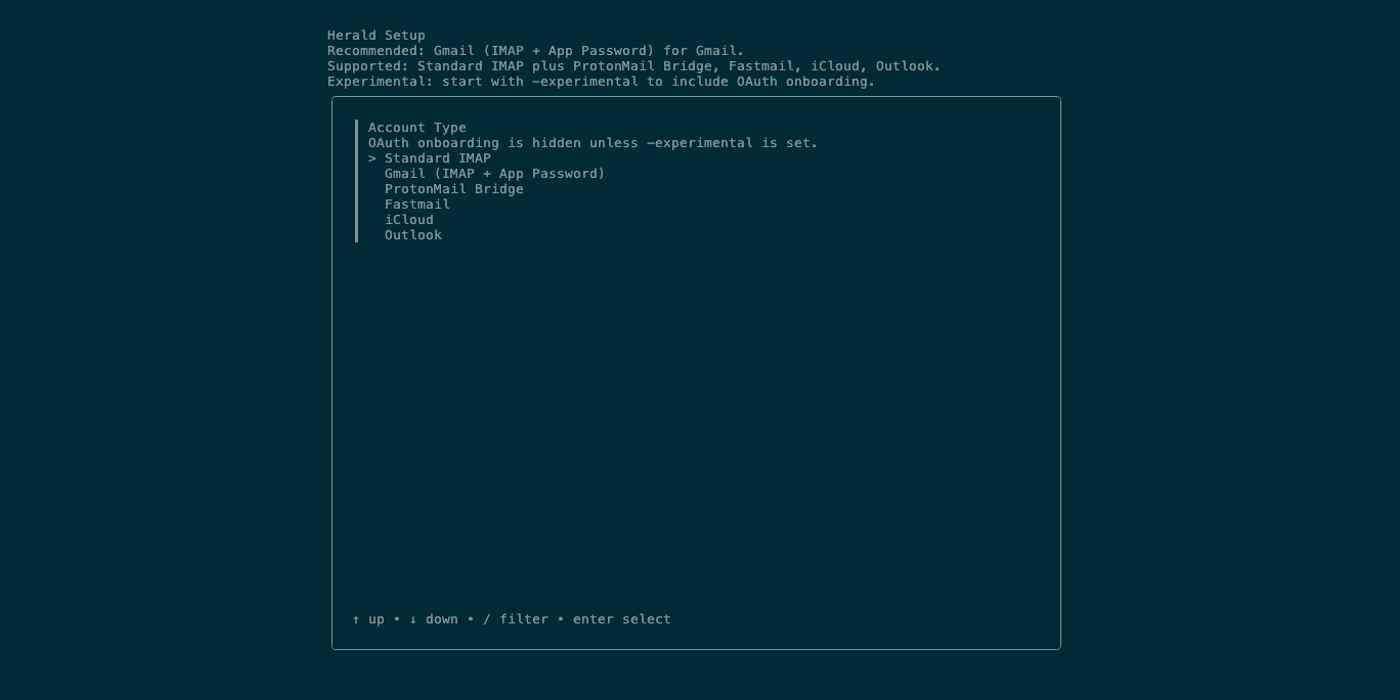
~/.herald/conf.yaml is missing or empty. Choose Gmail OAuth, Gmail IMAP with
an App Password, another IMAP provider path, or standard IMAP, decide whether to
configure AI, and save the generated config.
Nightly builds are available as short-lived GitHub Actions artifacts for testers who want the latest successful main build before the next beta tag. See Nightly Builds for download steps and channel rules.
New in v0.8
Section titled “New in v0.8”v0.8.0-beta.1 adds sending identities managed from account Settings, a searchable folder picker for moving selected mail, and native Linux packages. It also fixes IMAP connection recovery, CalDAV setup, and archive progress messages. See What’s New in v0.8 for upgrade details; older release pages remain available under Release Archive.
GUI instincts work here
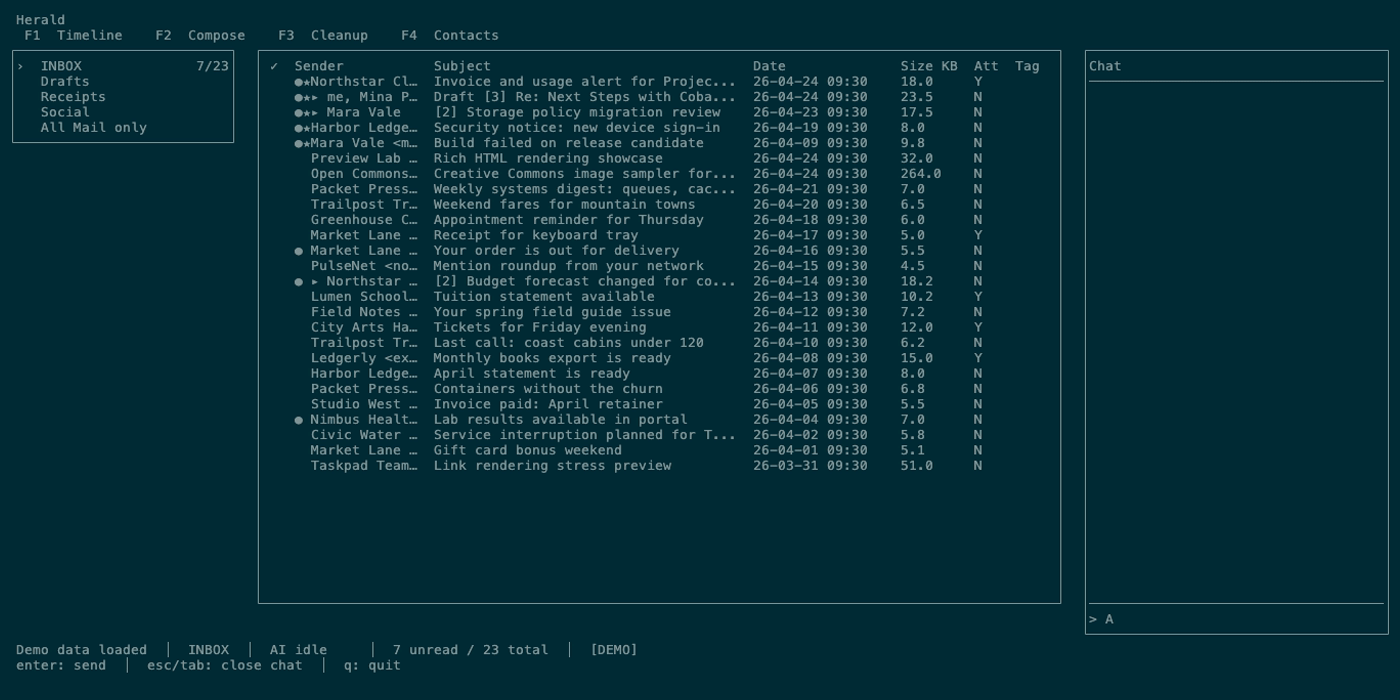
Section titled “GUI instincts work here”Herald is keyboard-first, but it is not keyboard-only. You can click tabs and rows, scroll previews, and use visible hints while you learn. The keyboard is there when you want speed.
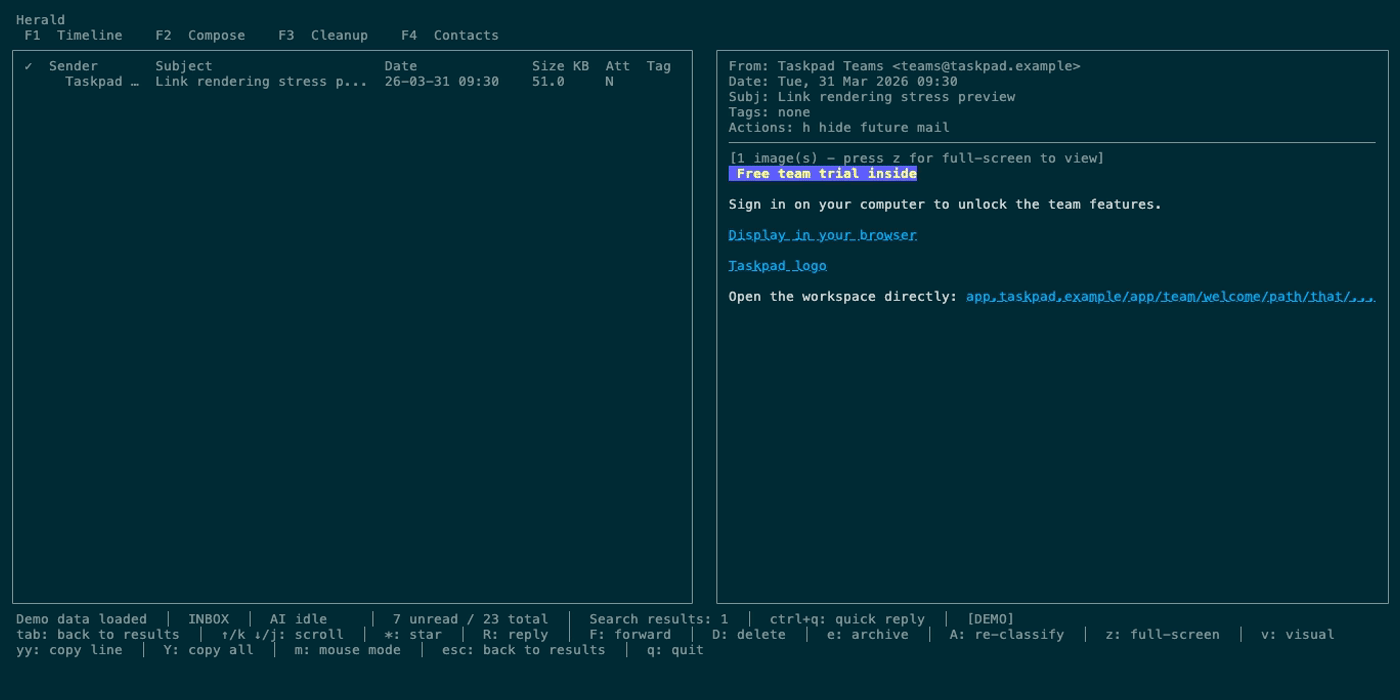
Top tabs, folder rows, Timeline rows, Calendar mini-month days and events, and calendar checkboxes or swatches respond to clicks where supported. You can scroll lists and previews with the mouse wheel or trackpad, including Timeline lists, Calendar lists, and message previews. Email links render as OSC 8 terminal hyperlinks when supported, so readable labels and shortened URLs still open the original target. Press m in Timeline or Calendar to release mouse capture for terminal-native text selection, then press m again to restore Herald’s clickable and scrollable navigation.
Main features
Section titled “Main features”- Timeline lists mail chronologically, groups threads, opens split or full-screen previews, supports mouse row clicks, preview scrolling, search, quick replies, attachment saves, starring, reading, reply, forward, text copy, and sender/domain grouping for cleanup review.
- Compose opens from Timeline for new mail, replies, forwards, quick replies, and draft editing with To/CC/BCC fields, address autocomplete, Markdown preview, attachments, drafts, account-aware sending, signatures, and optional AI assistance.
- Calendar shows Week, Day, 3-Day, Agenda, Search, Event Detail, RSVP, and edit surfaces with a colored source rail.
- Cleanup now lives in Timeline grouping and Settings Sync & Cleanup managers for bulk delete, archive, hide-future-mail rules, unsubscribe actions, automation rules, custom prompts, and cleanup schedules.
- Contacts lists known senders, opens contact details, shows recent mail, previews messages inline, and supports keyword or semantic contact search.
- Herald Memories adds local, source-backed context for Compose Radar, contact and company dossiers, thread context, chat retrieval, and Obsidian-friendly Markdown sync.
- Global UI covers the tab bar, folder sidebar, mouse navigation, status bar,
?shortcut help, key hints, logs overlay, chat panel, focus cycling, and narrow terminal behavior. - Feature guides cover cross-tab behavior such as search, AI, destructive actions, rules, attachments, text selection, settings, themes, and sync status.
- Advanced guides cover MCP, SSH mode, daemon commands, demo GIF generation, and privacy/security expectations.
- FAQ answers common questions about terminal image previews, multiple accounts, and other sharp edges.
Local docs commands
Section titled “Local docs commands”cd docsnpm installnpm run devFrom the repository root, run make docs-copy-drift before publishing docs copy. It catches retired setup and tab-navigation wording while preserving explicit release archive exceptions. Then use npm run build from docs/ to verify the docs compile.