Destructive Actions
Destructive actions change your mailbox or future-mail behavior. Herald routes these through confirmations, progress reporting, read-only checks, and a serialized worker so you can see what is happening.
Overview
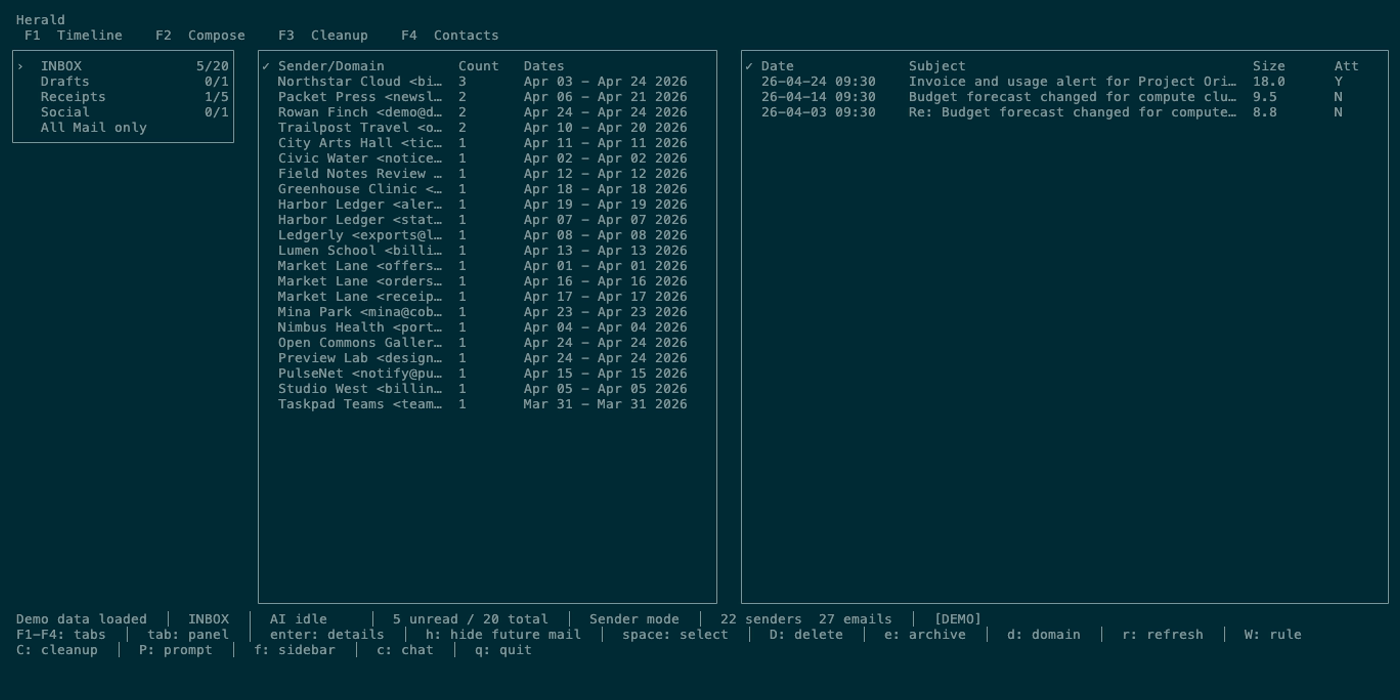
Section titled “Overview”Delete, archive, unsubscribe, and hide-future-mail are available from Timeline. Sender/domain cleanup is handled by Timeline grouping, so bulk delete/archive uses the same selected-row model as normal reading.
Screen Anatomy
Section titled “Screen Anatomy”| Area | What it shows |
|---|---|
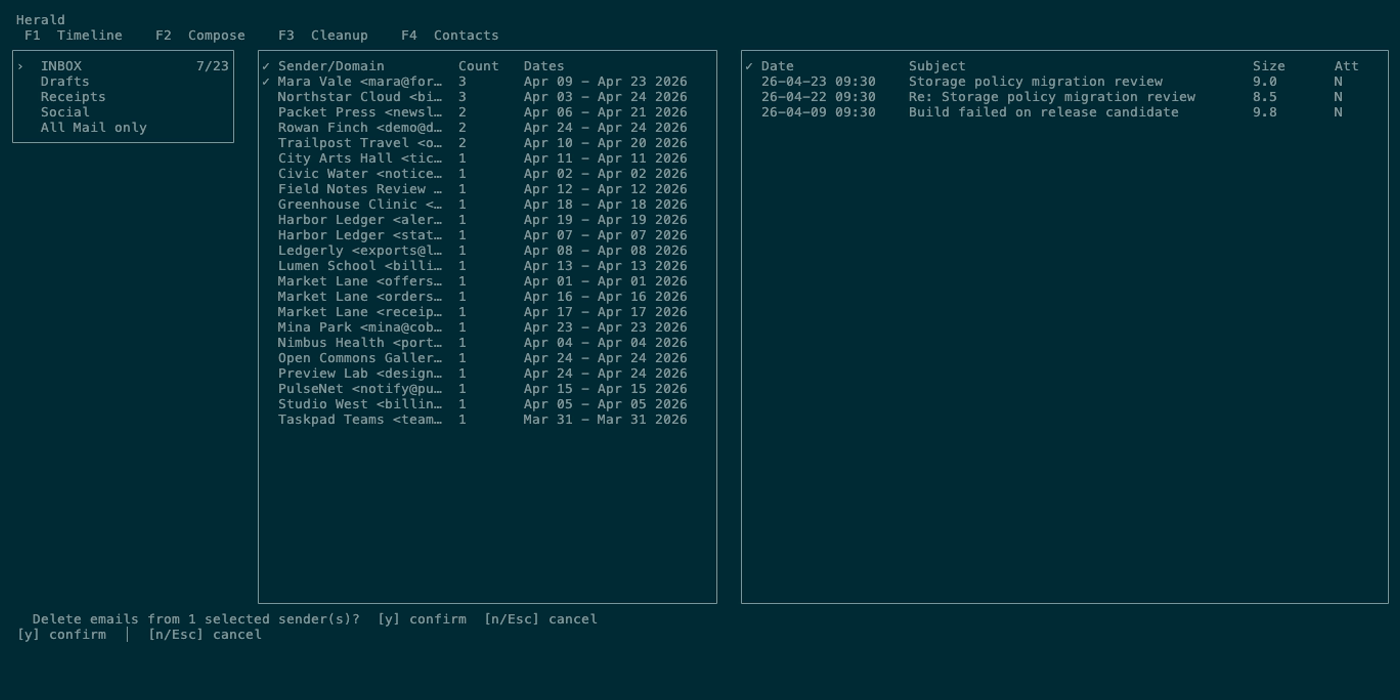
| Confirmation status bar | Action description plus y confirm and n/Esc cancel. |
| Delete/archive progress | Current sender or message and completed/total request count. |
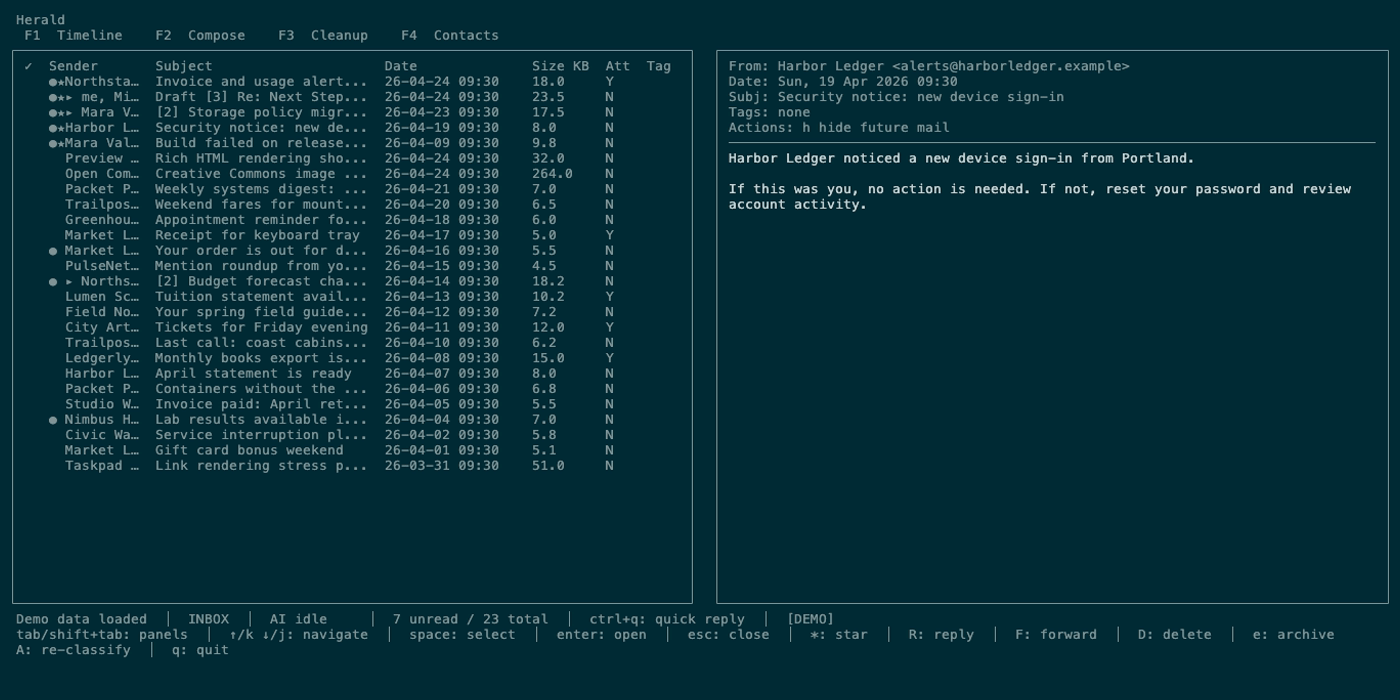
| Preview action line | u unsubscribe when available and h hide future mail. |
| Selection columns | Timeline selection markers that define bulk targets. |
| Read-only status | Diagnostic mode that blocks mutations. |
| Dry-run flag | [DRY RUN] when runtime mode avoids live mutation for supported cleanup paths. |
Controls
Section titled “Controls”| Key | Context | Preconditions | Result |
|---|---|---|---|
d / backspace | Timeline | Target exists, not read-only, not already deleting. | Opens delete confirmation. |
D / shift+backspace | Timeline | Target exists, not read-only, not already deleting. | Queues deletion immediately without confirmation. |
a / e | Timeline | Target exists, not read-only, not already deleting. | Opens archive confirmation or queues current preview email. |
y / Y | Confirmation | Delete/archive/unsubscribe confirmation active. | Confirms the pending action. |
n / N | Confirmation | Confirmation active. | Cancels the pending action. |
esc | Confirmation | Confirmation active. | Cancels the pending action. |
u | Timeline preview | Body includes List-Unsubscribe and not read-only. | Opens unsubscribe confirmation. |
h / H | Timeline | Current sender exists. | Creates hide-future-mail behavior for the sender. |
space | Timeline | Timeline list focused. | Selects bulk delete/archive targets. |
Workflows
Section titled “Workflows”Delete Selected Timeline Groups
Section titled “Delete Selected Timeline Groups”- Open Timeline with
1. - Press
Guntil sender or domain grouping is active. - Use
spaceto select groups or messages. - Press
d. - Read the confirmation text.
- Press
yonly if the target is correct.
Use D only when you intentionally want to delete immediately without the confirmation step.
Archive Selected Timeline Groups
Section titled “Archive Selected Timeline Groups”- Group Timeline by sender or domain with
G. - Select groups or messages.
- Press
aore. - Confirm with
y. - Watch progress in the status bar.
Unsubscribe From a Sender
Section titled “Unsubscribe From a Sender”- Open a Timeline preview.
- Confirm the action line includes unsubscribe.
- Press
u. - Read the confirmation.
- Press
yto run the unsubscribe method.
Hide Future Mail
Section titled “Hide Future Mail”- Focus a sender row or open a preview.
- Press
h. - Herald saves backend behavior to hide matching future mail.
States
Section titled “States”| State | What happens |
|---|---|
| Confirmation active | Normal status is replaced until y, n, or esc. |
| Worker queue | Delete/archive requests are processed serially. |
| Retry | Connection errors can be retried with backoff. |
| Reconnecting | Status reports reconnecting during deletion work. |
| Archive | Message is moved through backend archive behavior and cache state updates. |
| Delete | Message is copied/moved toward Trash when possible, marked deleted, expunged, and removed from cache. |
| Unsubscribe unavailable | u does nothing unless the body has List-Unsubscribe. |
| Read-only diagnostic | Mutations are blocked, especially in All Mail only. |
| Dry-run | Status marks dry-run mode for supported cleanup paths. |
Data And Privacy
Section titled “Data And Privacy”Delete/archive operations mutate the configured IMAP mailbox and SQLite cache. Delete attempts Trash-folder semantics before expunging. Archive moves mail according to backend behavior. Unsubscribe may open a URL, copy a URL or mailto target, or perform a one-click unsubscribe method depending on header data. Hide-future-mail writes a local/backend rule for matching future mail.
Troubleshooting
Section titled “Troubleshooting”If d, D, a, or e appears inactive, check for read-only folder mode, active deletion progress, or missing selection.
If deletion progress stalls, open logs with l after the UI is usable and check provider connectivity.
If unsubscribe opens a browser or copies a URL instead of silently completing, that behavior comes from the message’s unsubscribe header method.
If mail reappears after delete/archive, refresh with r and verify provider Trash/Archive semantics.
Screenshot Placeholders
Section titled “Screenshot Placeholders”