What's New in v0.5
This page summarizes the user-visible work in the v0.5.0-beta.1 release, including the broad Calendar and multi-account feature wave that landed after v0.4.1-beta.1.
Release Delta
Section titled “Release Delta”The post-release branch is a broad feature wave rather than a small patch. The main themes are Calendar, multi-source identity, account-aware mail behavior, source-scoped safety, and updated demo/evidence tooling.
- Calendar is now a top-level
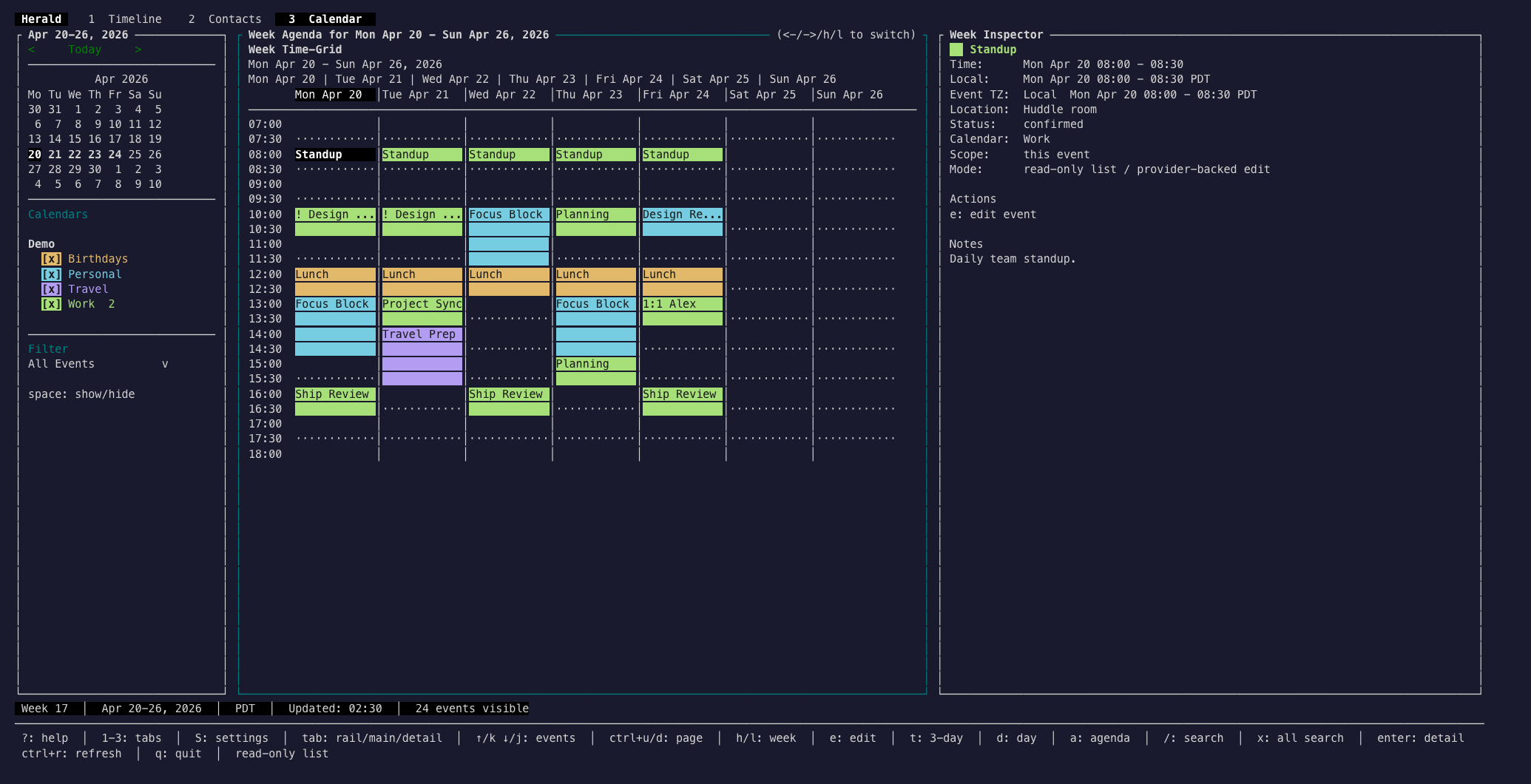
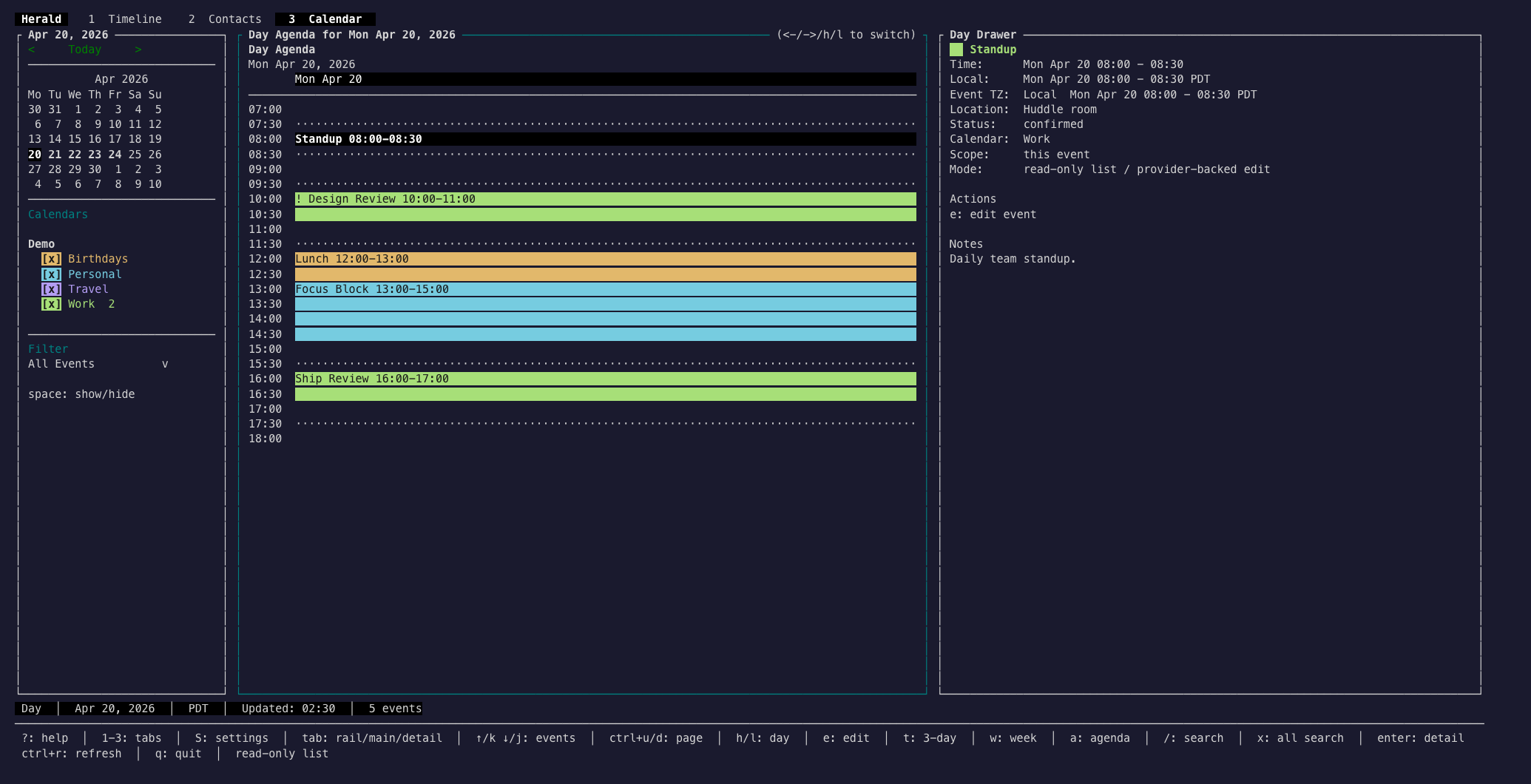
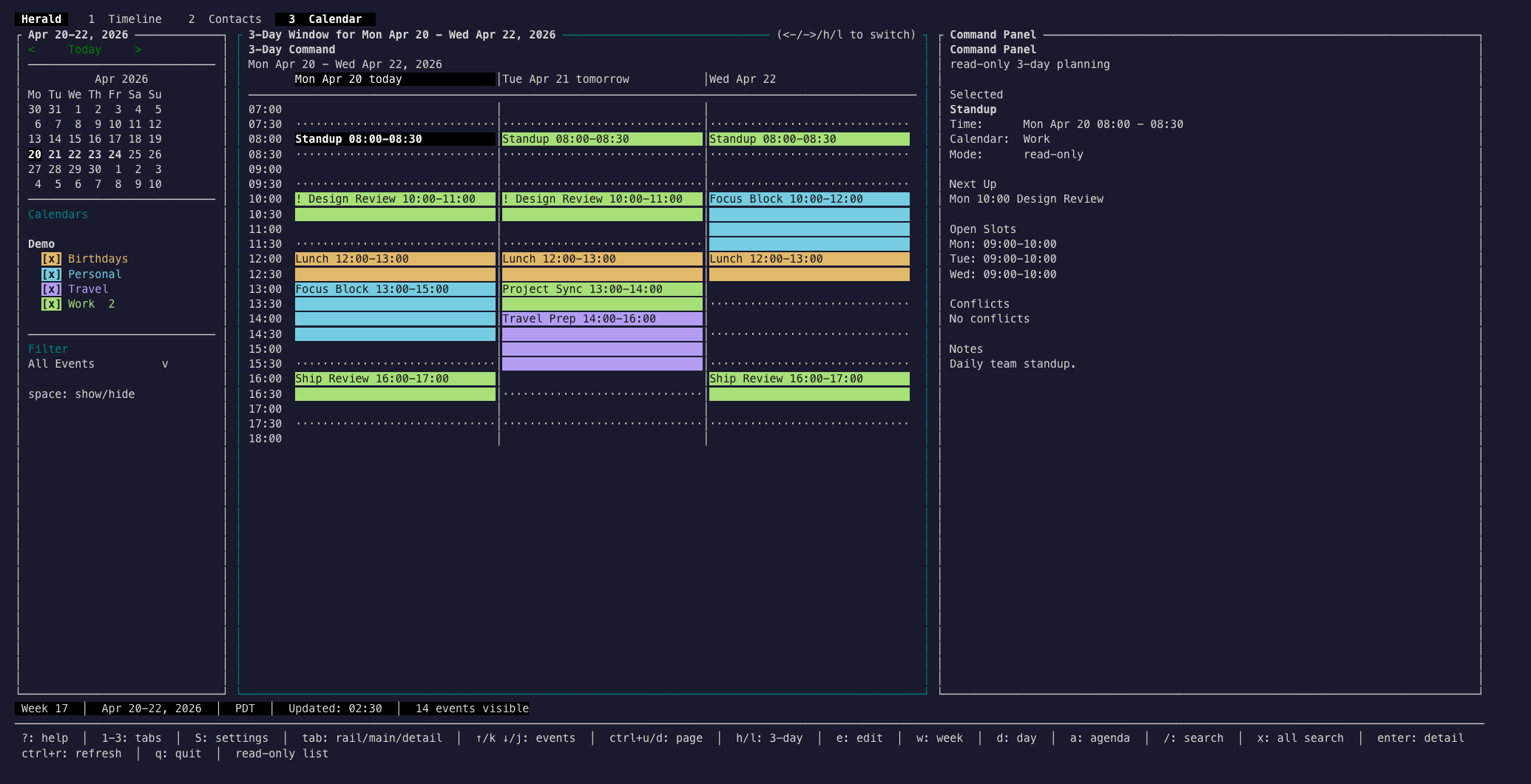
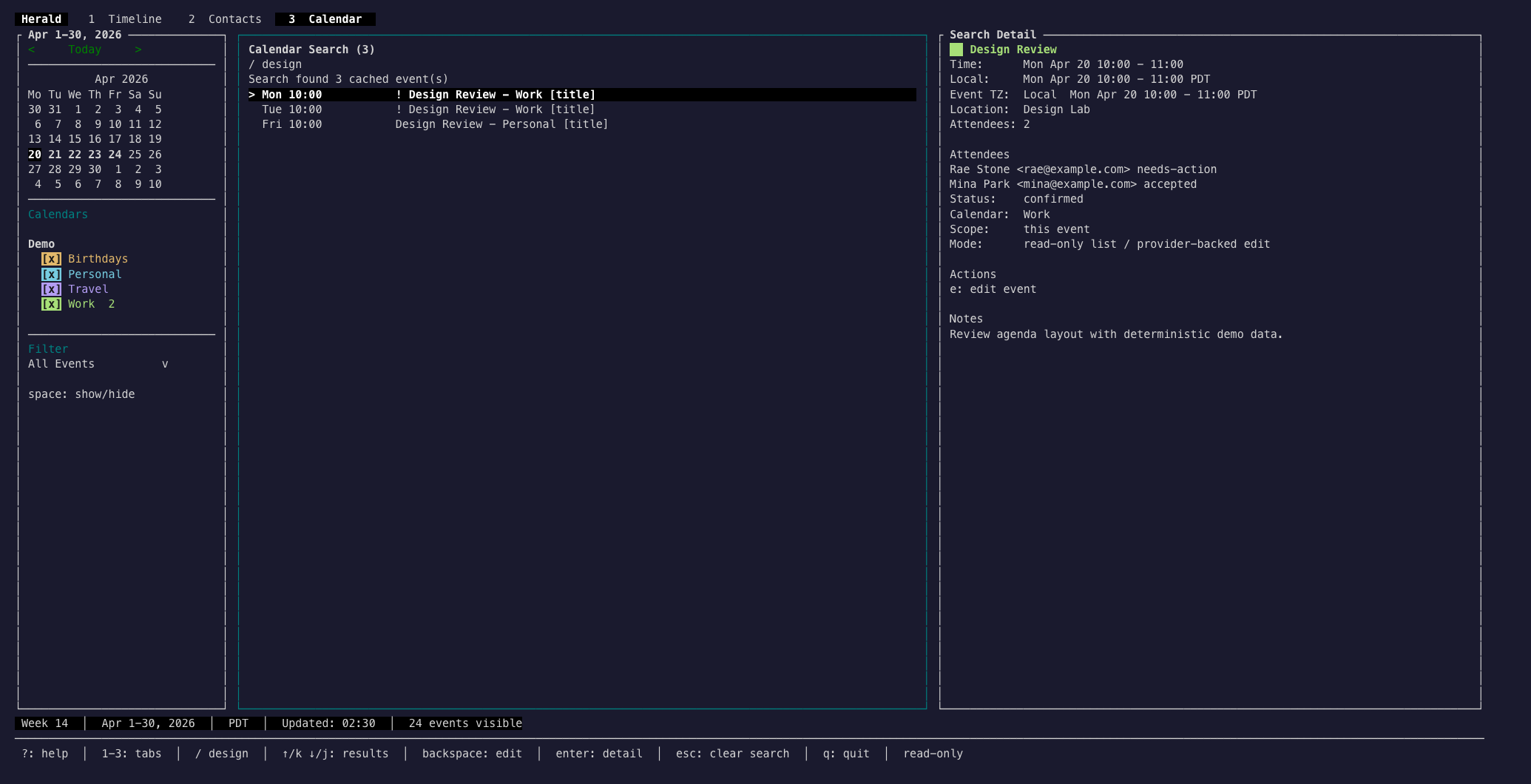
3 Calendarsurface with Week Time-Grid, Day Agenda, 3-Day Command, Agenda List, Calendar Search, Event Detail, edit boundaries, RSVP actions, invitation intake, and source rail filtering. - Calendar providers include Google Calendar OAuth and CalDAV/iCloud-style setup paths, with sync-token or polling fallback behavior recorded in the source platform.
- Source identity is threaded through mail and calendar models using source/account/collection/item refs so multi-account reads and mutations can target the right account.
- Timeline is now the cleanup browse surface:
Gcycles thread, sender, and domain grouping while the old top-level Cleanup tab is retired. - Multi-account mail work includes account-aware Compose routing, source badges, account-scoped signatures, Mail.app-style folder sections, and safer all-account behavior.
- Search expanded into calendar and cross-source foundations while existing Timeline search remains intact.
- MCP and daemon APIs gained scoped read and mutation refs, calendar read tools, and guardrails that prevent ambiguous multi-account writes.
- Settings now carries account and calendar-source management, Google OAuth readiness, source validation, AI repair states, keyboard profiles, theme selection/editor, and sync/cleanup managers.
- The virtual mail/calendar lab and tmux/ttyd evidence harnesses grew so screenshots and surface checks can be generated without private mailboxes.
Calendar Screenshots
Section titled “Calendar Screenshots”These screenshots were captured from demo mode with HERALD_THEME=sonokai-signal so the calendar source colors, highlighted event rows, and contrast handling are easy to inspect.
Documentation Updates
Section titled “Documentation Updates”The docs now treat Calendar as a first-class daily surface instead of only a roadmap topic.
- Added a Calendar guide covering views, controls, workflows, states, privacy, and troubleshooting.
- Updated the docs overview, Global UI guide, and keybinding reference for
1 Timeline,2 Contacts, and3 Calendar. - Added colorful Calendar screenshots under
docs/public/screenshots/.
How To Try It
Section titled “How To Try It”make buildHERALD_THEME=sonokai-signal ./bin/herald --demoPress 3 to open Calendar, then try w, d, t, a, /, j/k, h/l, tab, and enter.
Previous Release
Section titled “Previous Release”The v0.4 release introduced the configurable theme system, Compose AI writing polish, setup validation, and safer preview-cache behavior. See What’s New in v0.4 for that historical release checklist.