Themes
Herald can inherit your terminal colors, use built-in app palettes, or load local YAML themes. The built-in catalog is useful for quickly choosing a readable mailbox style without editing config, while the YAML path remains available for personal or shared theme files.
Quick Launch
Section titled “Quick Launch”Use -theme with either a built-in theme name or a local theme YAML file. The flag changes only the current session and does not save to ~/.herald/conf.yaml.
./bin/herald --demo -theme jade-signal./bin/herald --demo -theme ./my-theme.yaml./bin/herald -config ~/.herald/conf.yaml -theme amber-furnaceBuild Your Own
Section titled “Build Your Own”Start from the Jade Signal baseline YAML when you want a complete local theme file to copy and edit. The sample uses the installable slug my-jade-signal so it does not conflict with Herald’s reserved built-in jade-signal theme.
./bin/herald --demo -theme ./jade-signal-baseline.yamlYou can also install the same file from Settings by opening S, choosing Theme Selection, and entering the local YAML path in Install local theme YAML.
Theme Index
Section titled “Theme Index”Use these links to jump directly to a theme section. Each section has a stable heading anchor, so URLs such as /themes/#jade-signal can be shared. Click any screenshot to zoom it, then click the expanded image or press Esc to return to the page.
- Red / Warm: Red Black, Crimson, Ember, Ruby Noir, Garnet Console, Amber Furnace, Copper Ash, Magma Core
- Green / Earth: Jade Signal, Viridian Glass, Forest CRT, Pine Mail, Olive Circuit, Sepia Debug, Solar Paper, Zenbones Light
- Blue / Violet: Peacock Ink, Ultramarine Desk, Amethyst Night, Graphite Rose, Arctic Signal, Iceberg Queue, Sonokai Signal
- Diverse Terminal Palettes: Ayu Courier, Cobalt Dispatch, Kanagawa Post, Rose Pine Desk, Tokyo Dusk, Panda Packet, Tomorrow Desk
Red / Warm
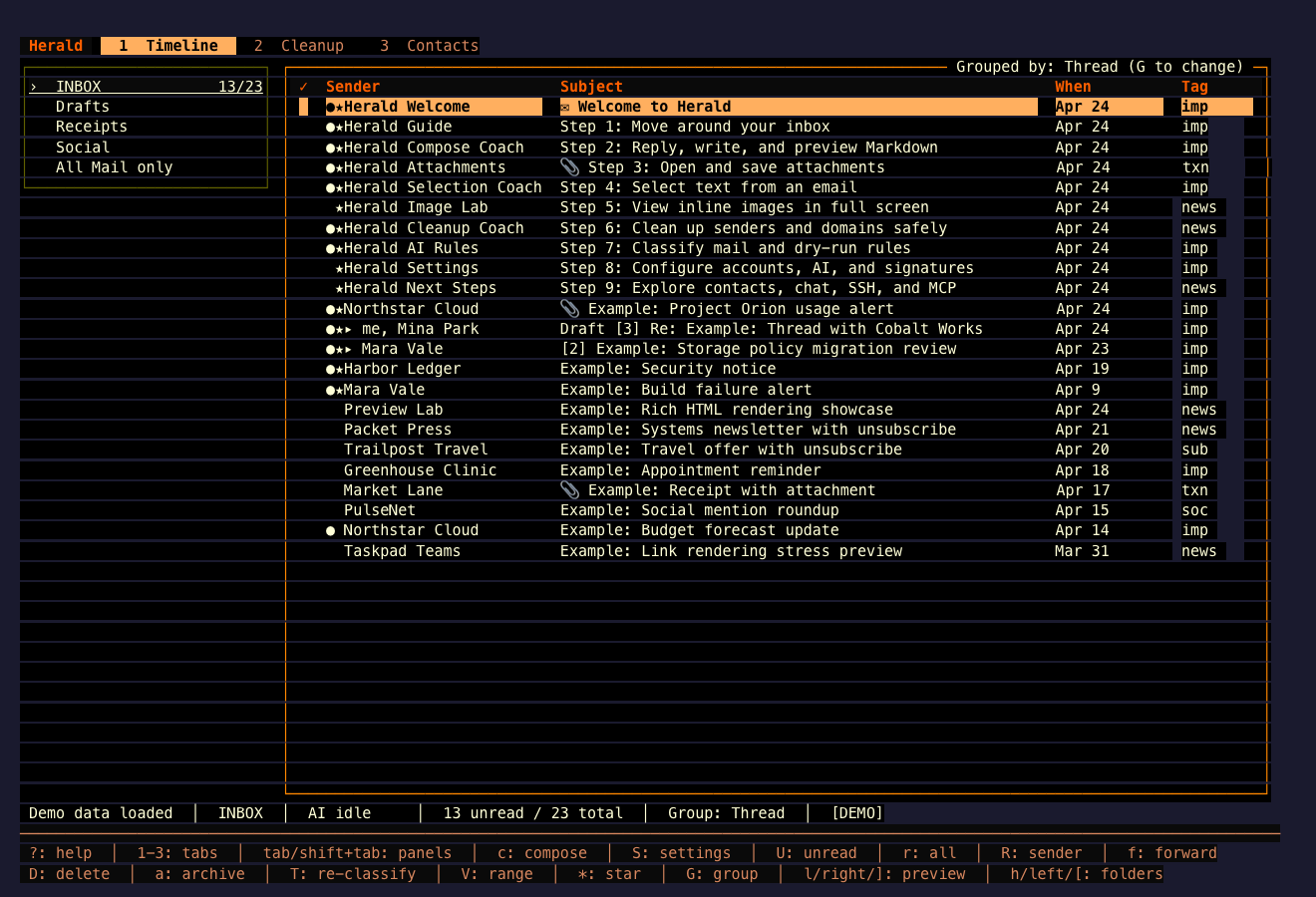
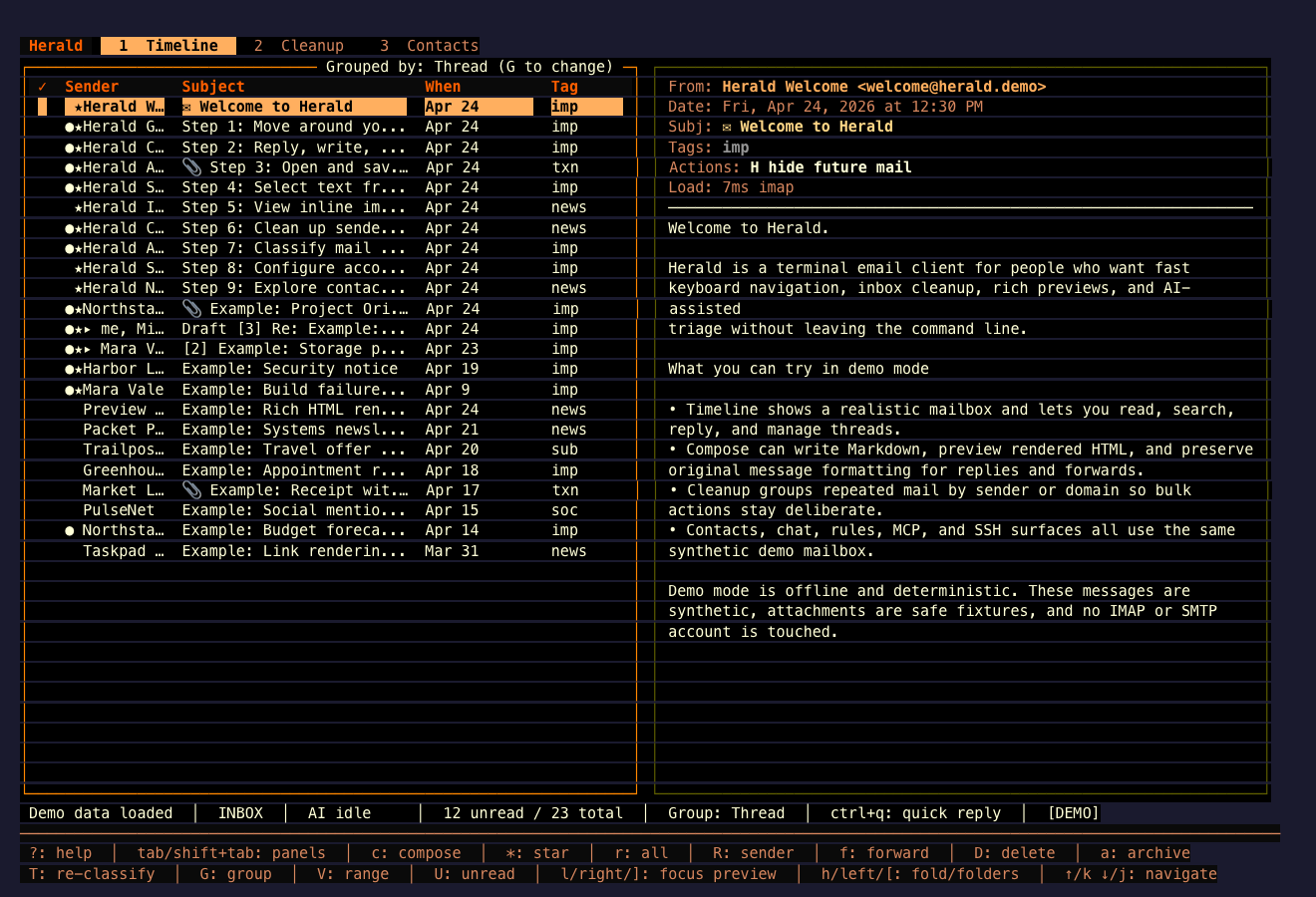
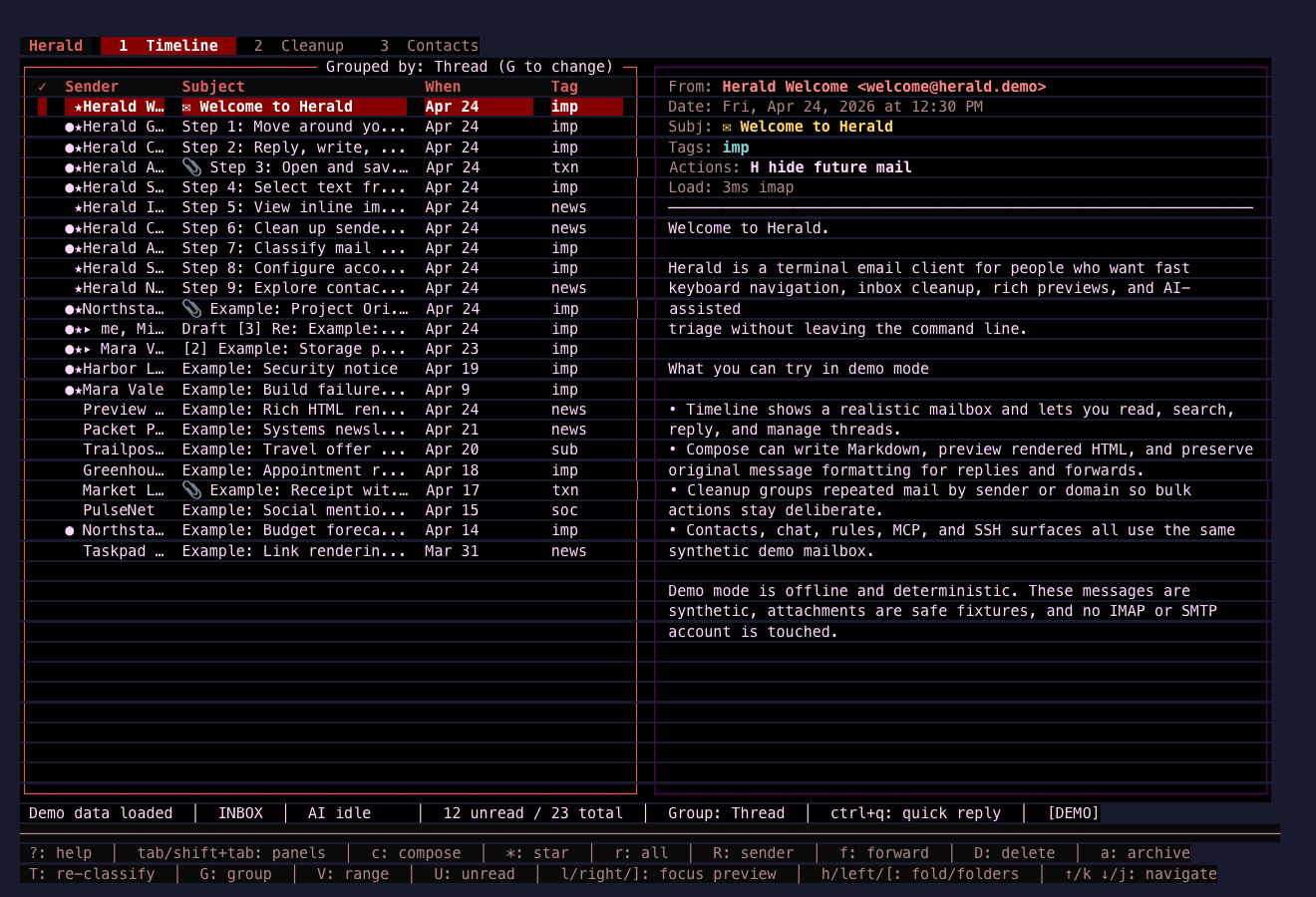
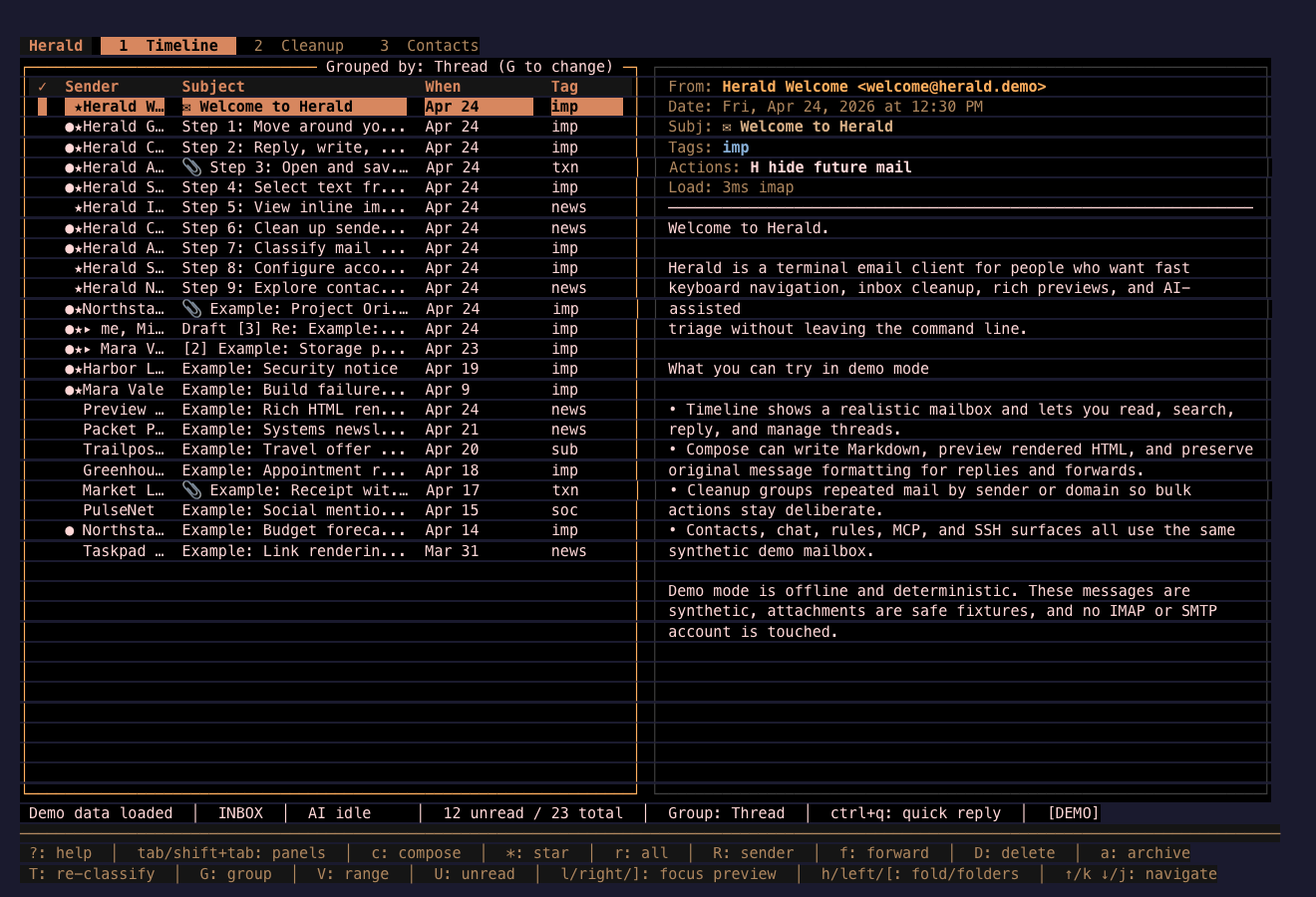
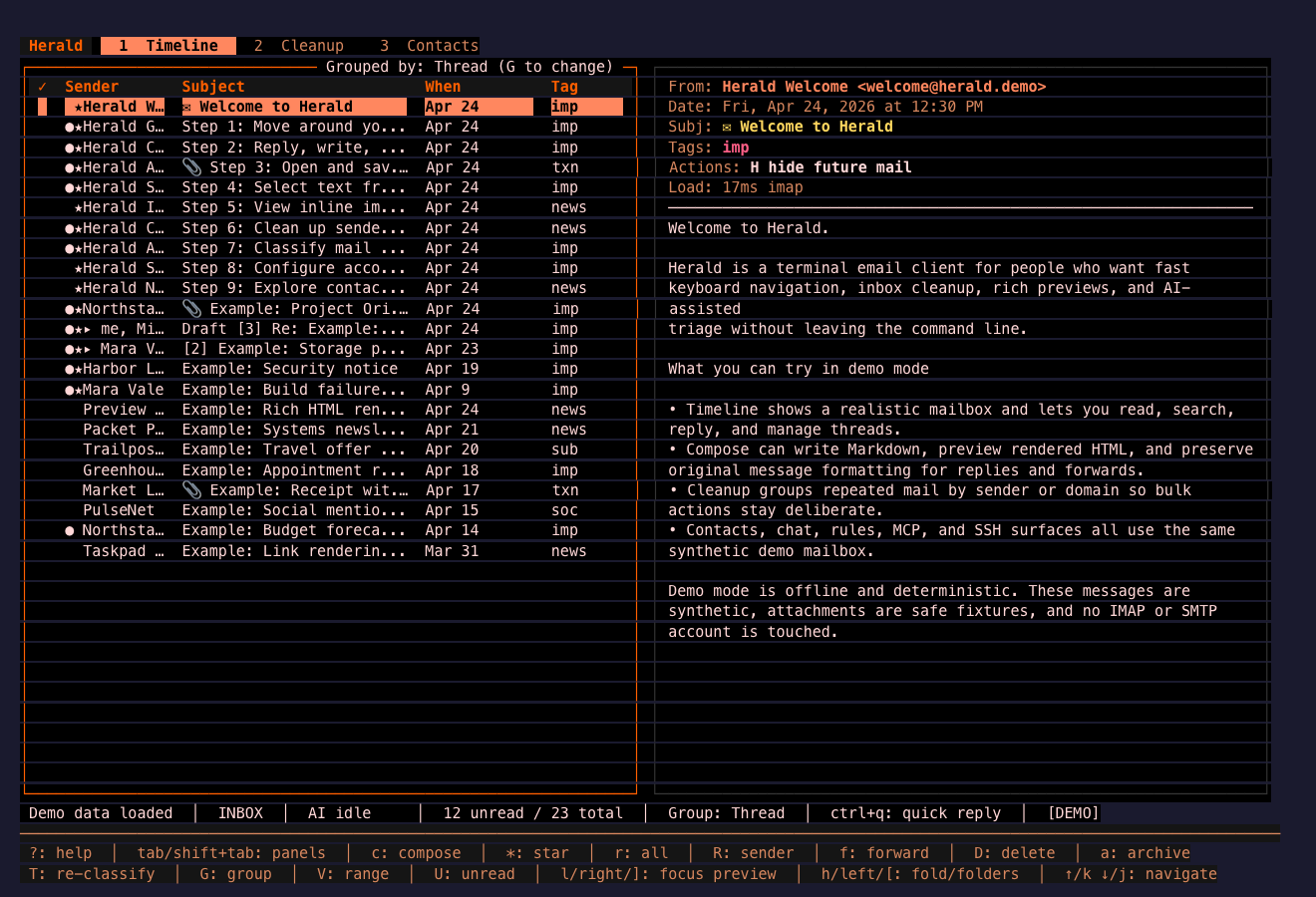
Section titled “Red / Warm”These themes emphasize red, amber, copper, and high-heat contrast. They are useful when you want strong status colors and a dramatic terminal profile without losing table readability.
Red Black
Section titled “Red Black”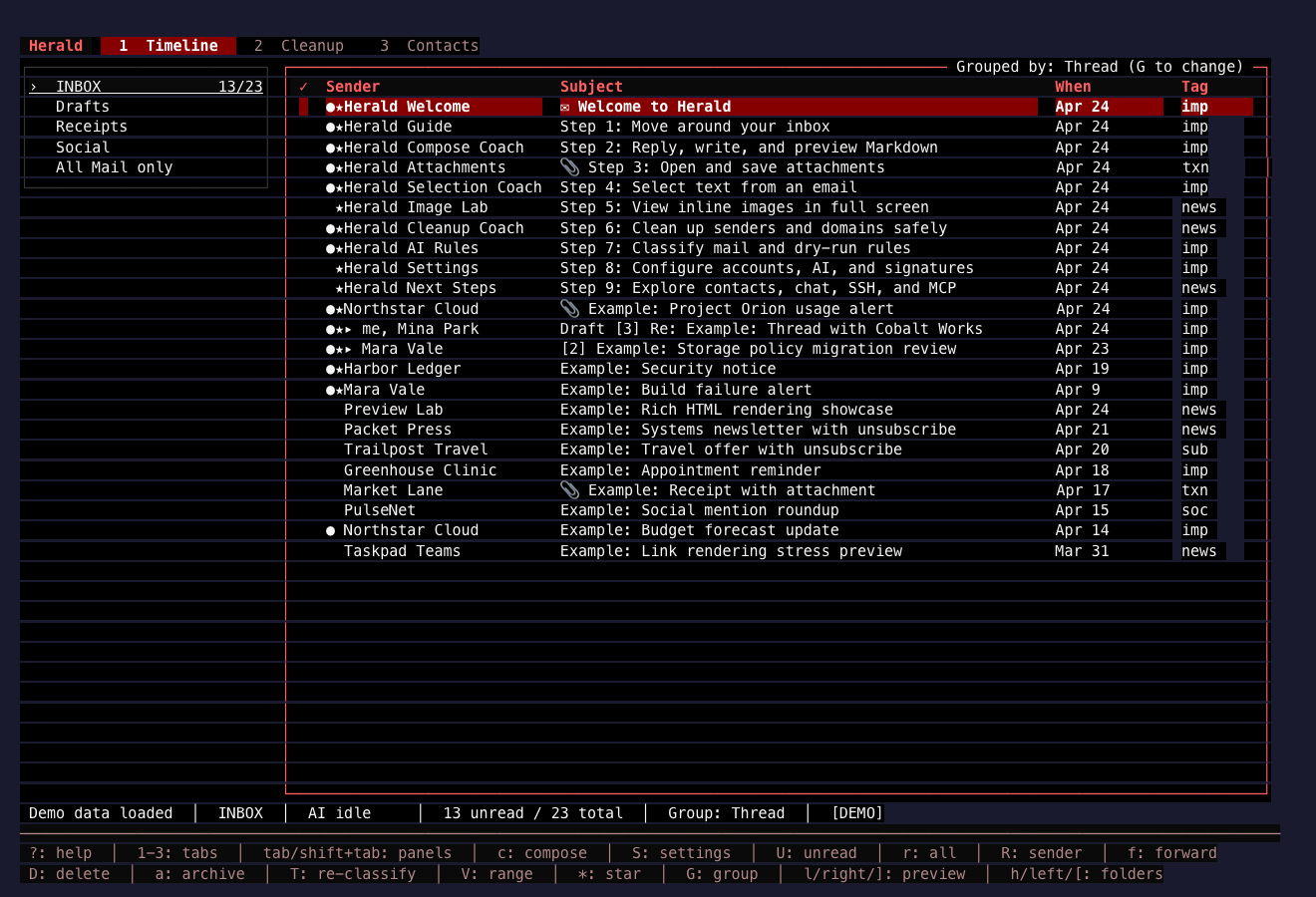
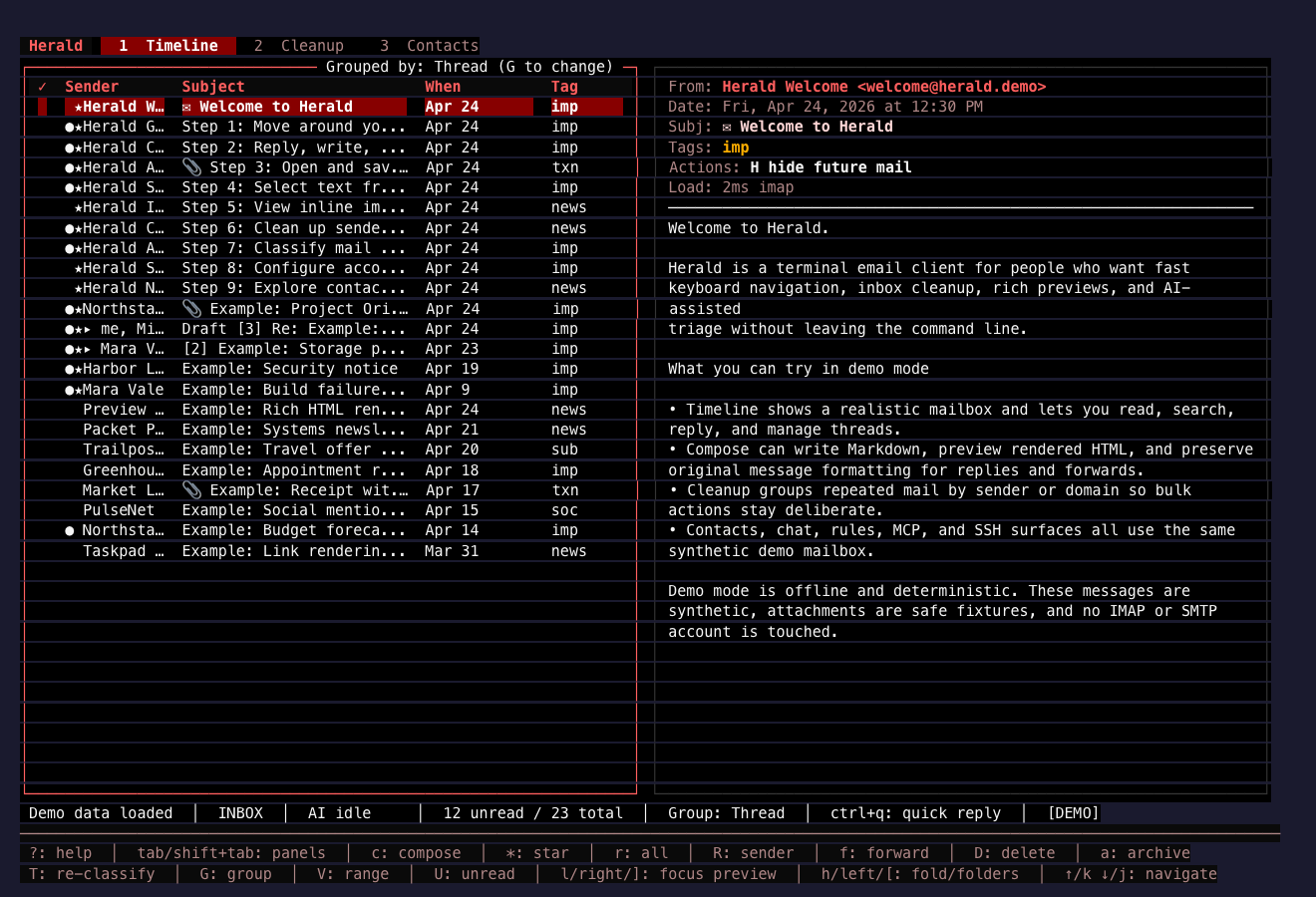
Crimson
Section titled “Crimson”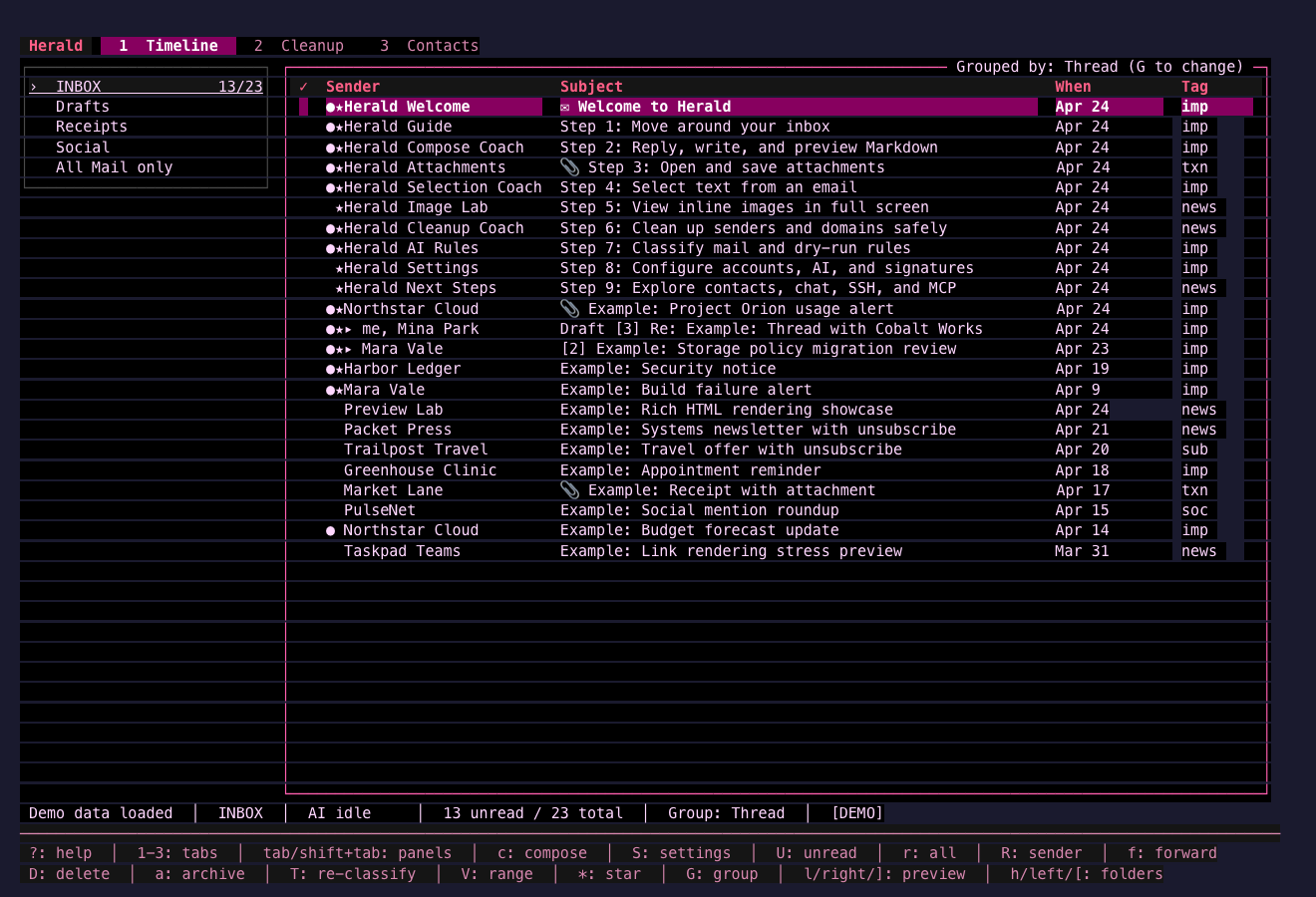
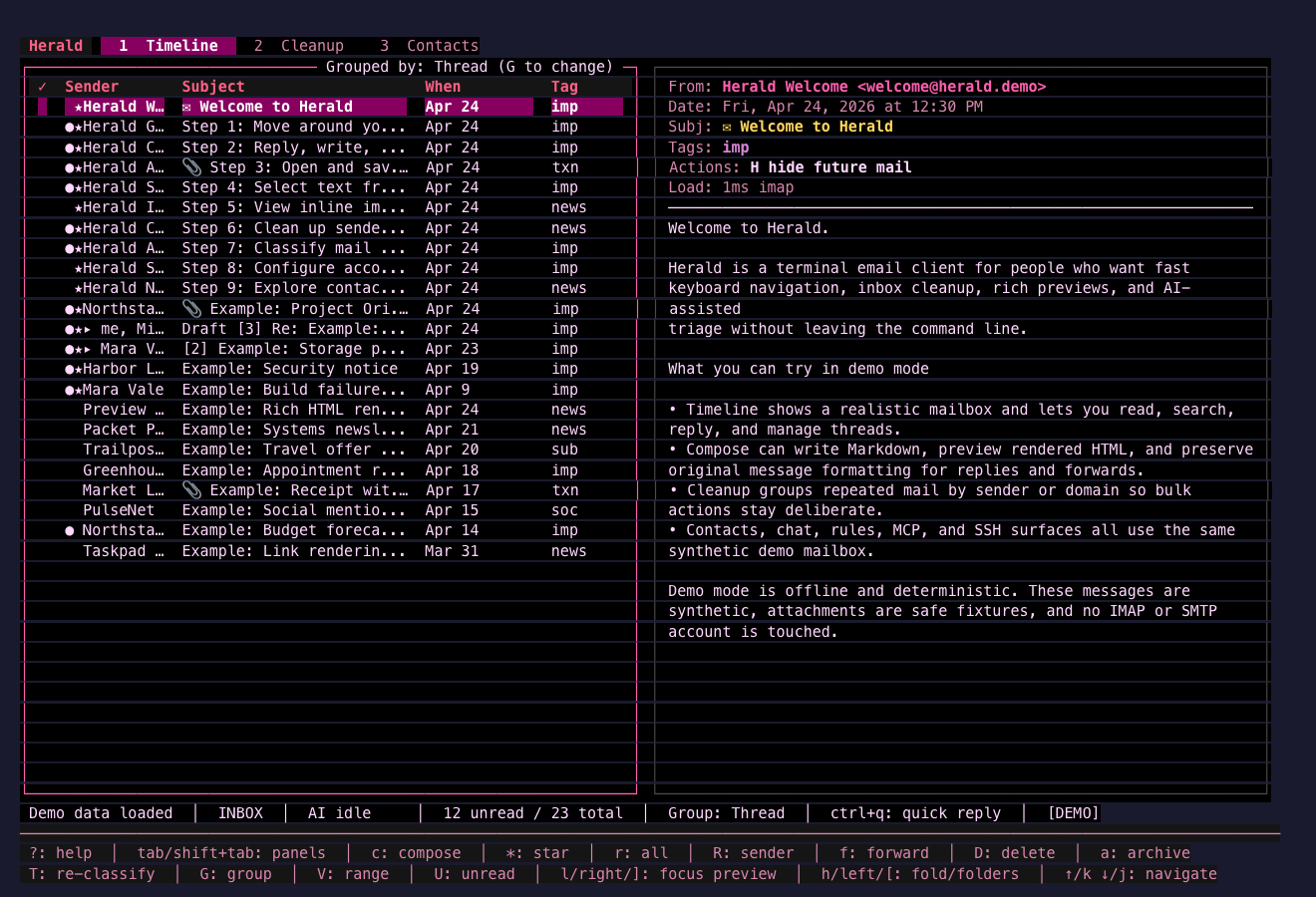
Ruby Noir
Section titled “Ruby Noir”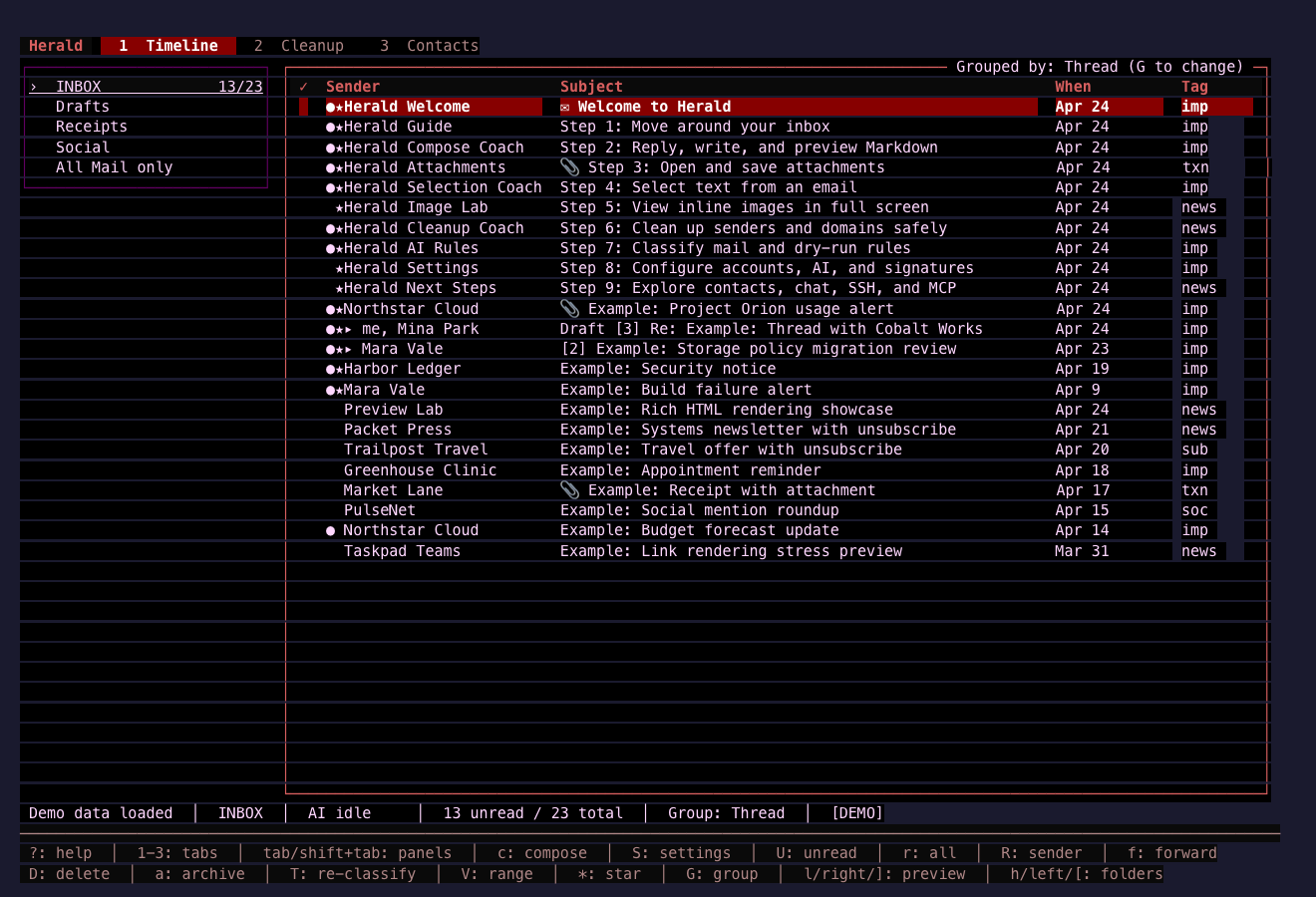
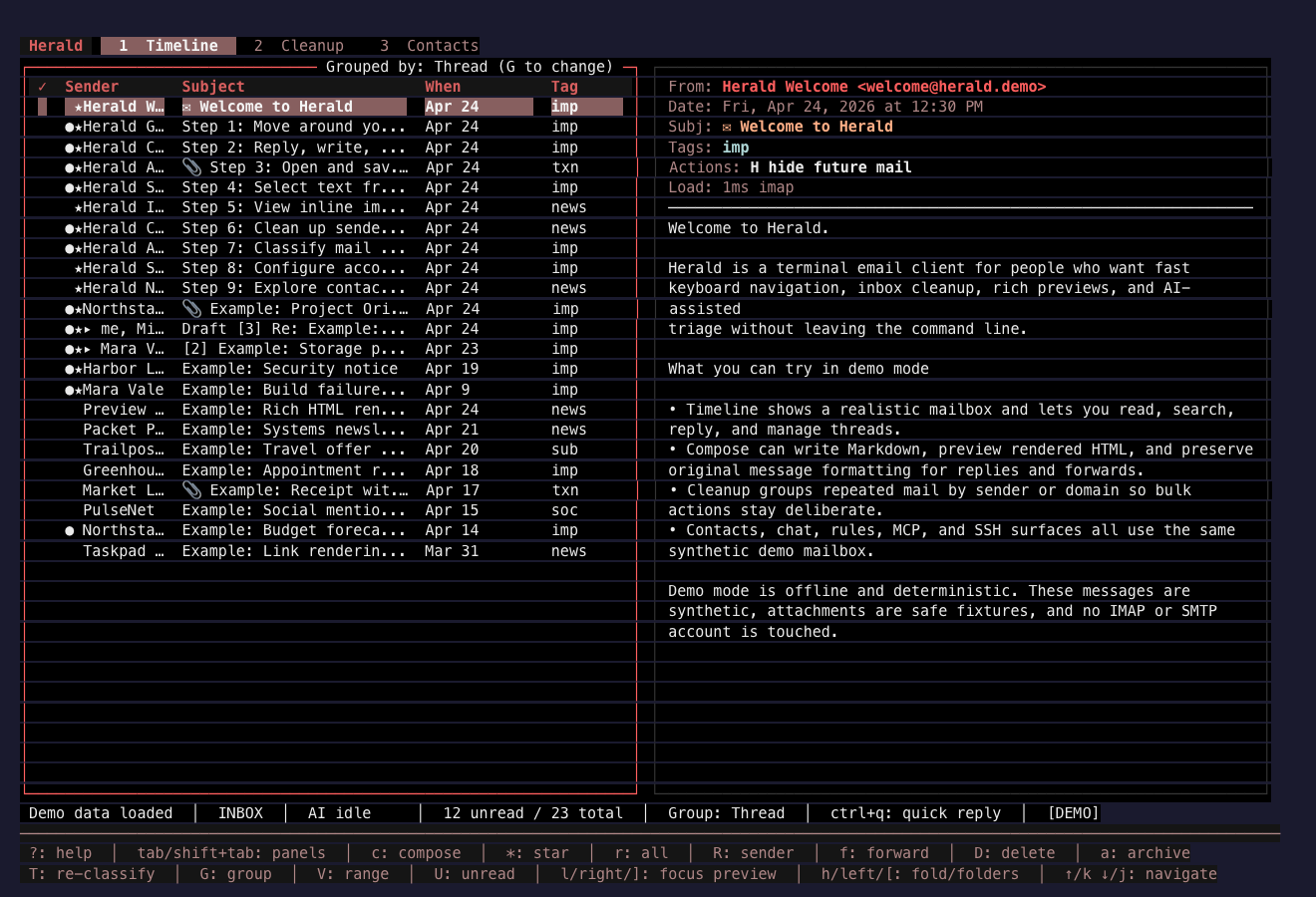
Garnet Console
Section titled “Garnet Console”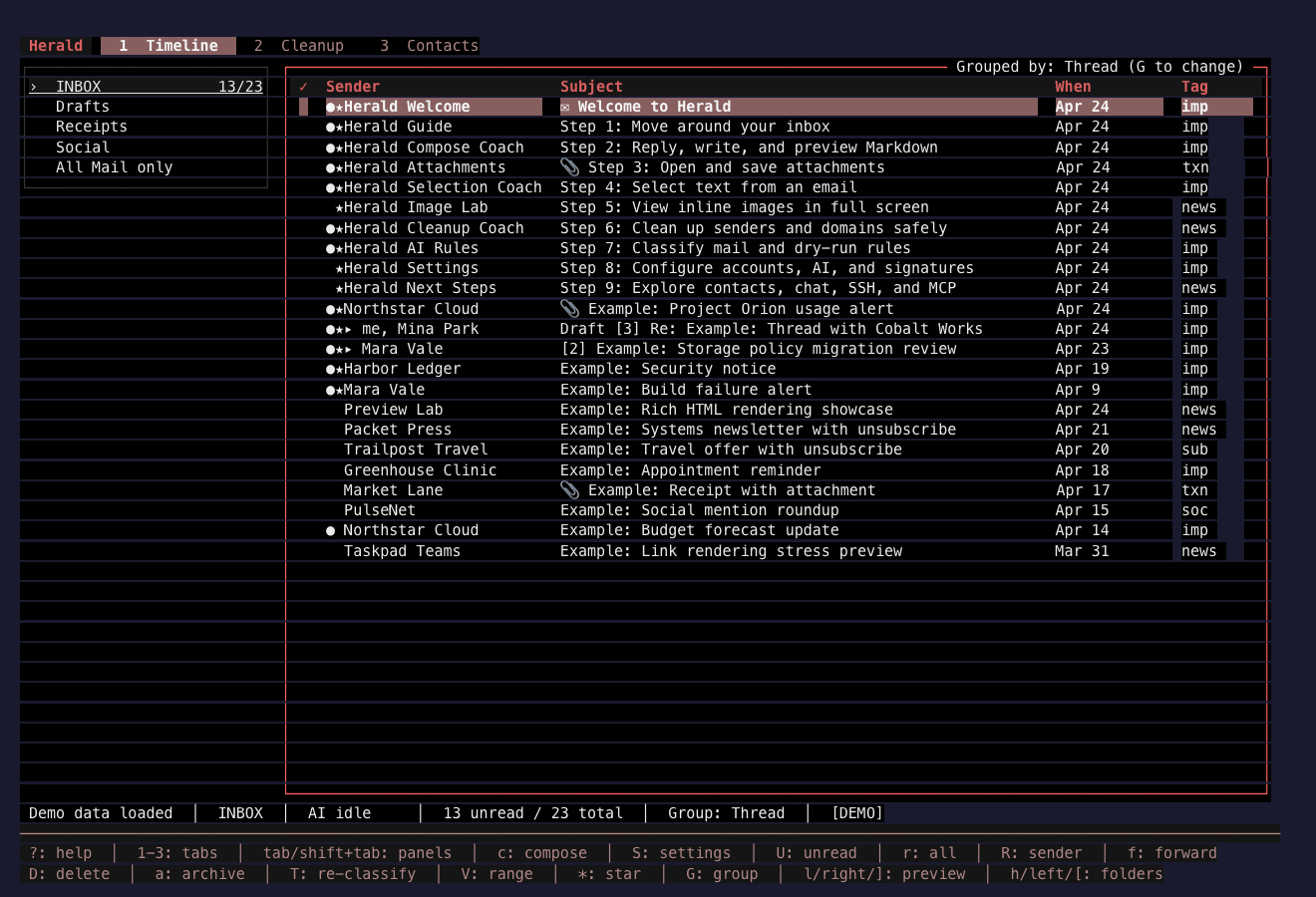
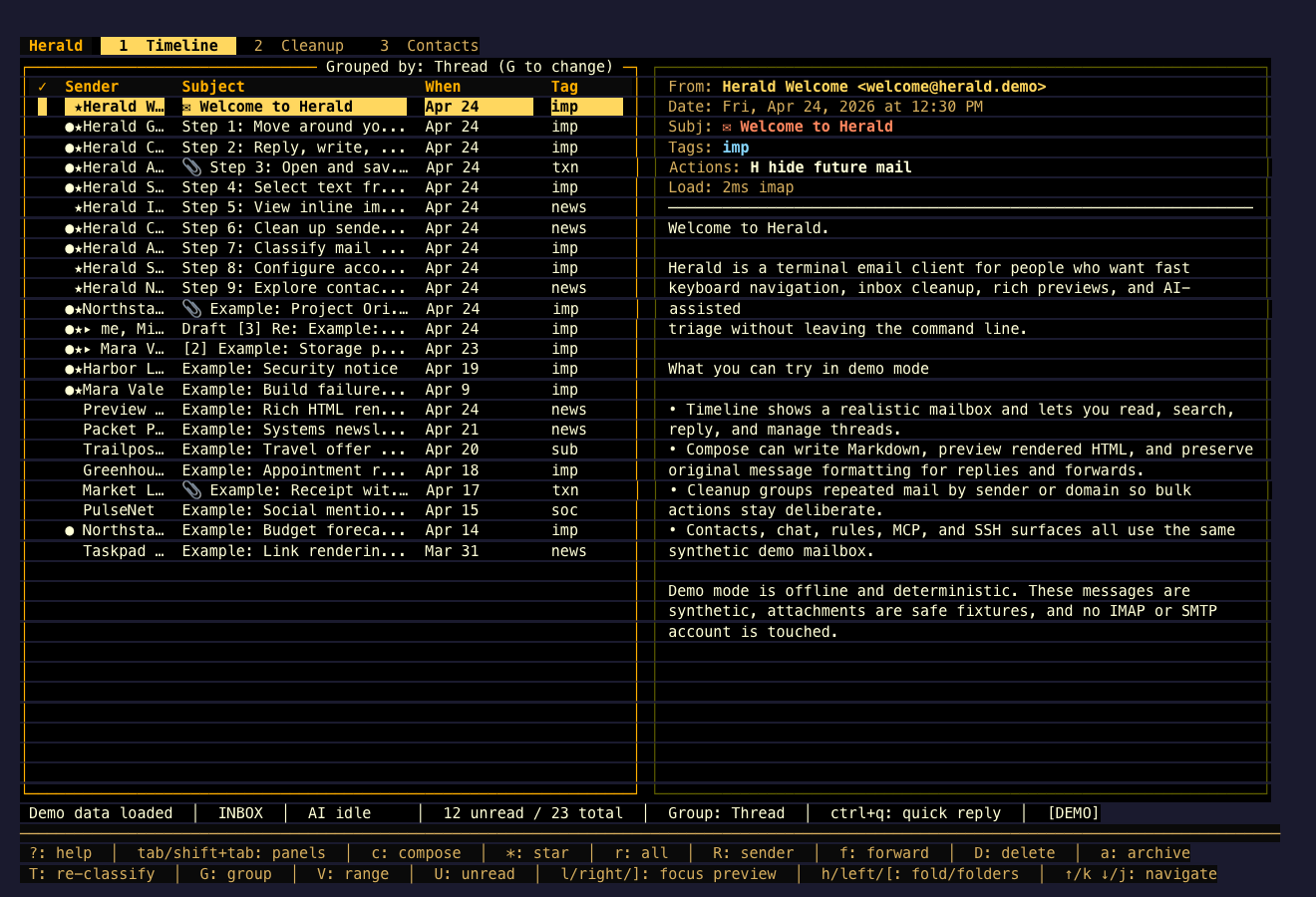
Amber Furnace
Section titled “Amber Furnace”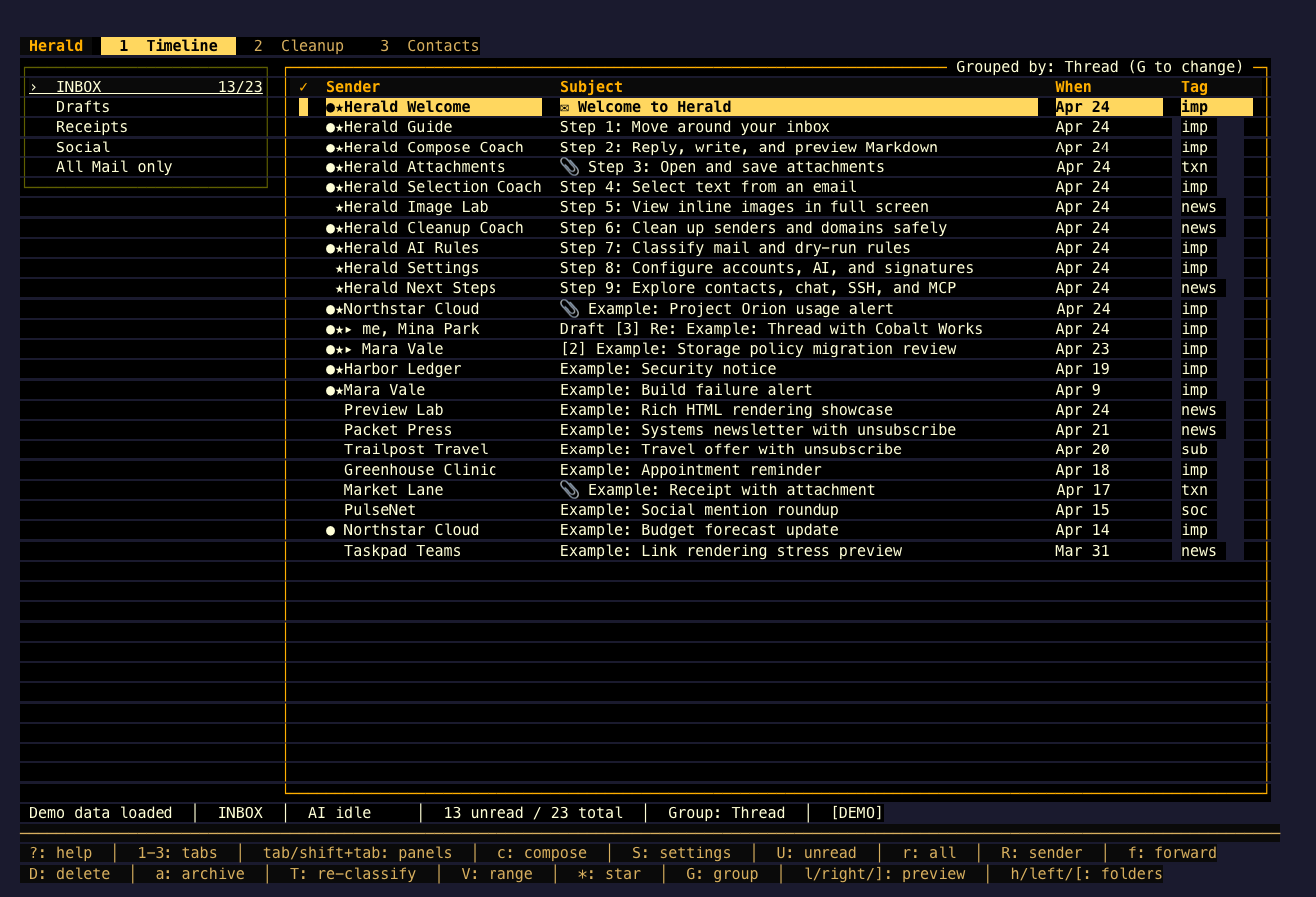
Copper Ash
Section titled “Copper Ash”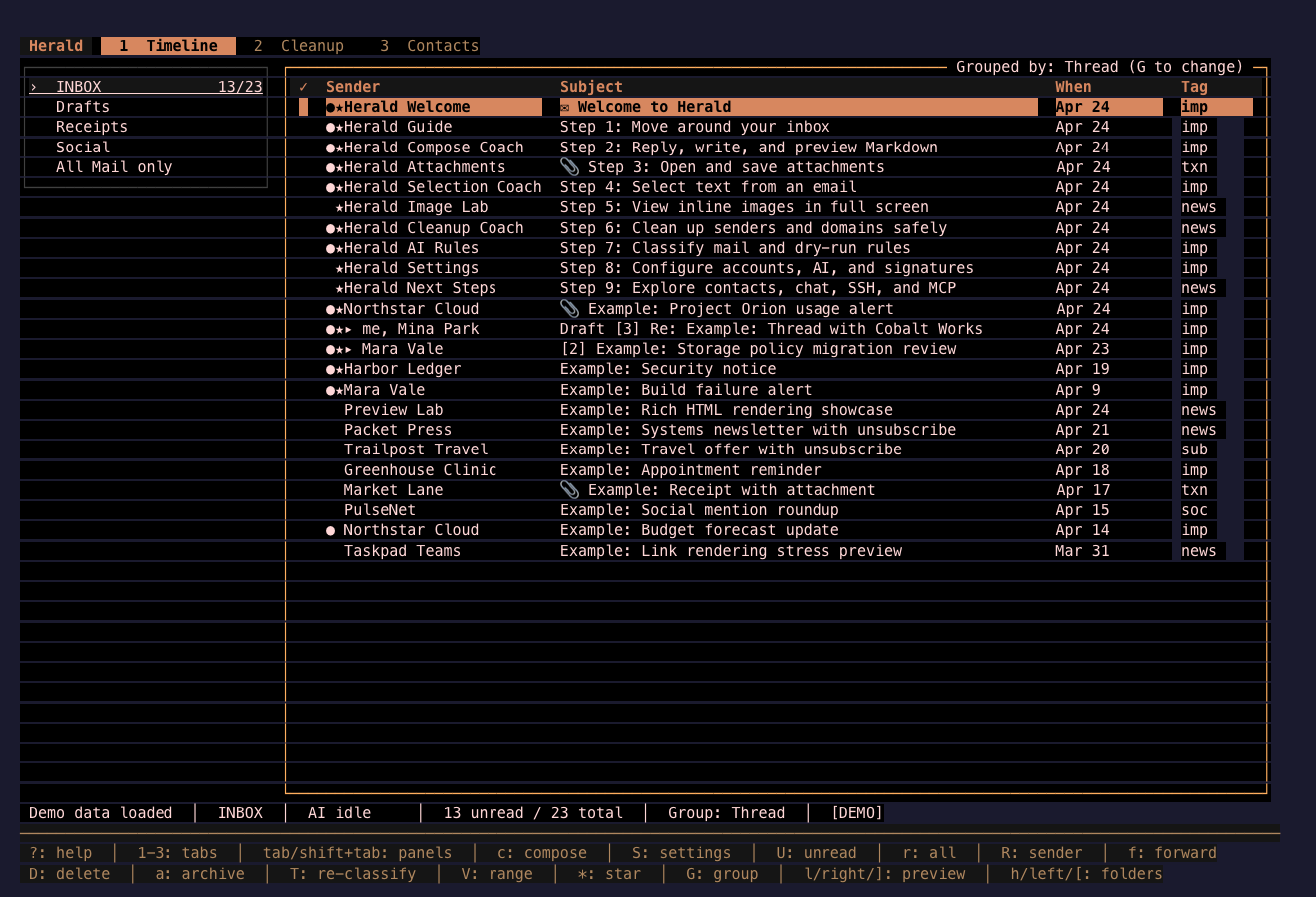
Magma Core
Section titled “Magma Core”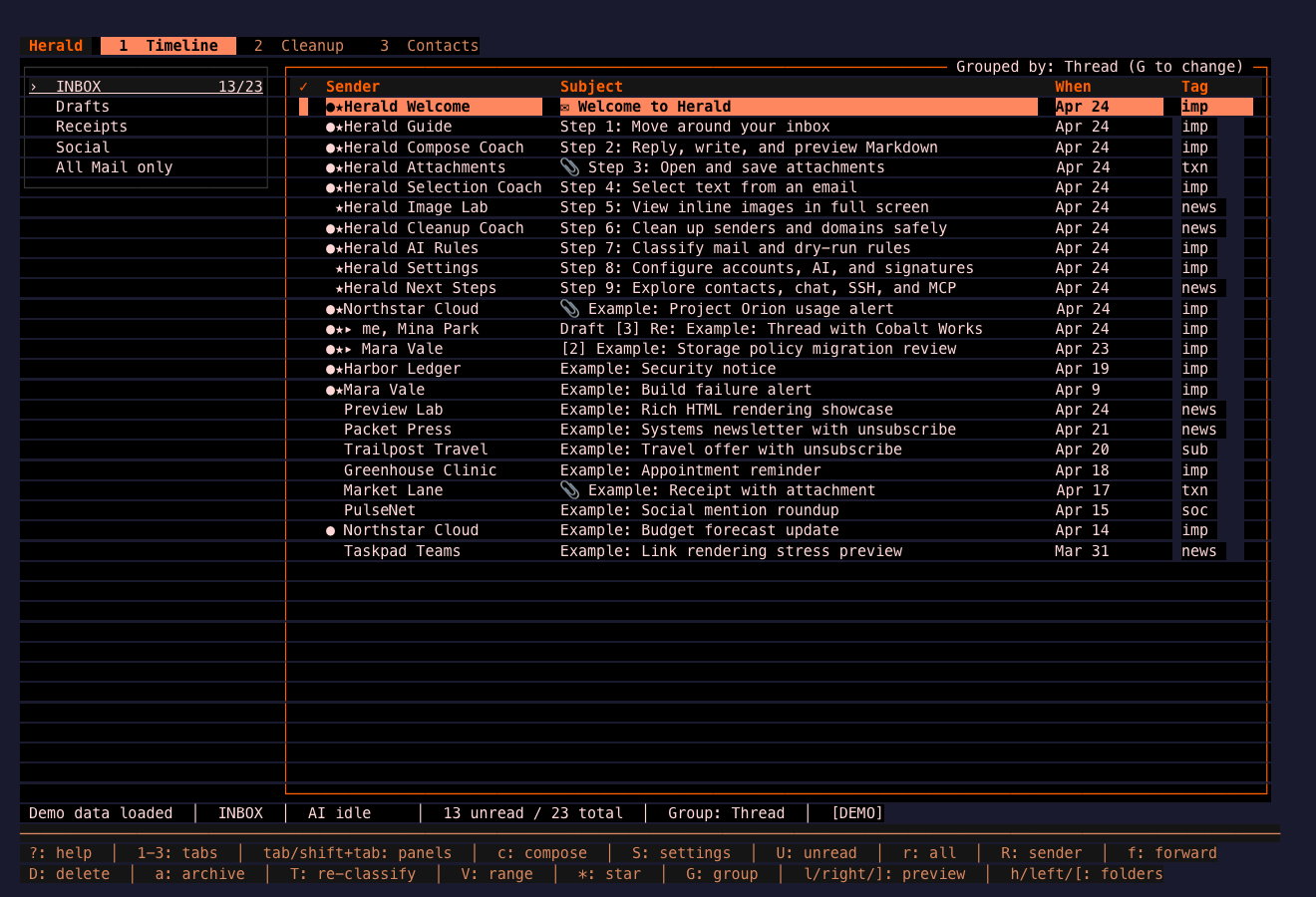
Green / Earth
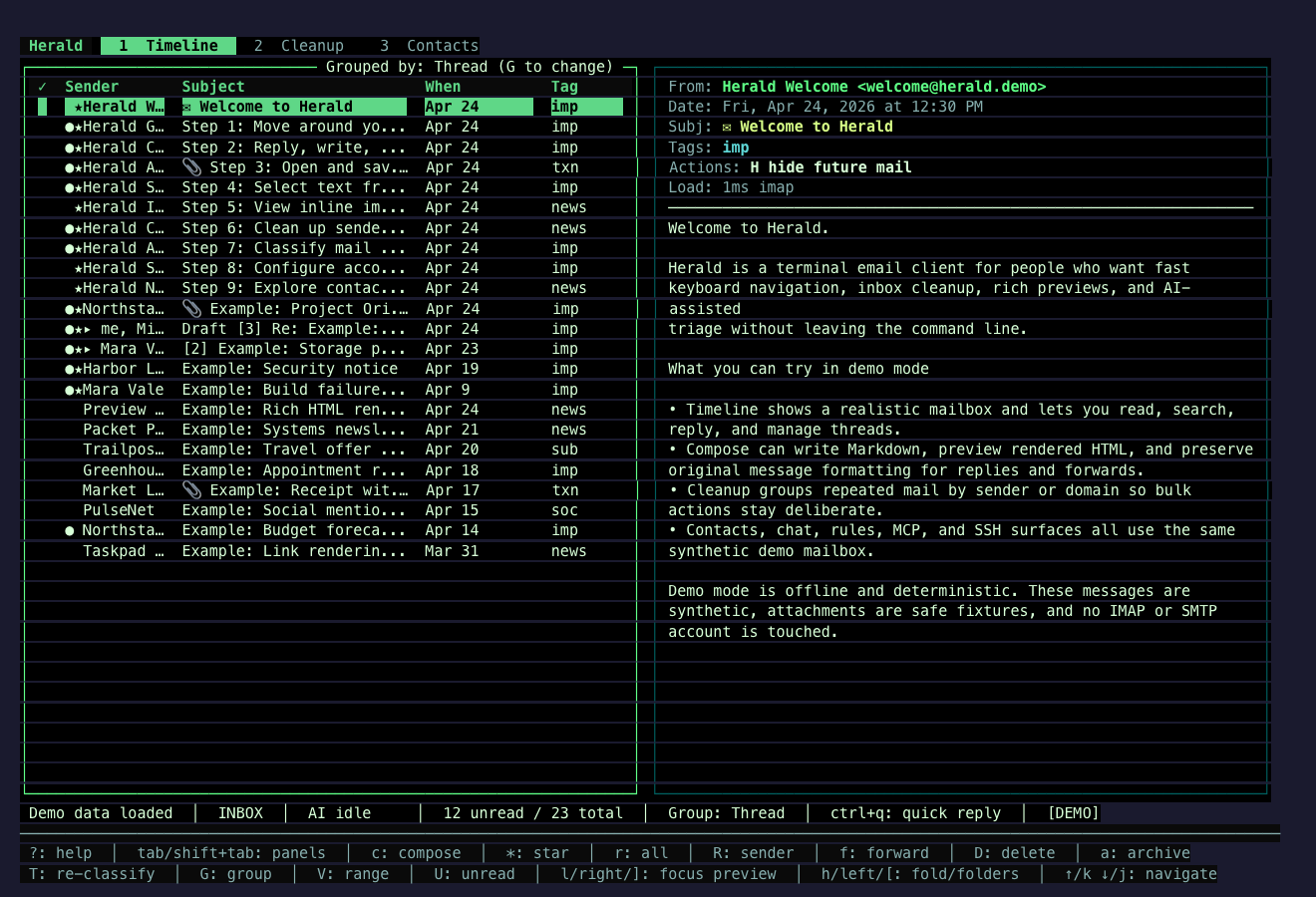
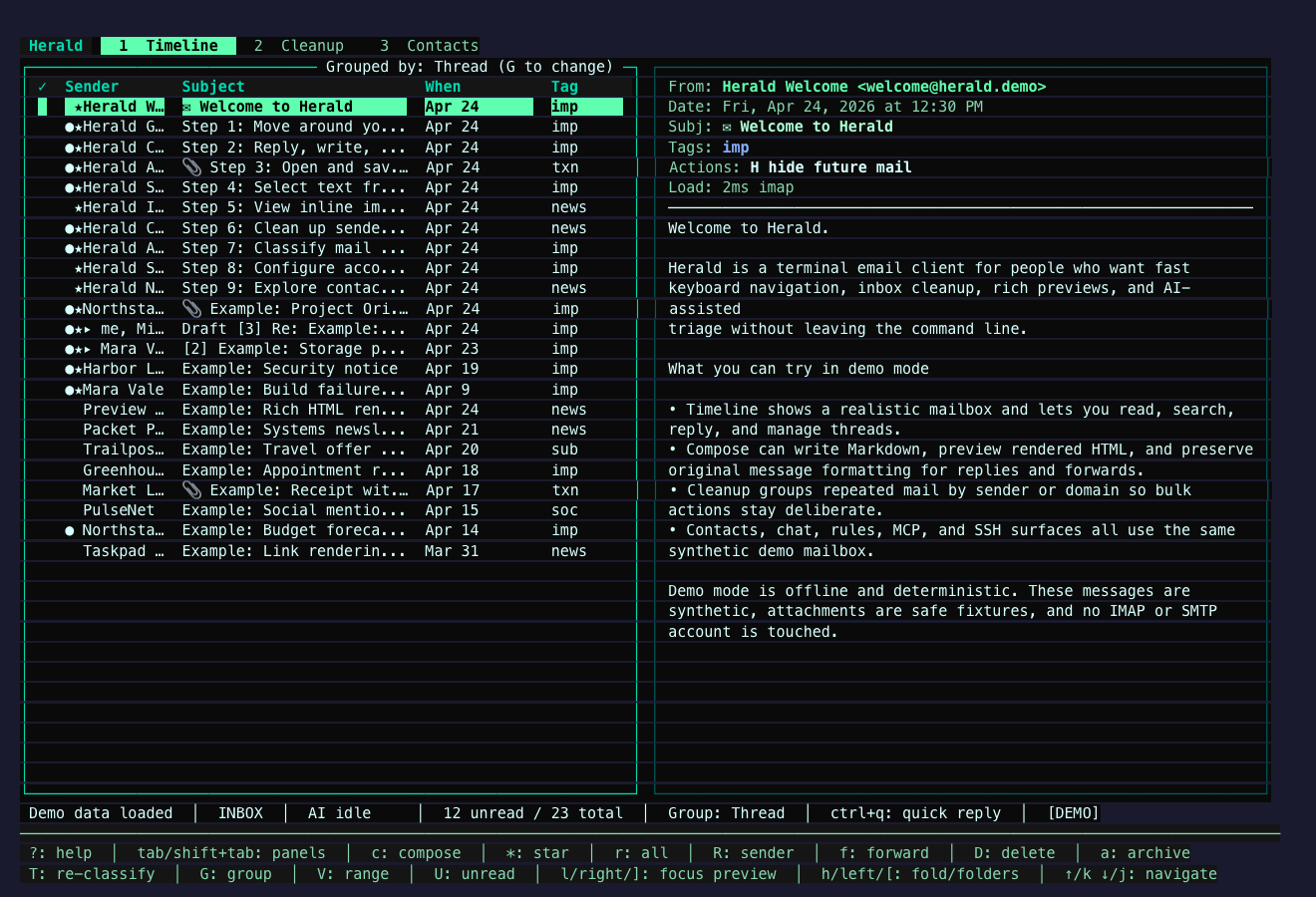
Section titled “Green / Earth”These themes lean into green, jade, olive, paper, and earth-toned palettes. They keep the mailbox calm while preserving obvious focus and selection states.
Jade Signal
Section titled “Jade Signal”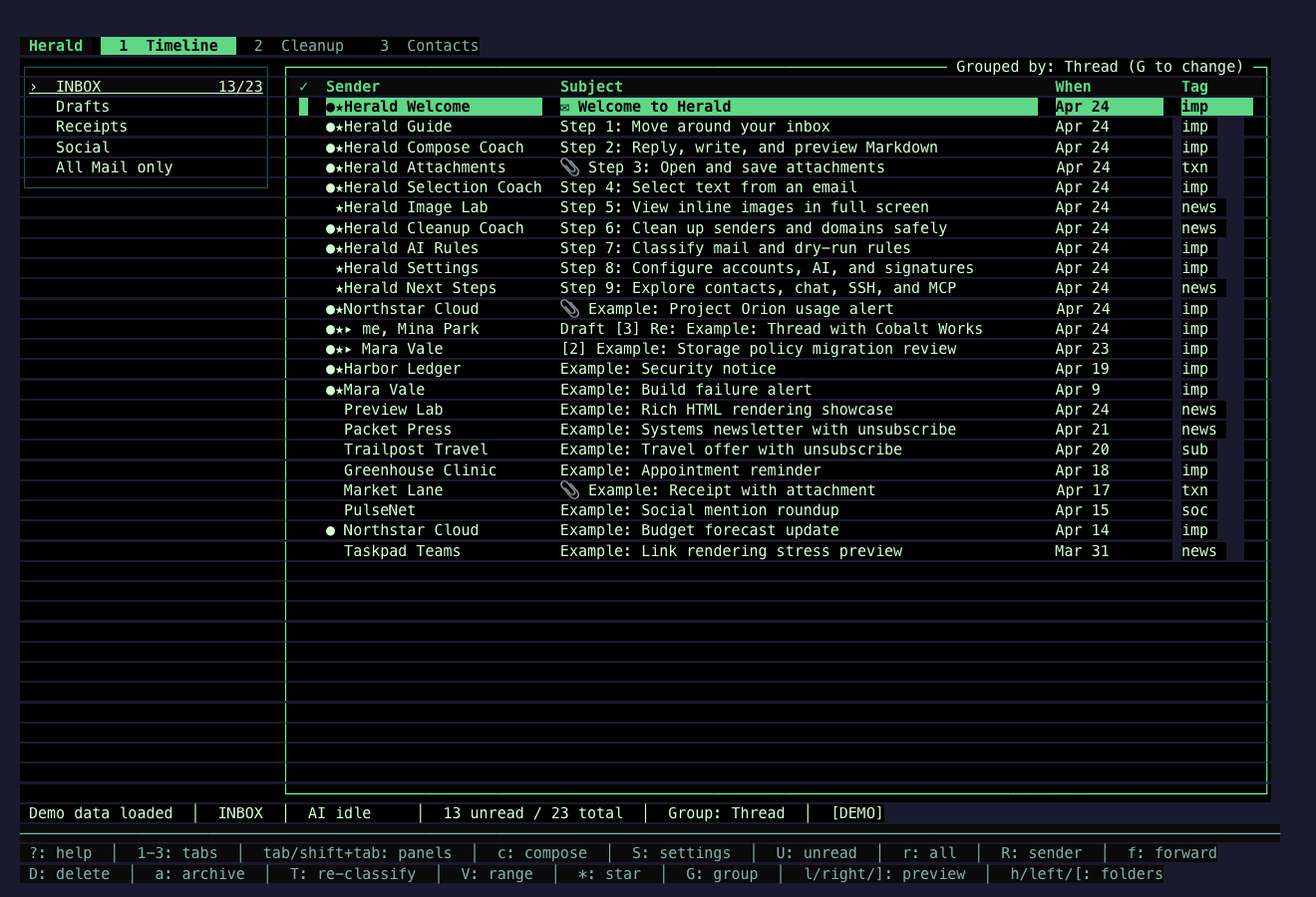
Viridian Glass
Section titled “Viridian Glass”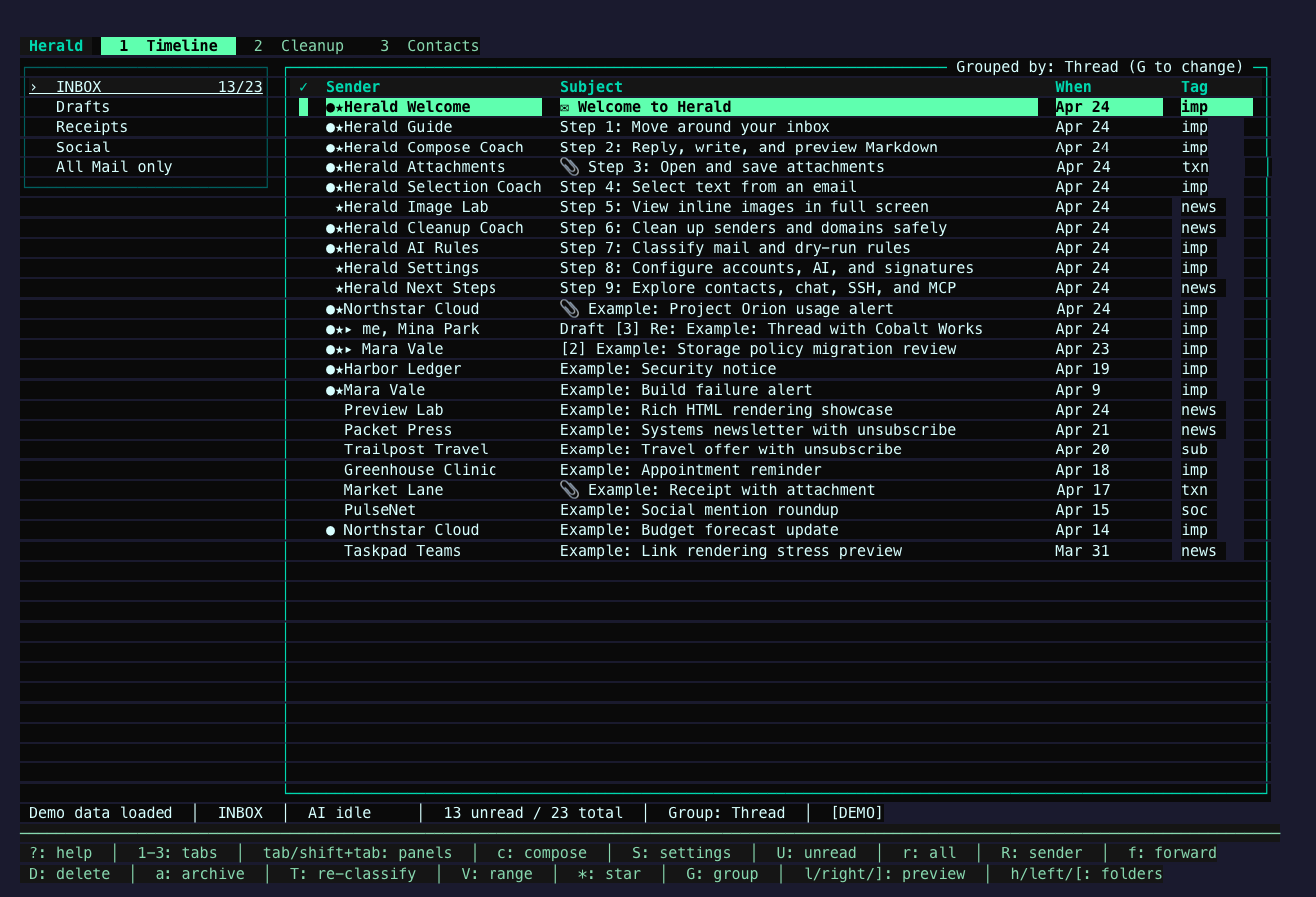
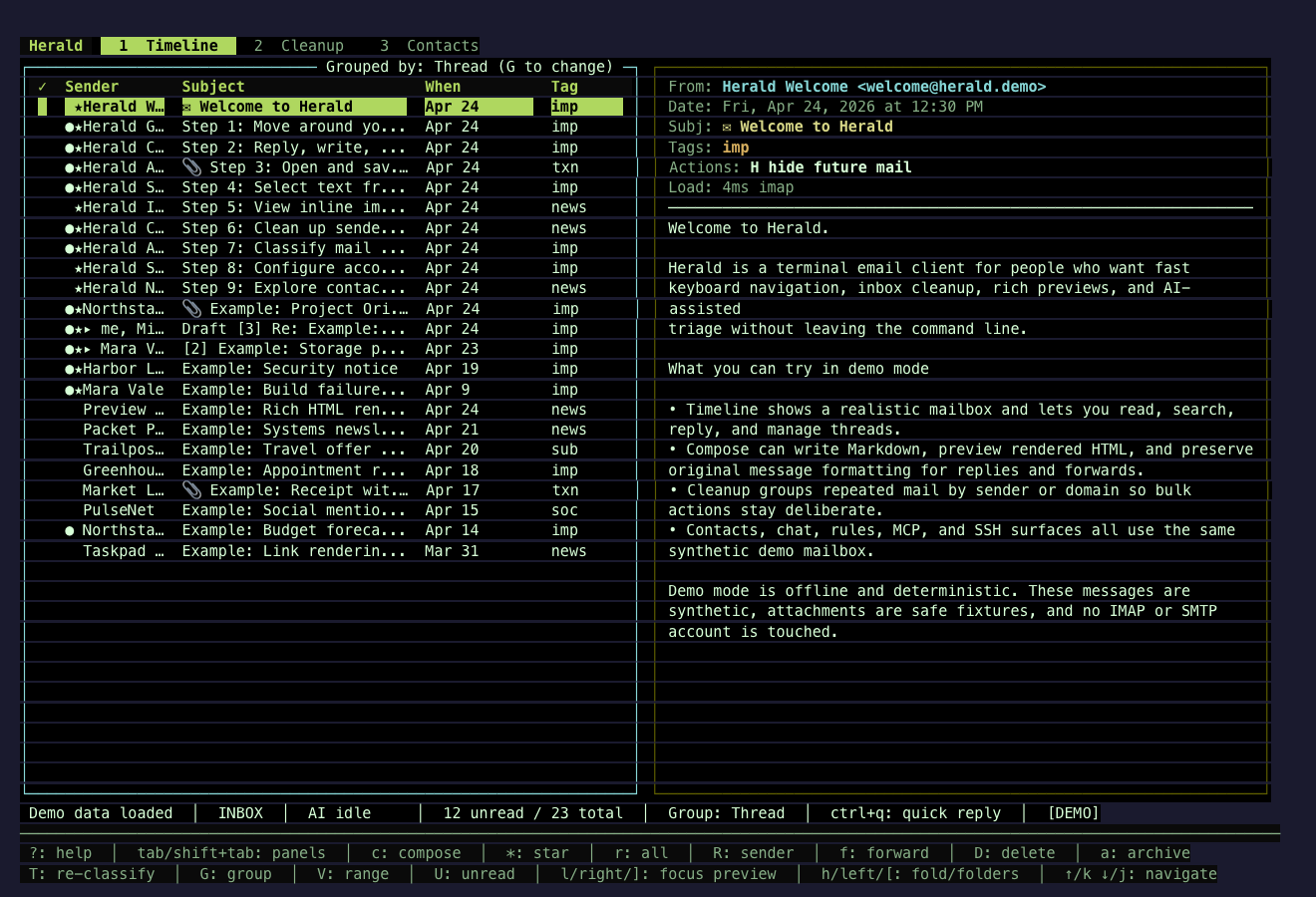
Forest CRT
Section titled “Forest CRT”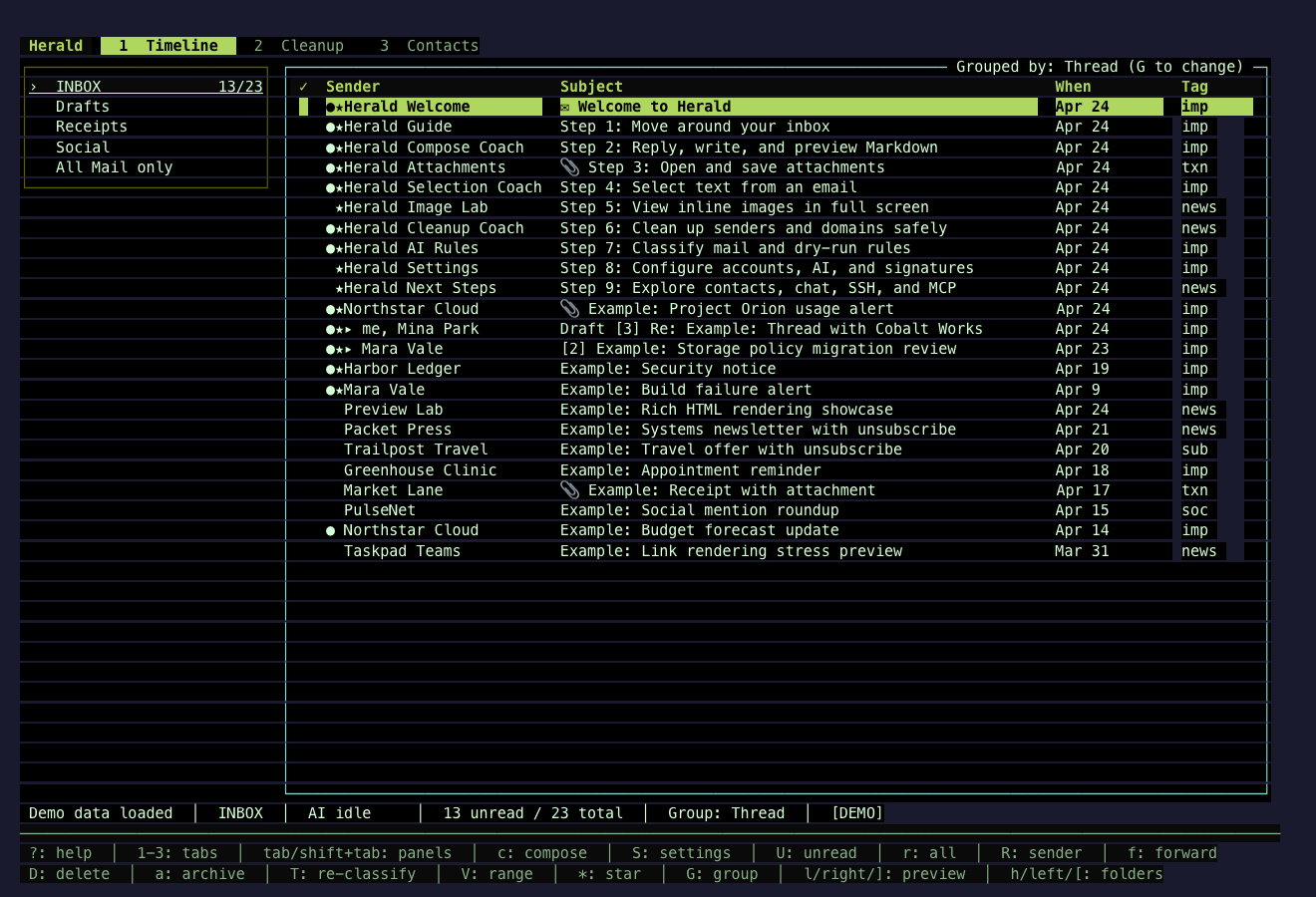
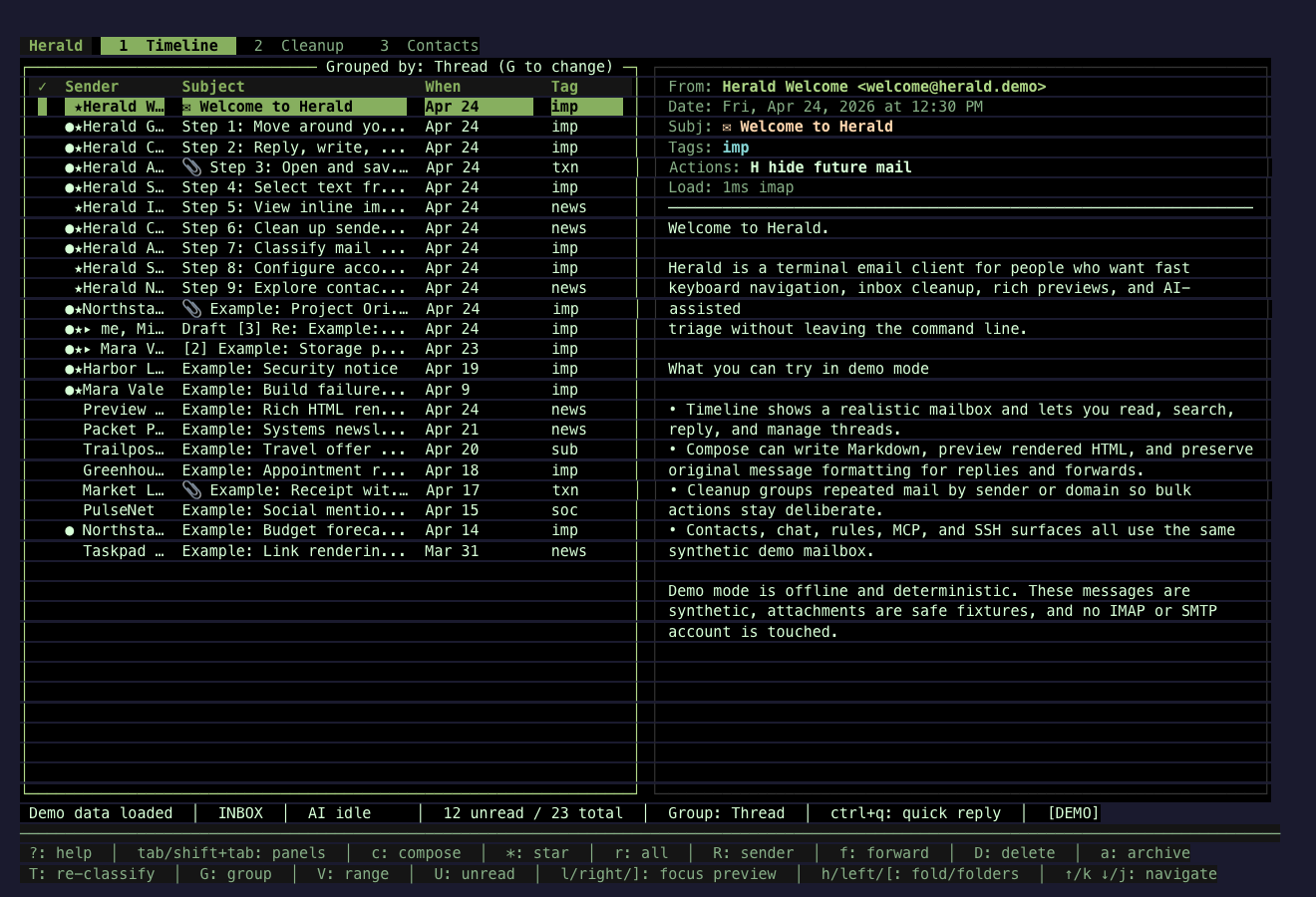
Pine Mail
Section titled “Pine Mail”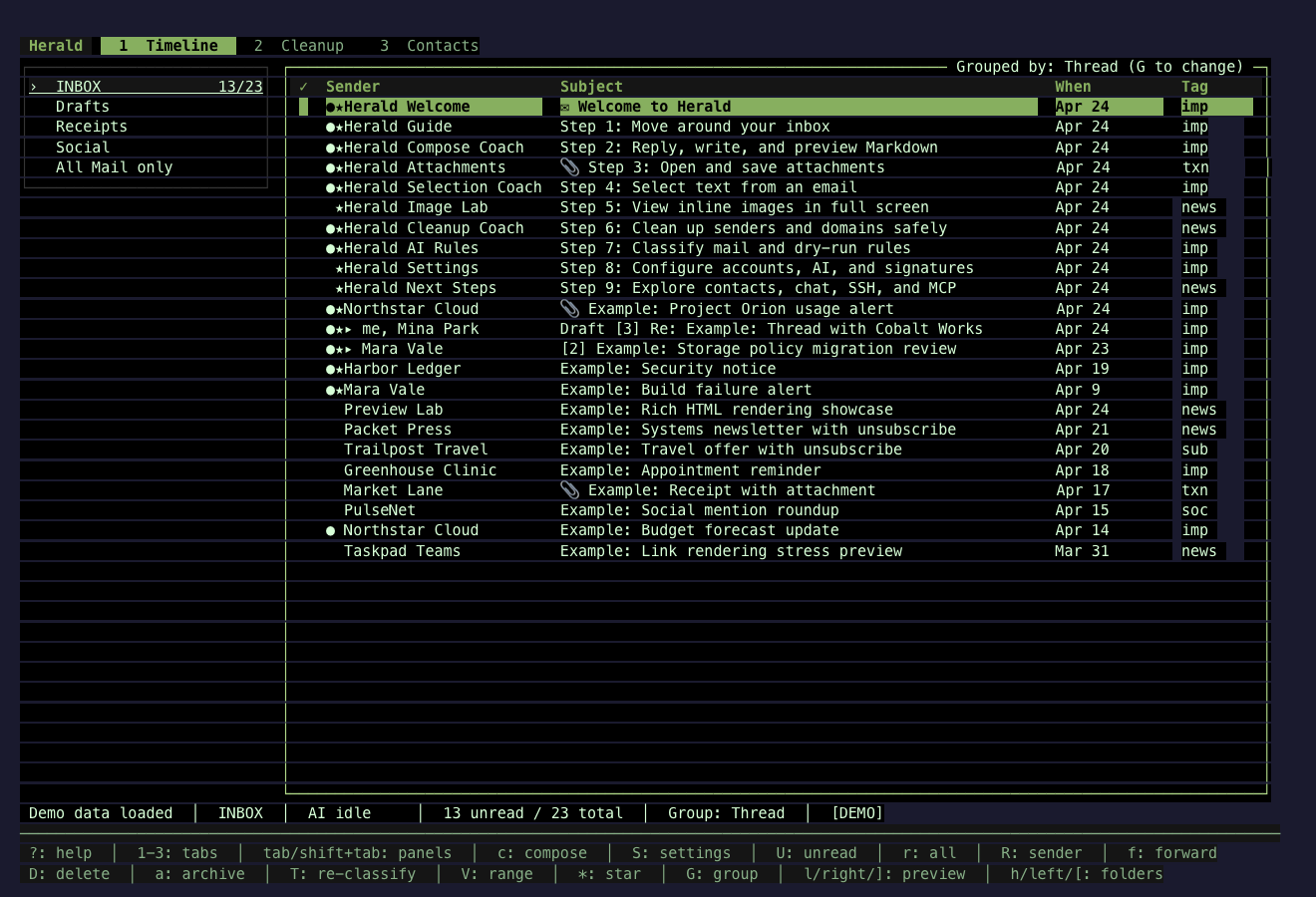
Olive Circuit
Section titled “Olive Circuit”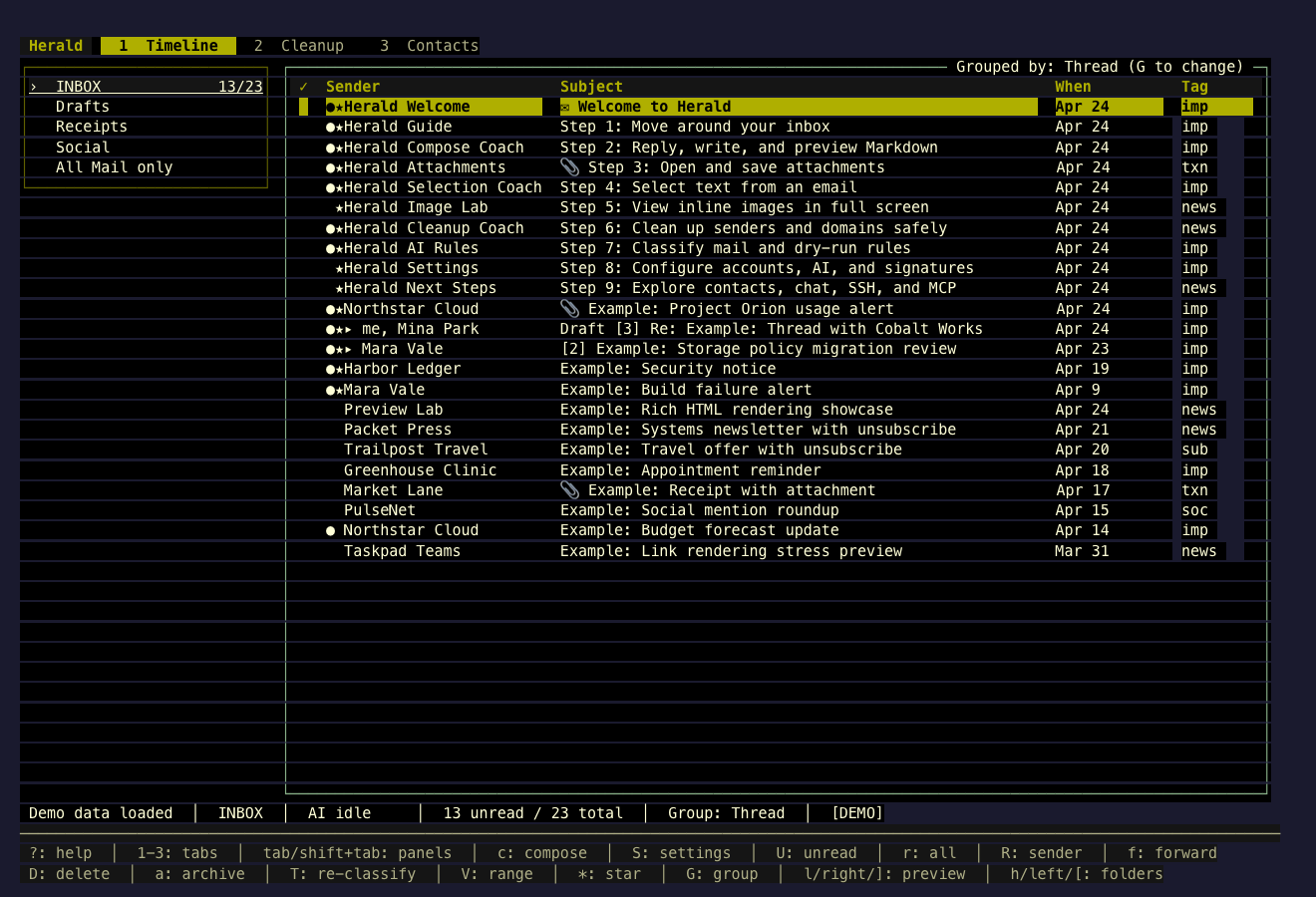
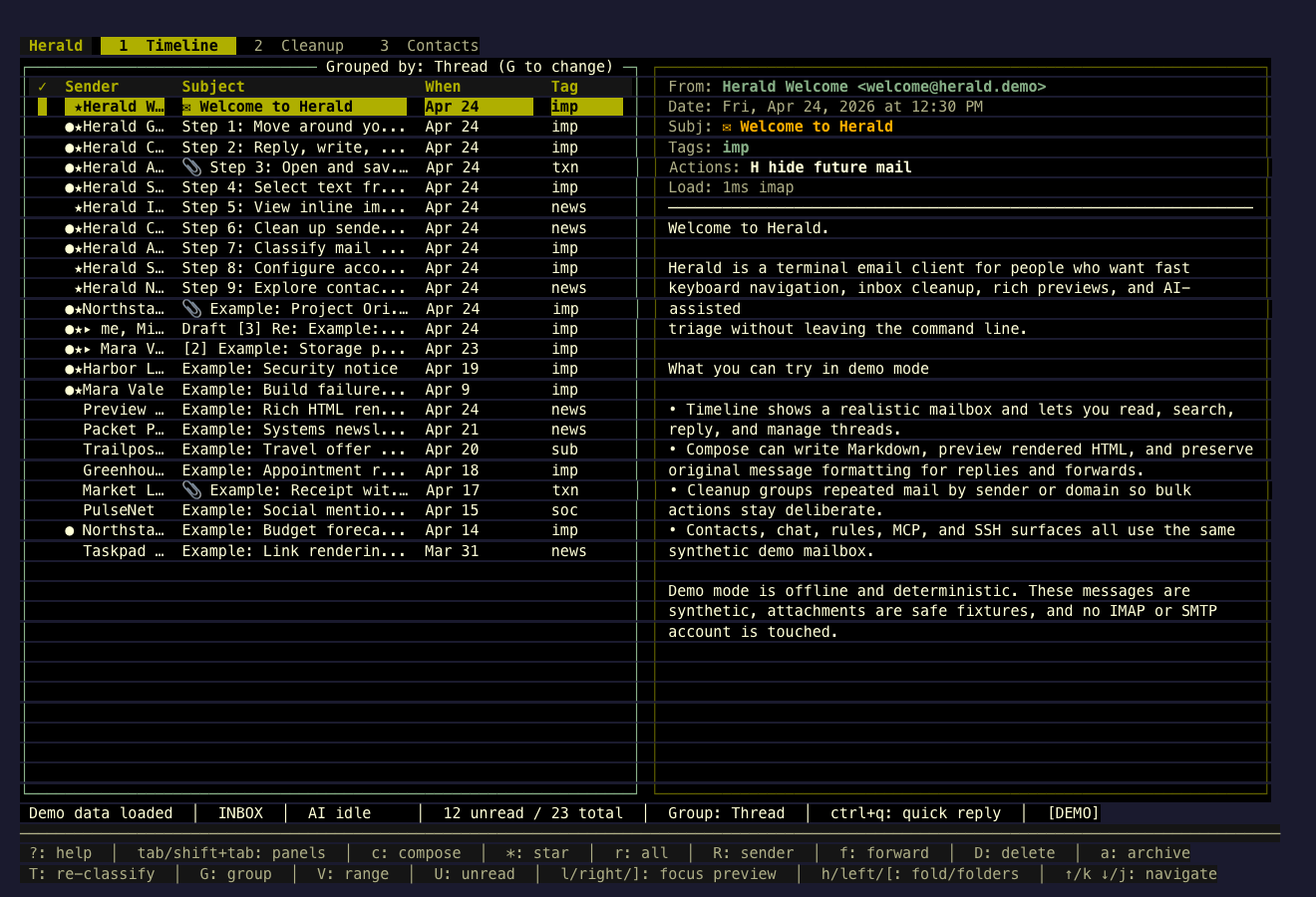
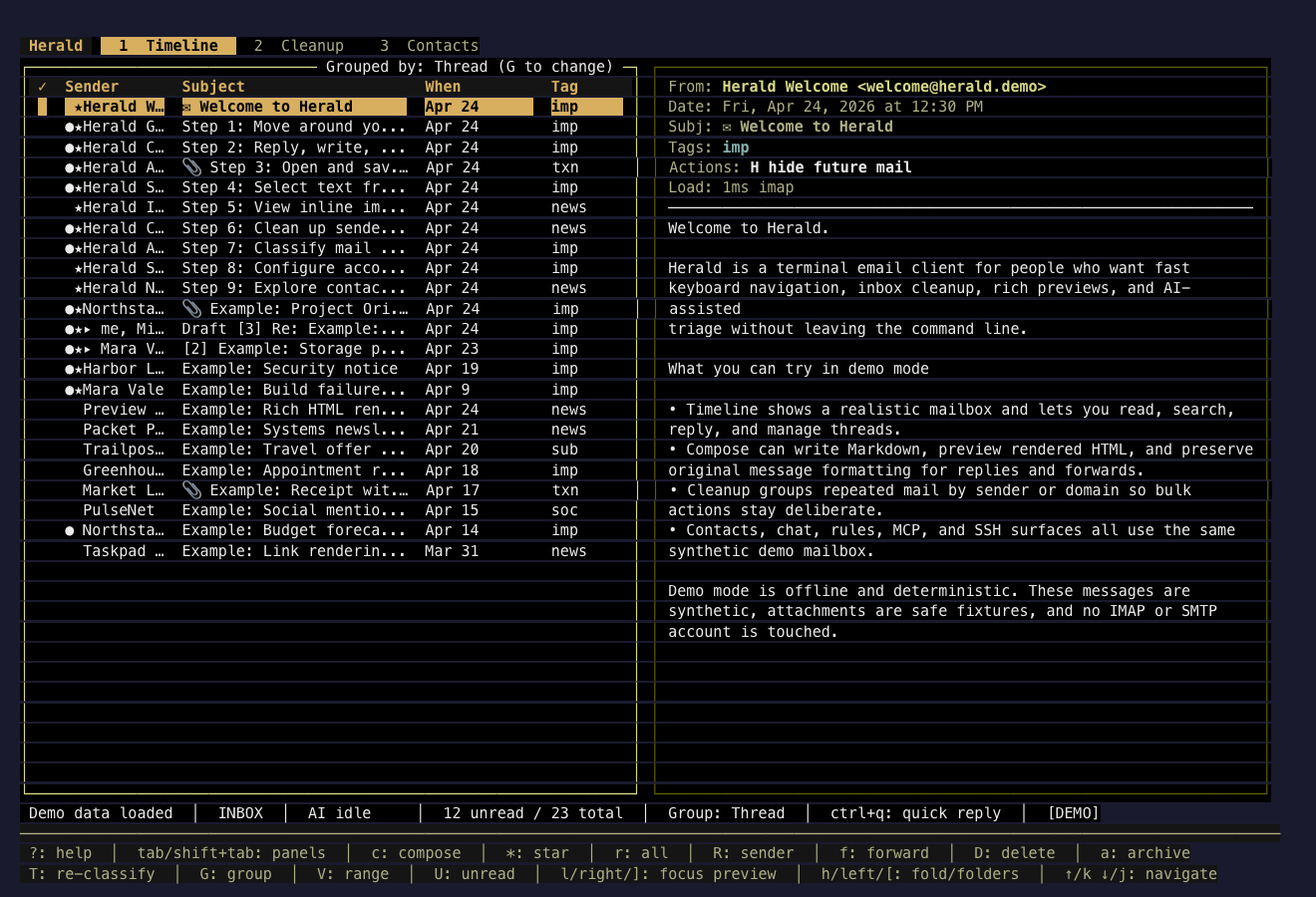
Sepia Debug
Section titled “Sepia Debug”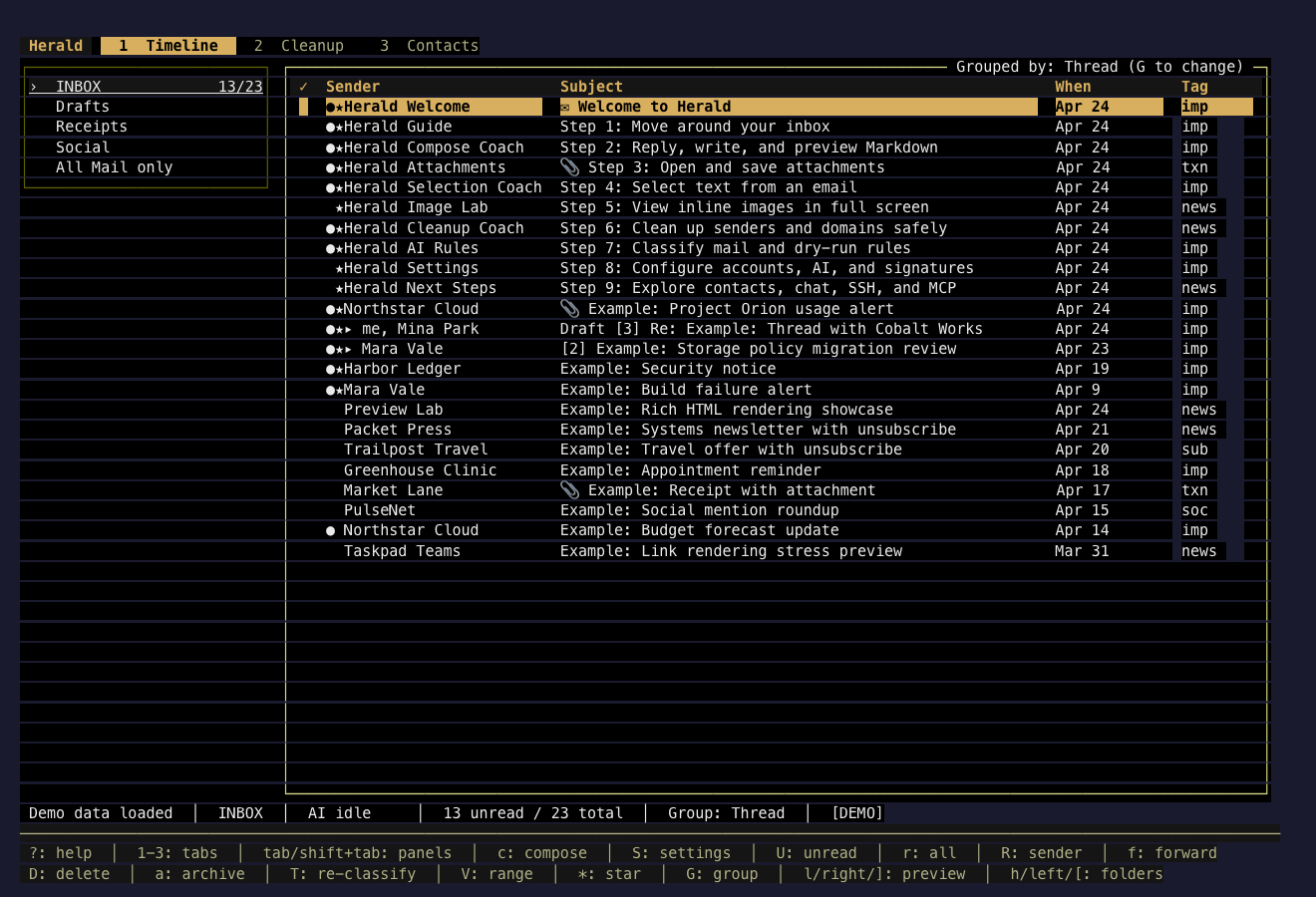
Solar Paper
Section titled “Solar Paper”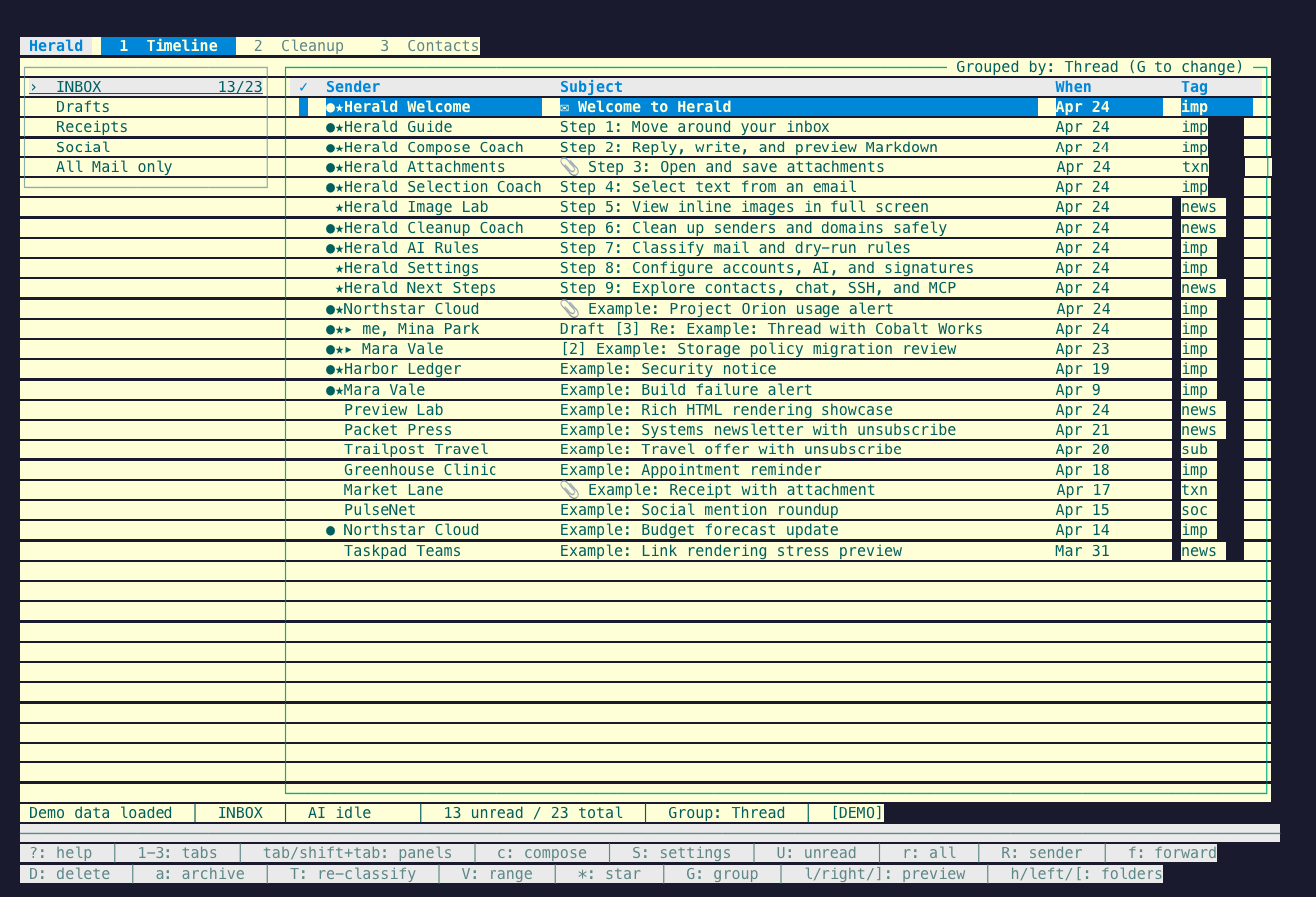
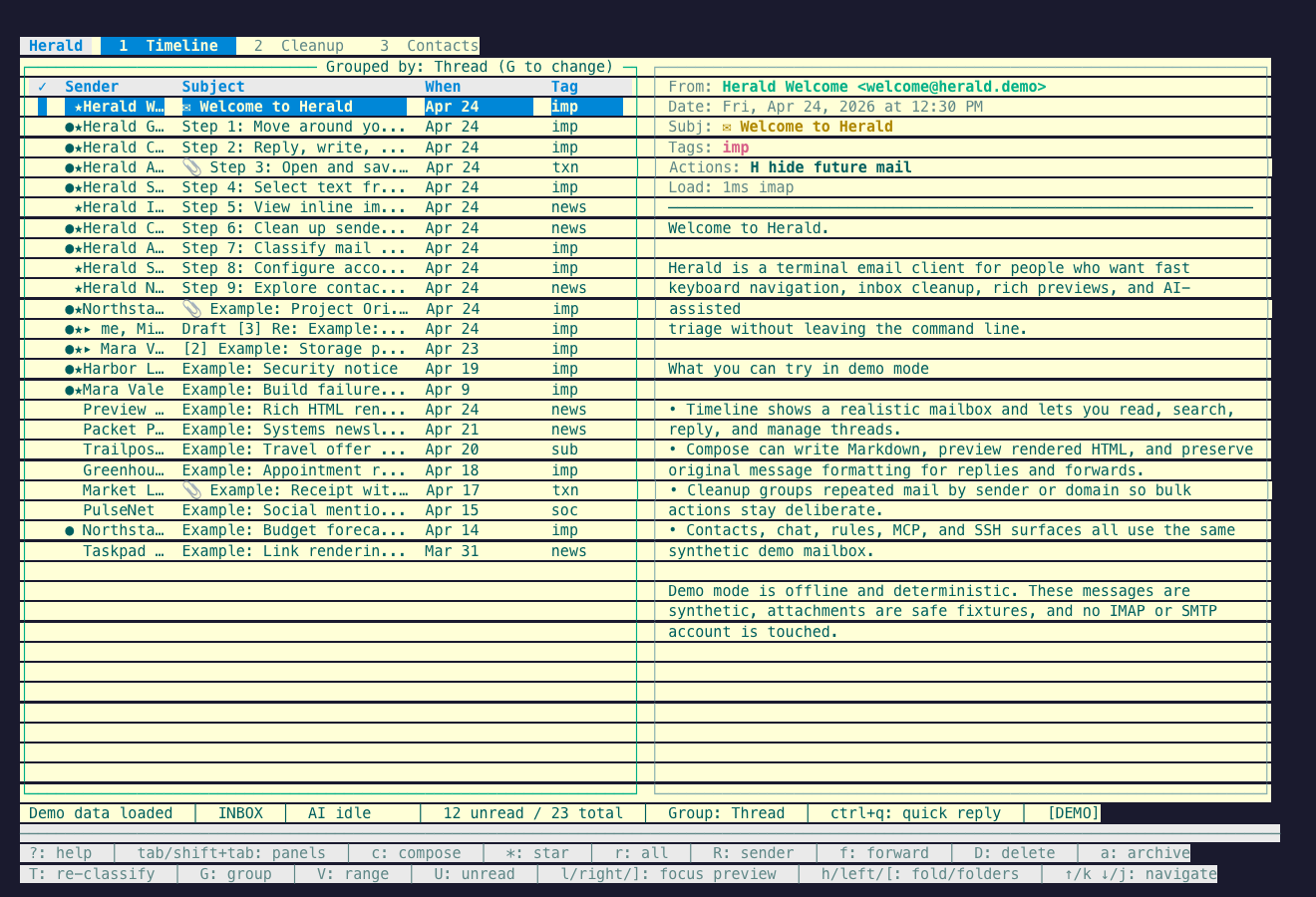
Zenbones Light
Section titled “Zenbones Light”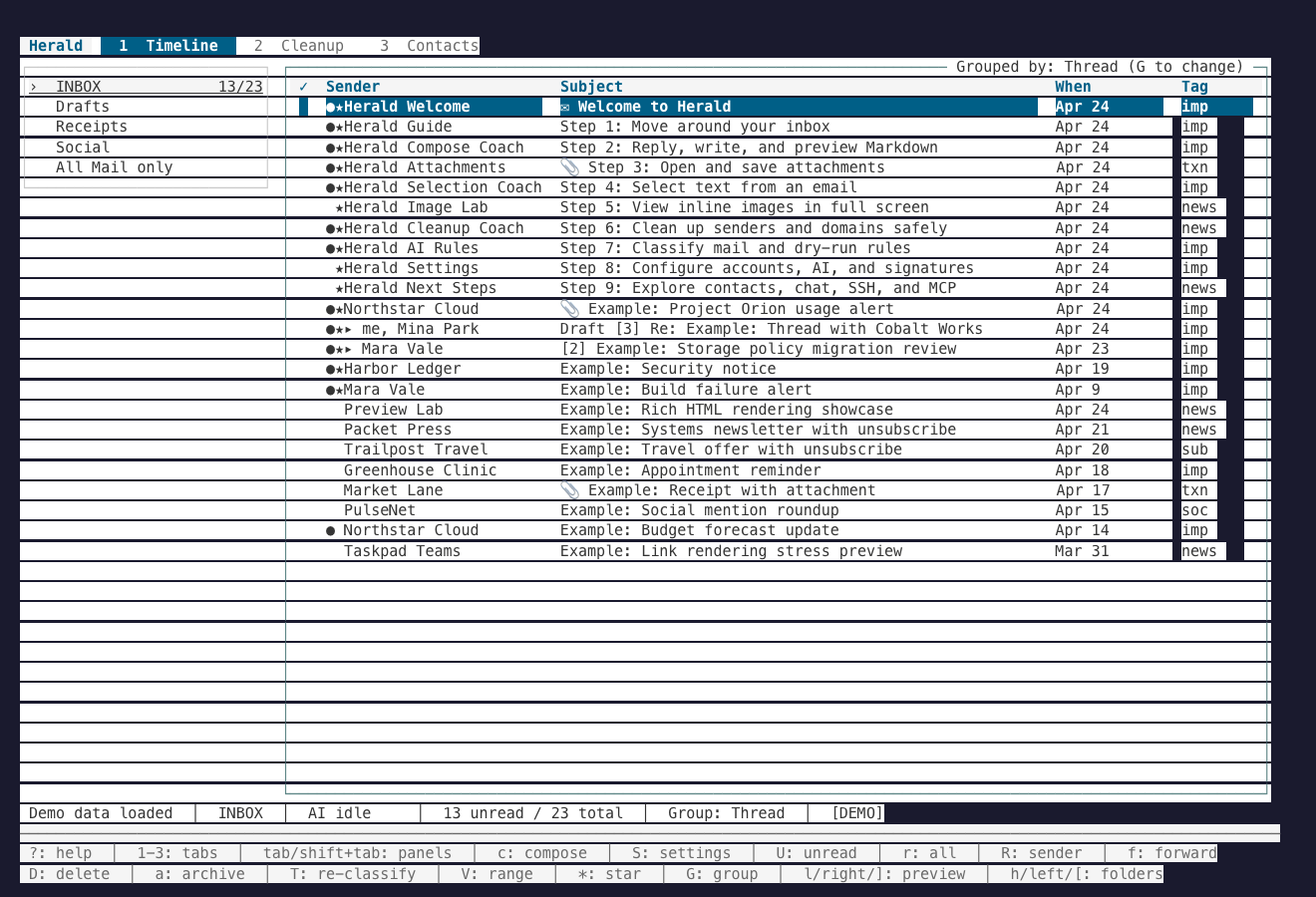
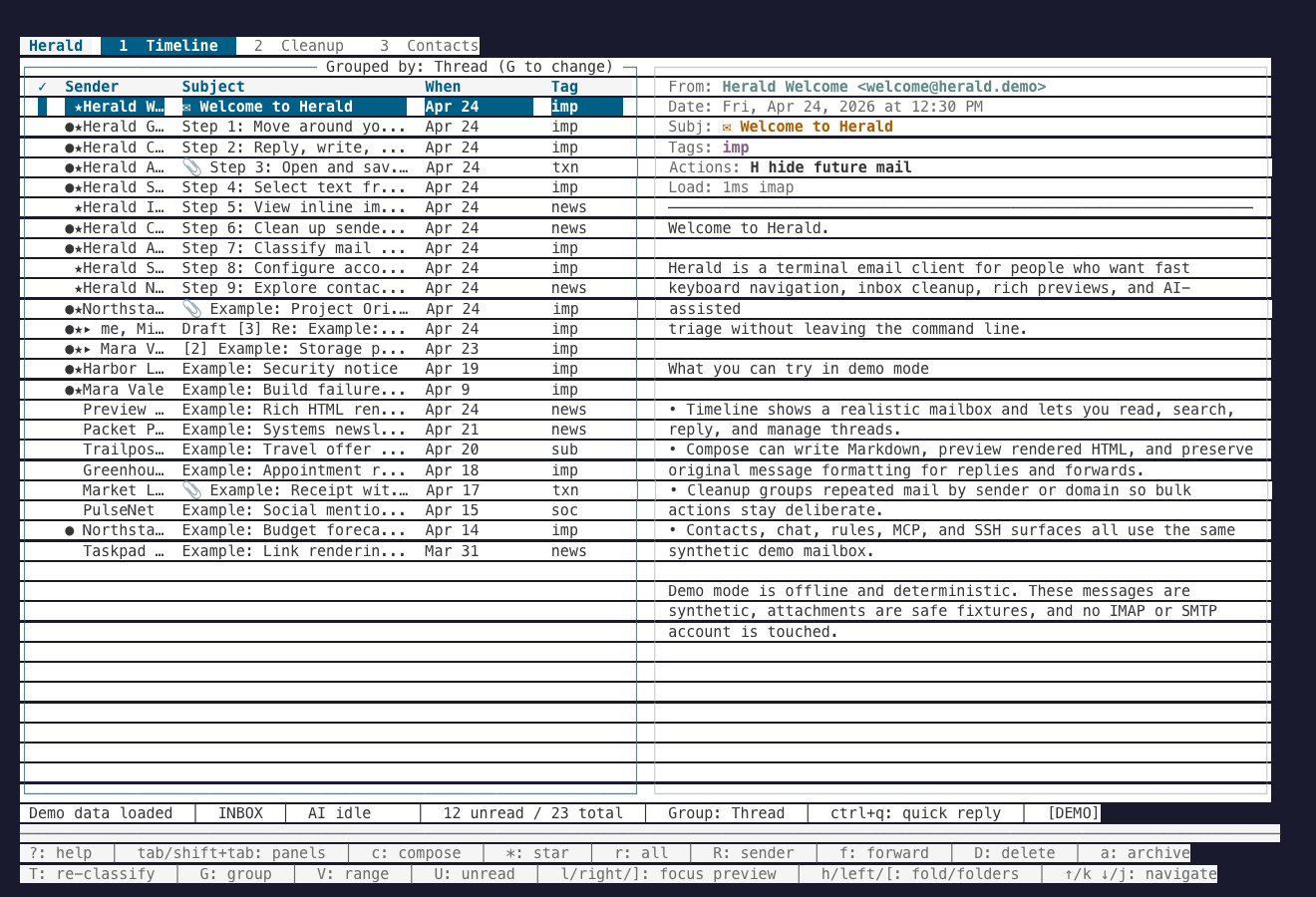
Blue / Violet
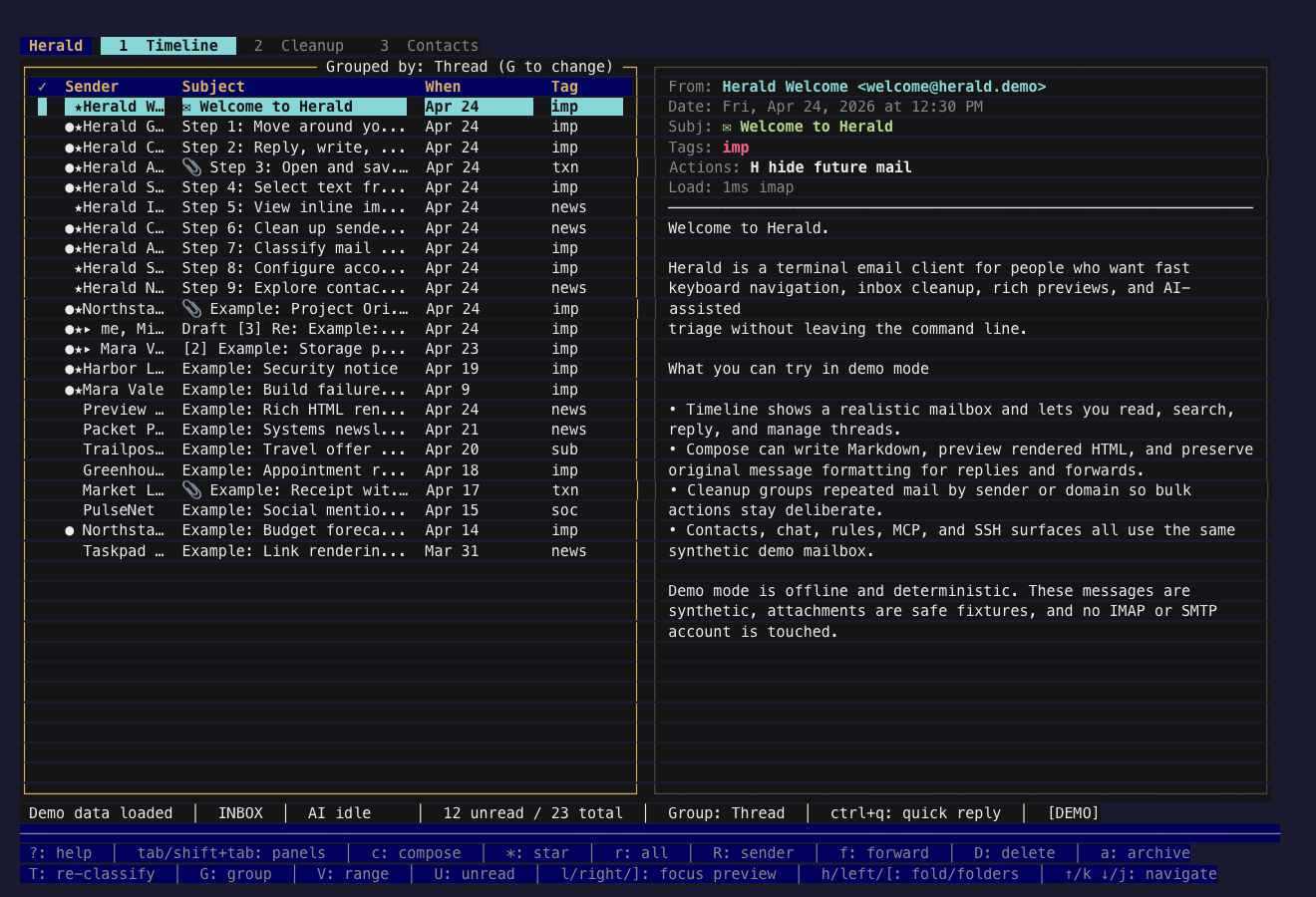
Section titled “Blue / Violet”These themes are built around blue, cyan, violet, rose, and cool graphite accents. They suit long reading sessions where preview contrast and row selection need to stay crisp.
Peacock Ink
Section titled “Peacock Ink”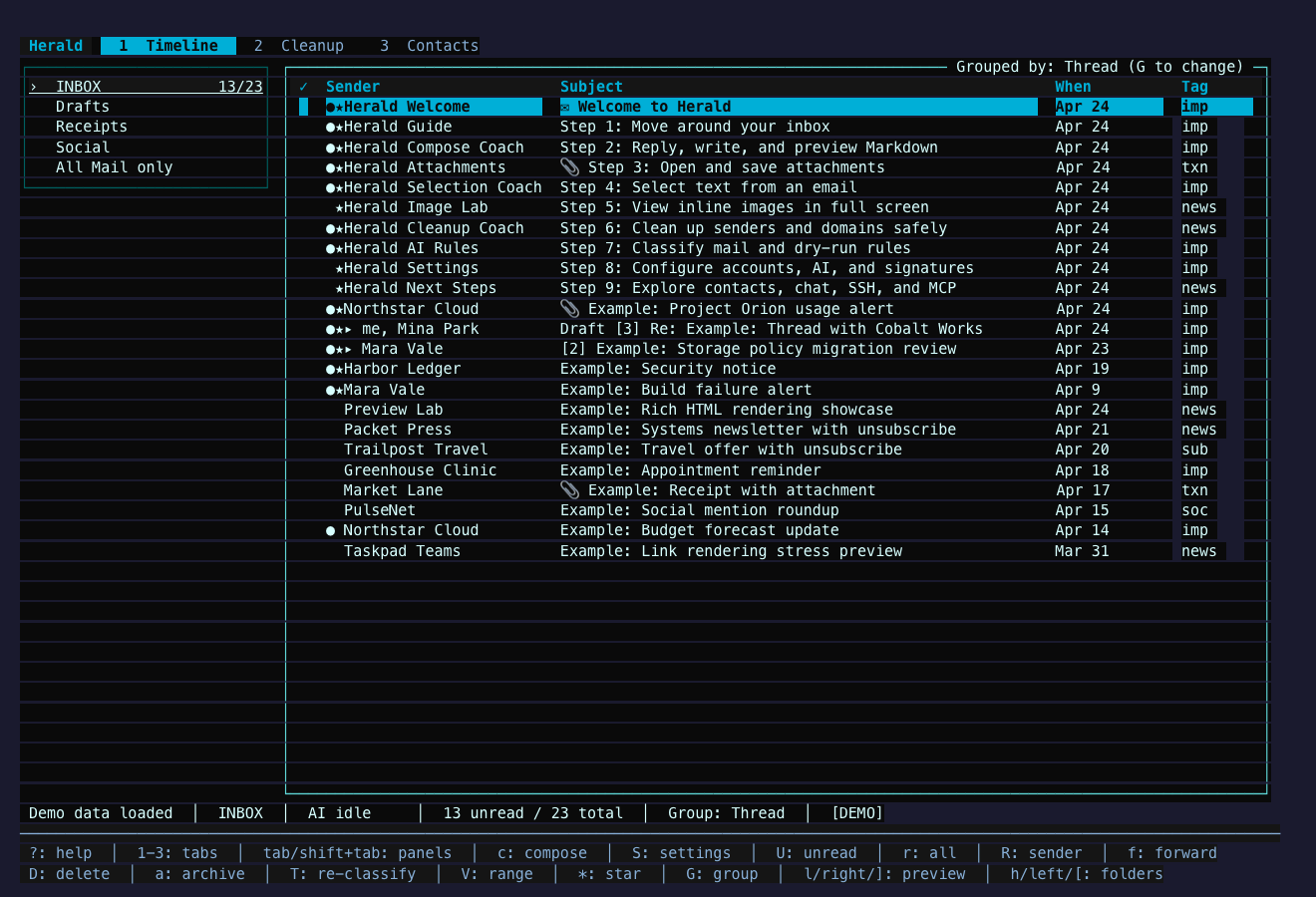
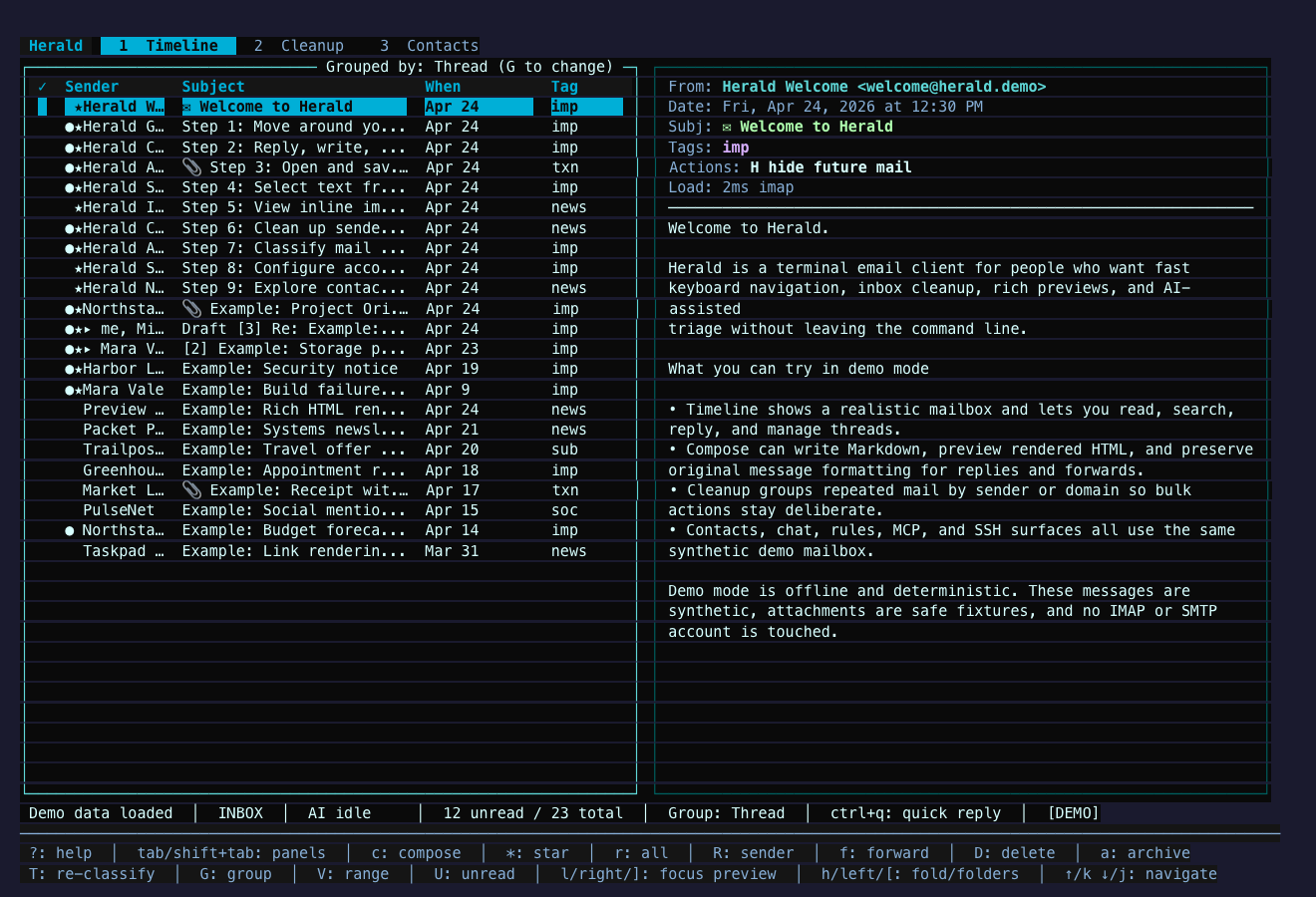
Ultramarine Desk
Section titled “Ultramarine Desk”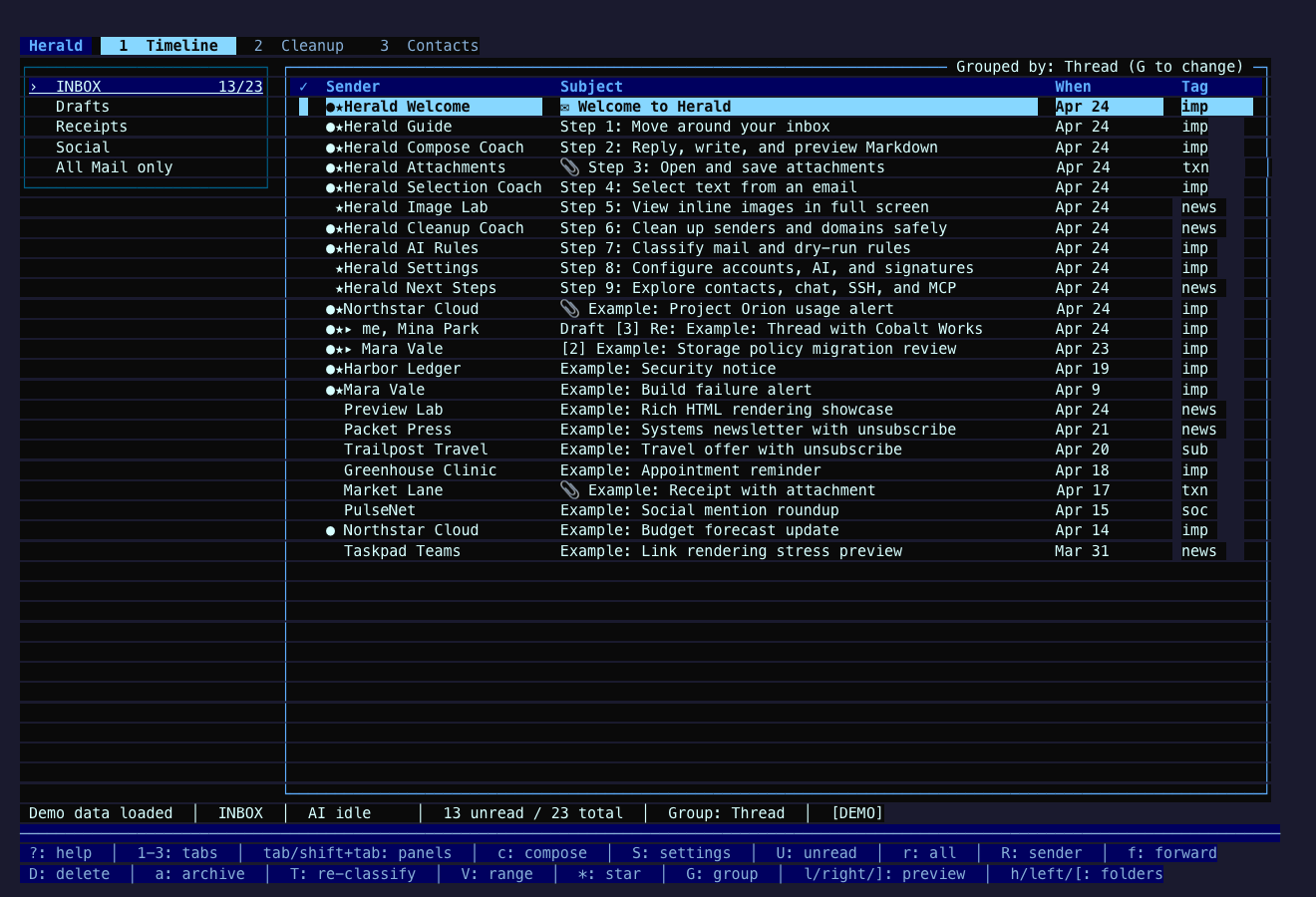
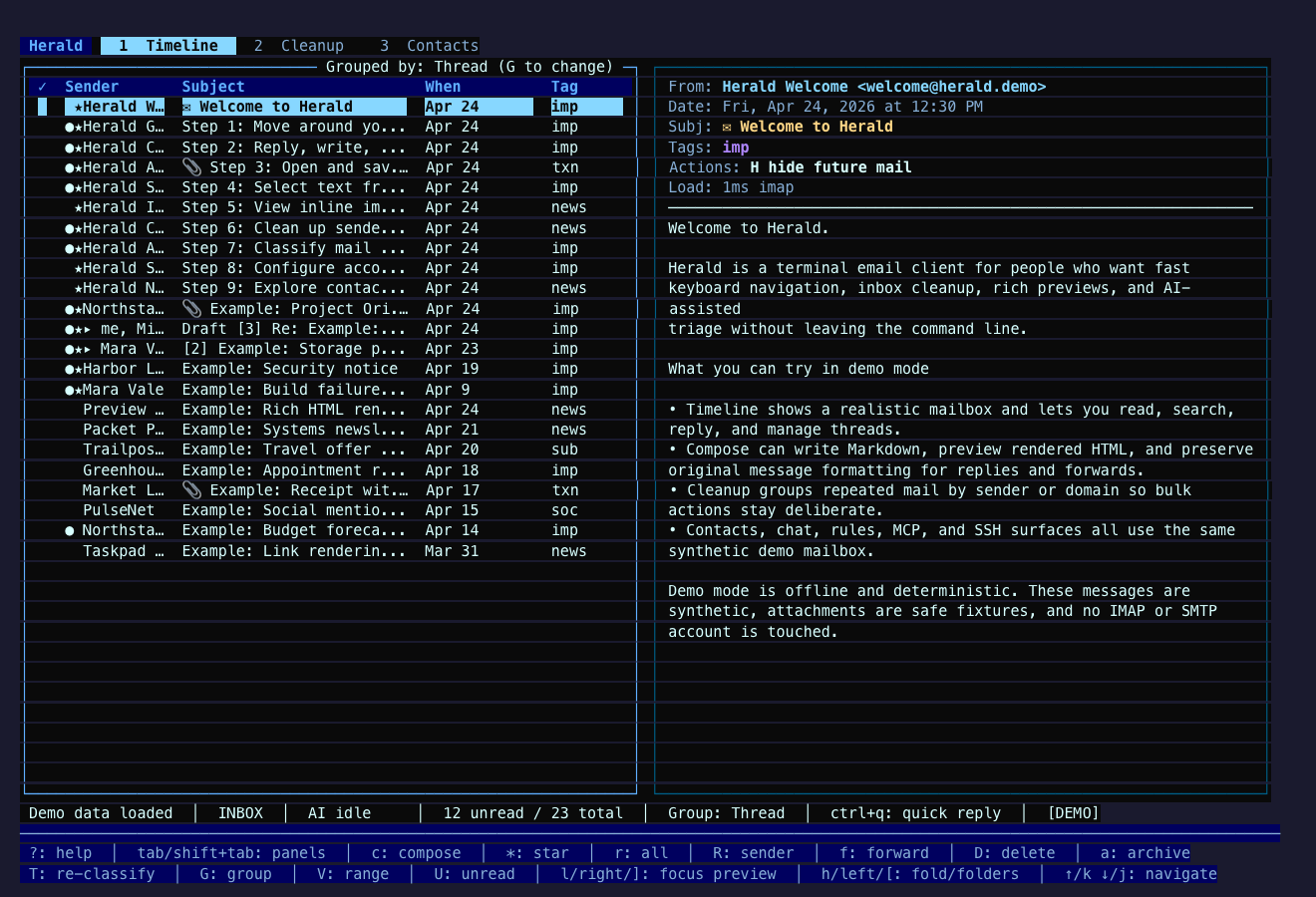
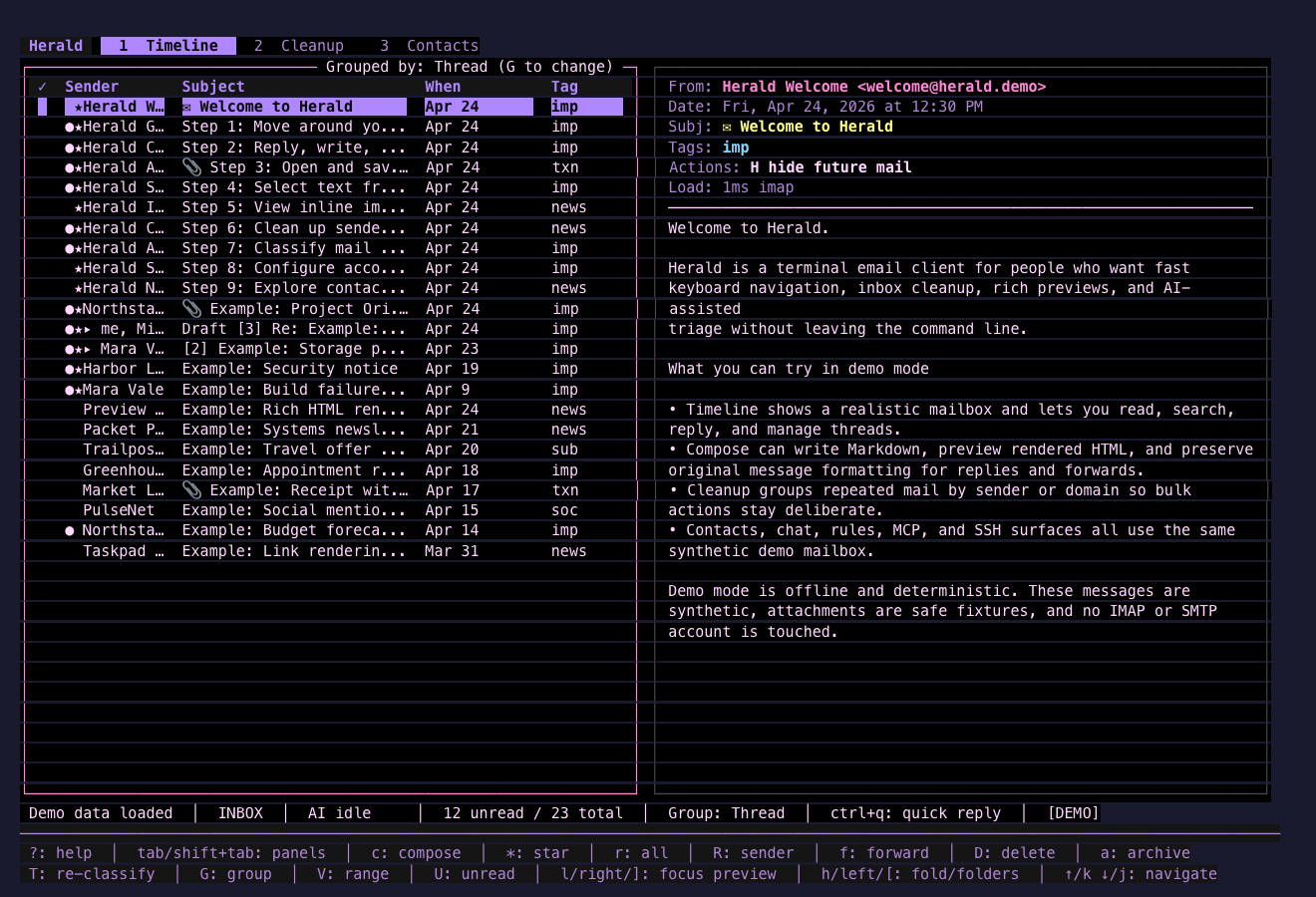
Amethyst Night
Section titled “Amethyst Night”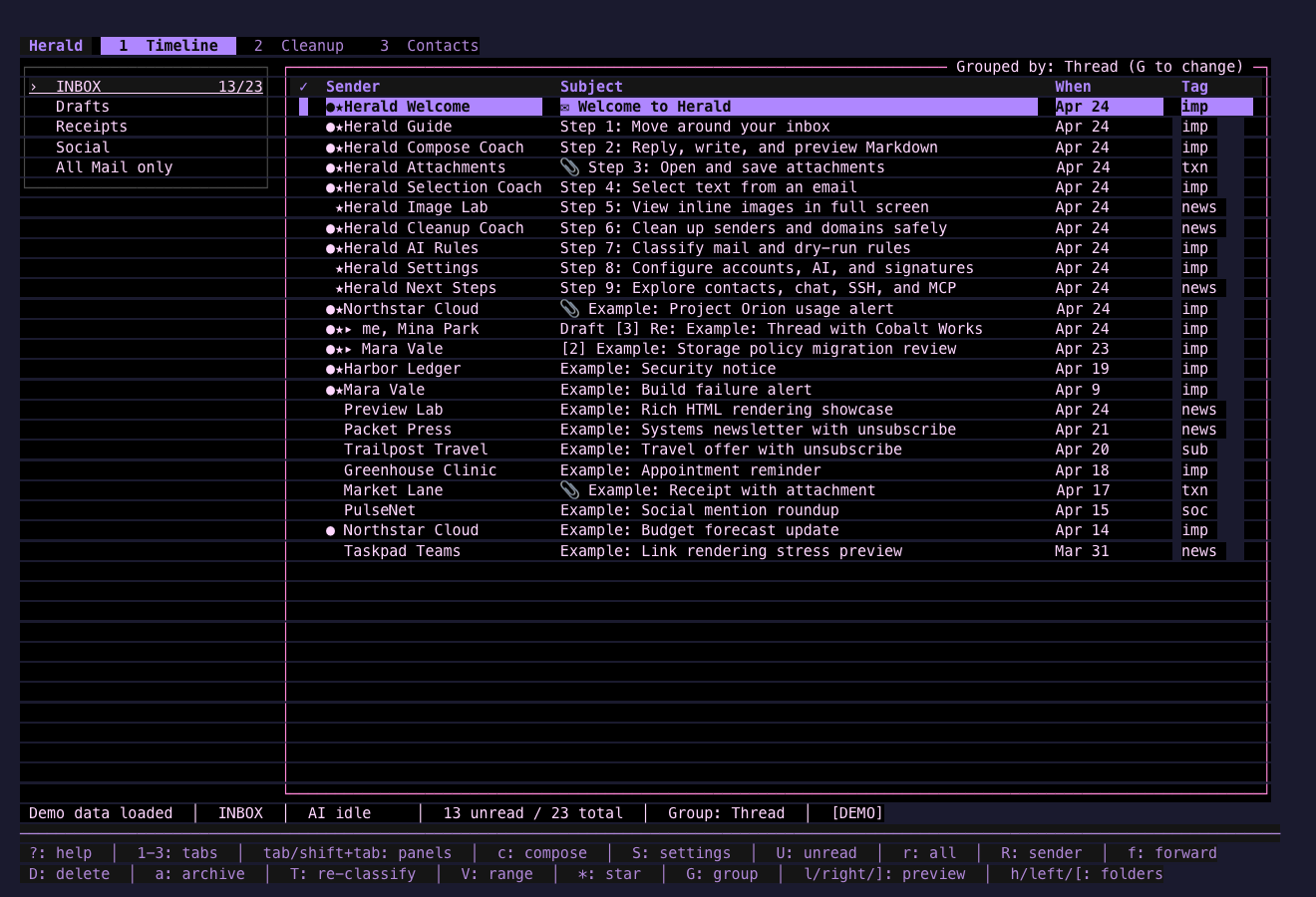
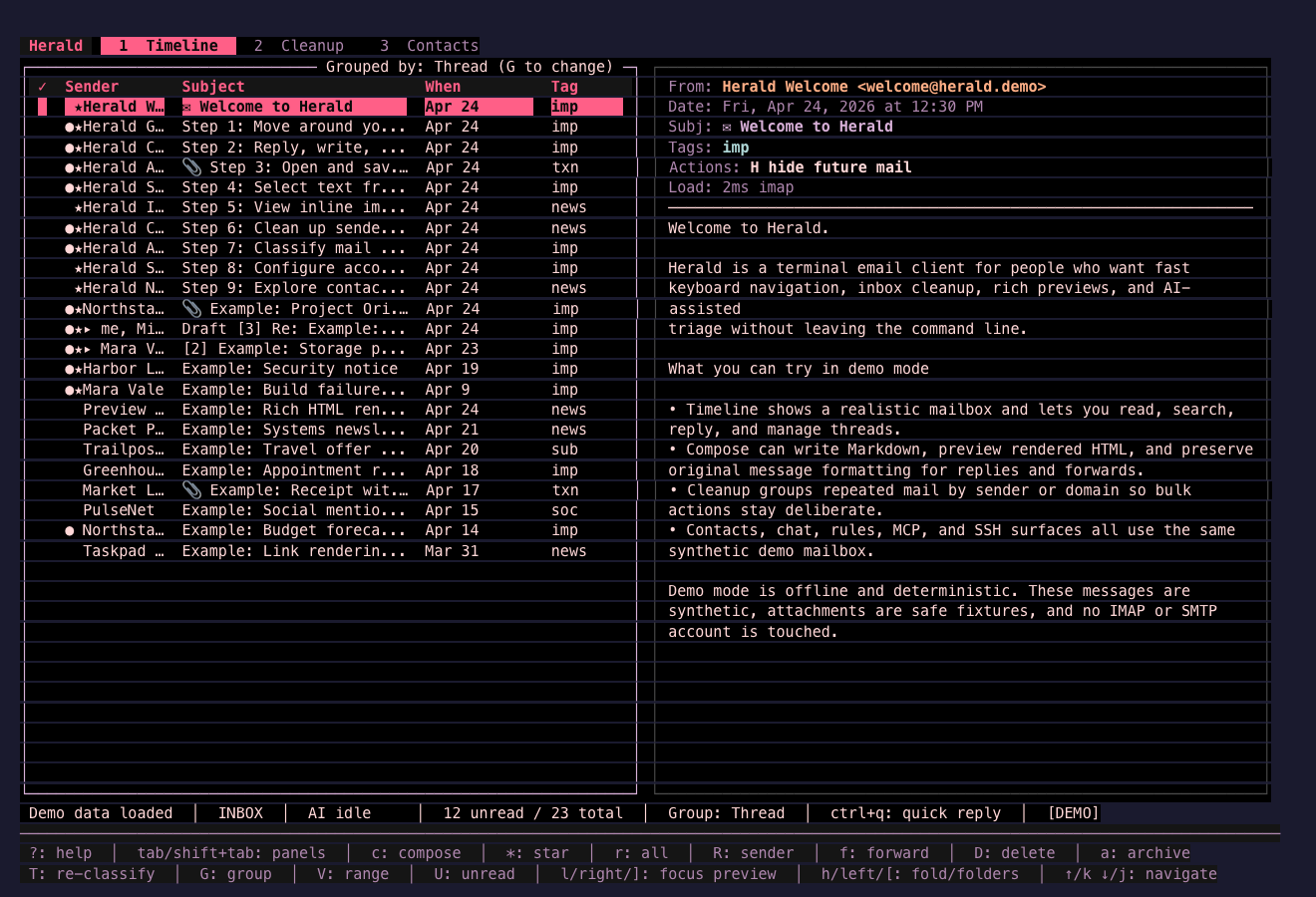
Graphite Rose
Section titled “Graphite Rose”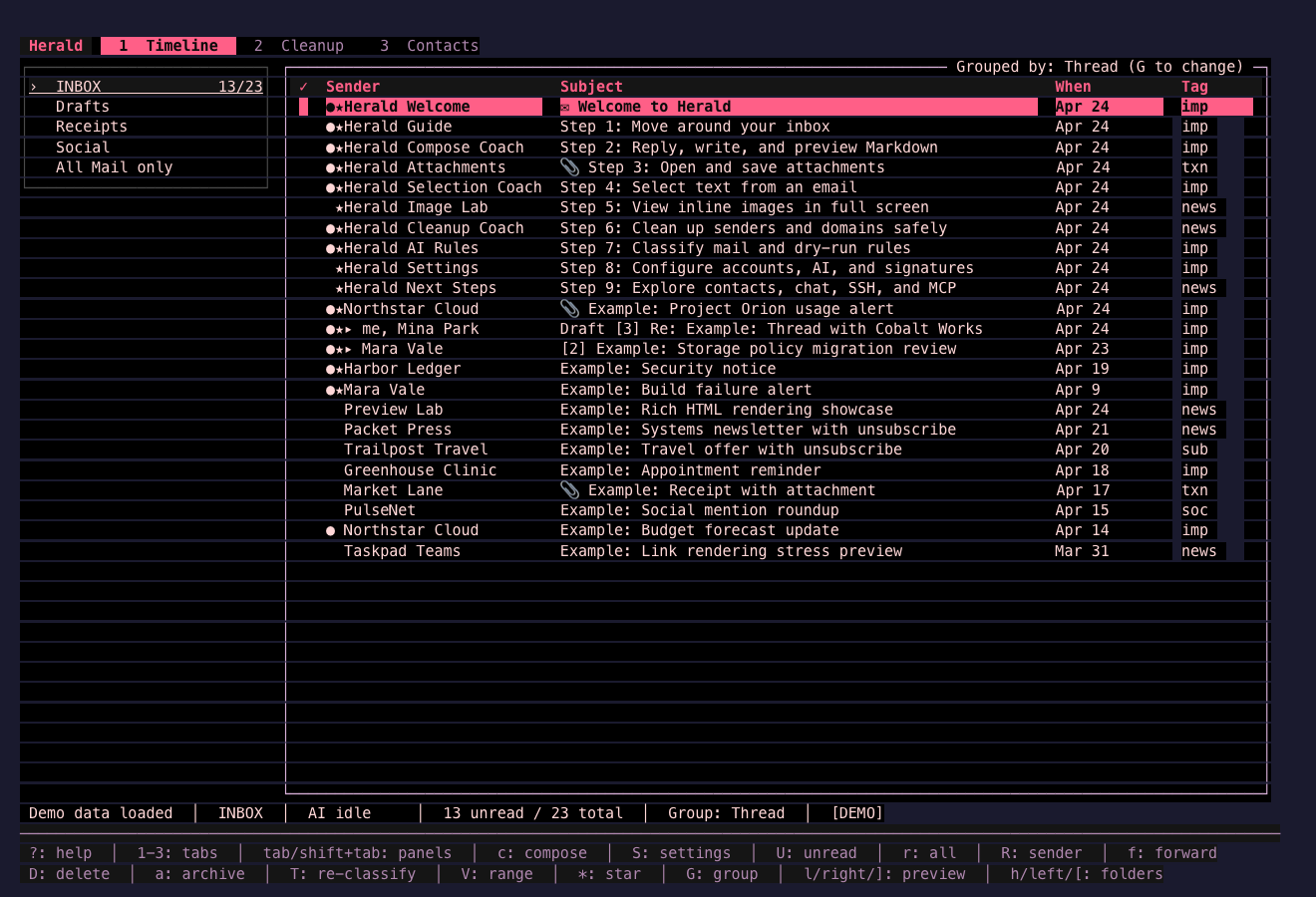
Arctic Signal
Section titled “Arctic Signal”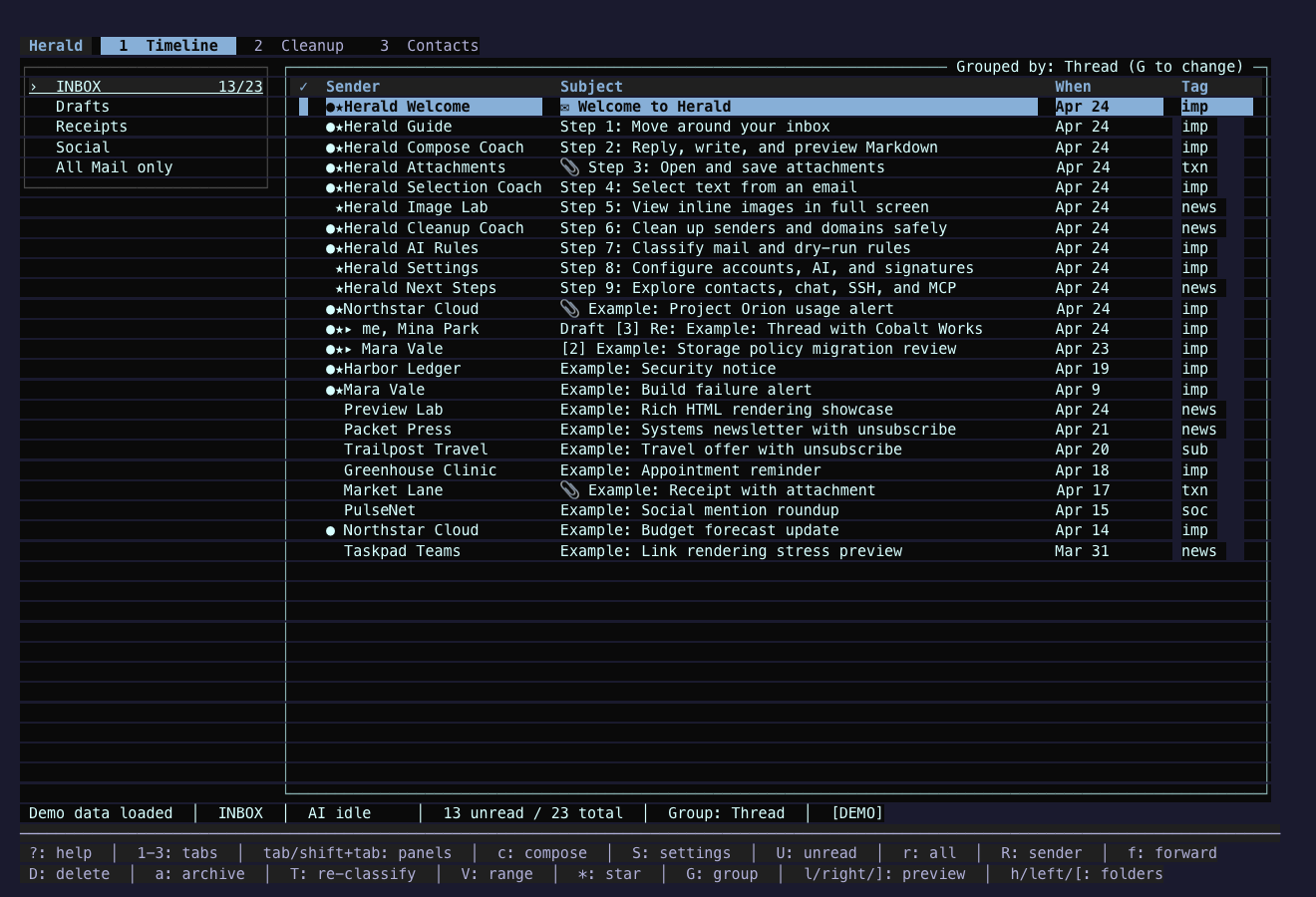
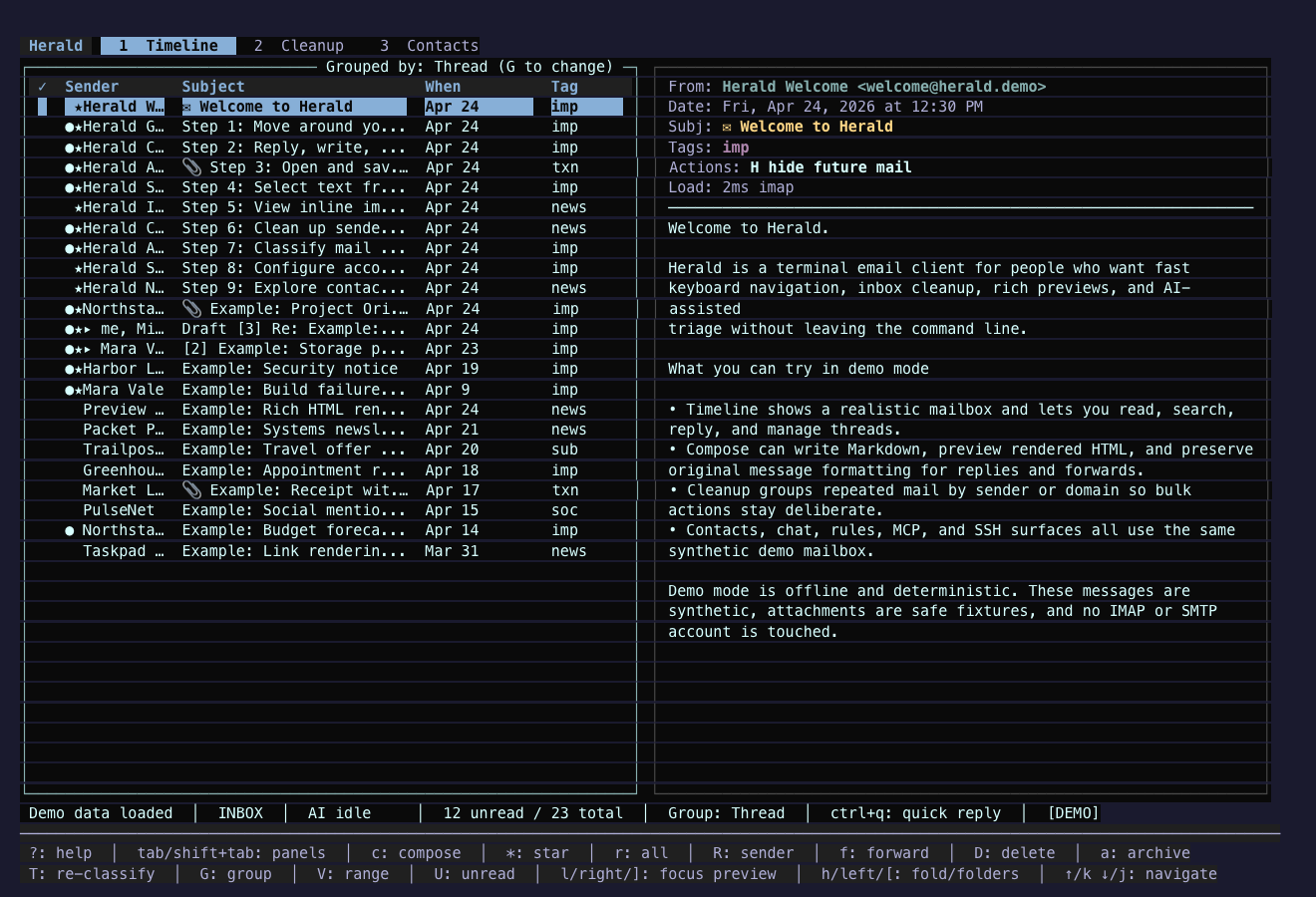
Iceberg Queue
Section titled “Iceberg Queue”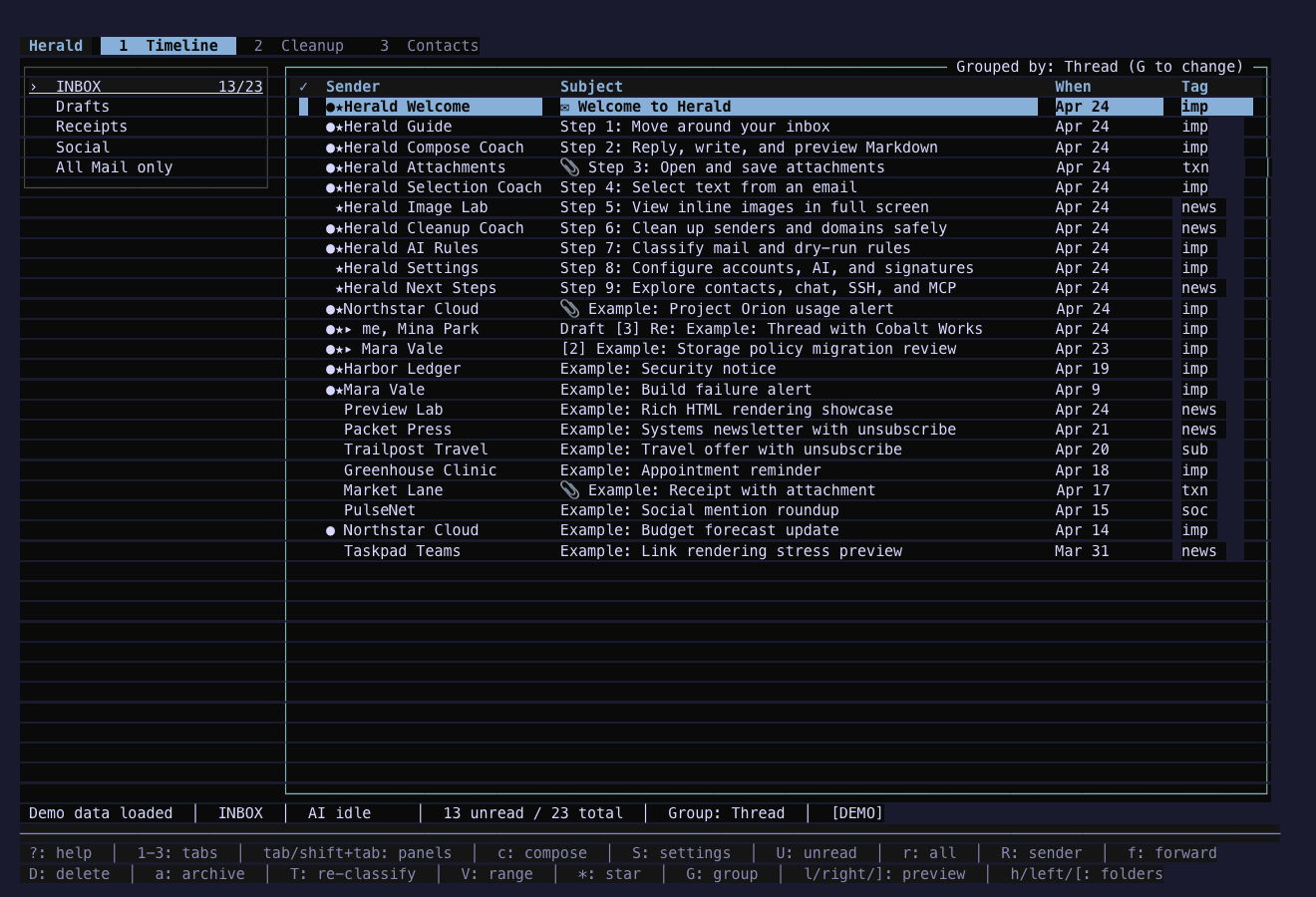
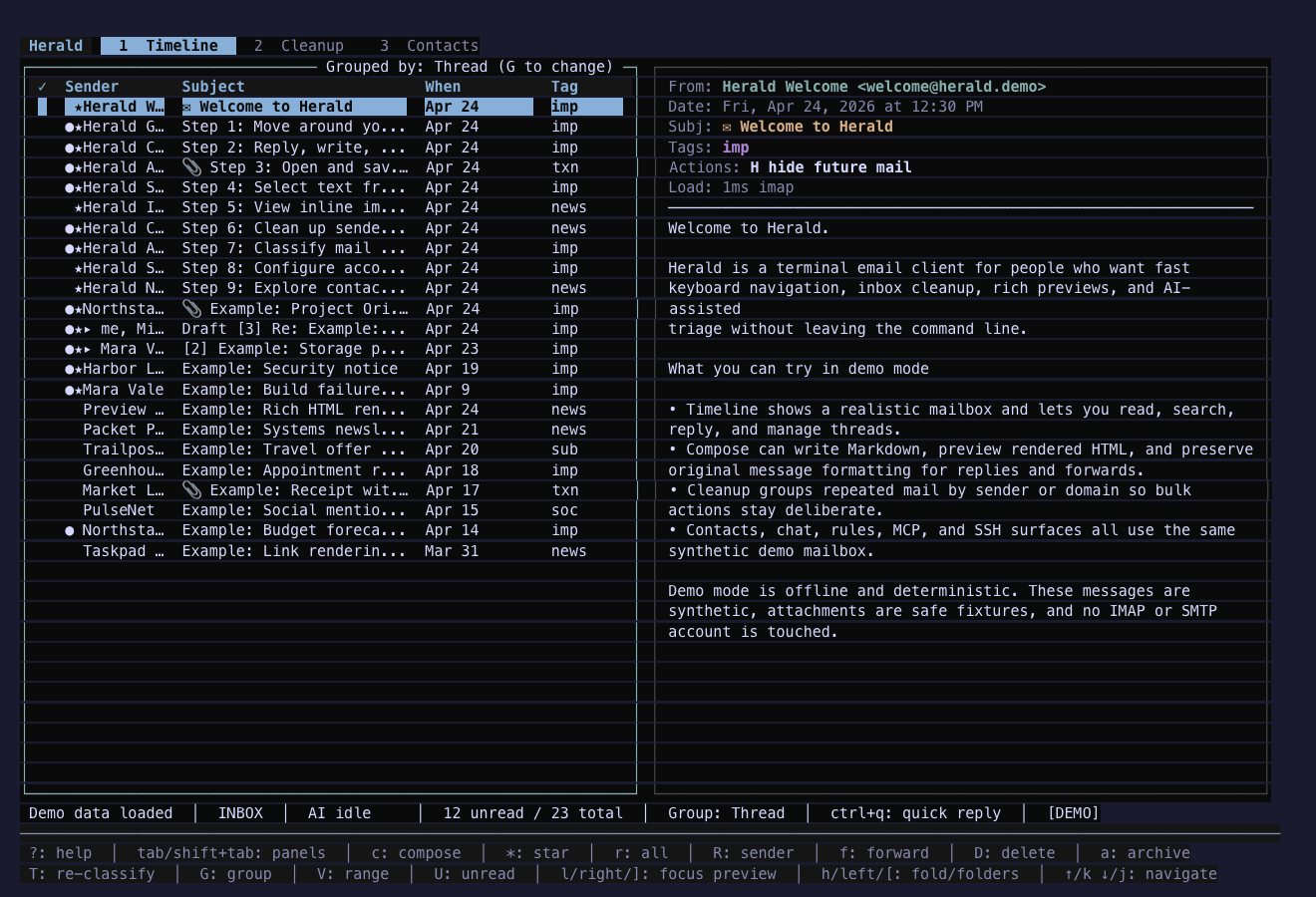
Sonokai Signal
Section titled “Sonokai Signal”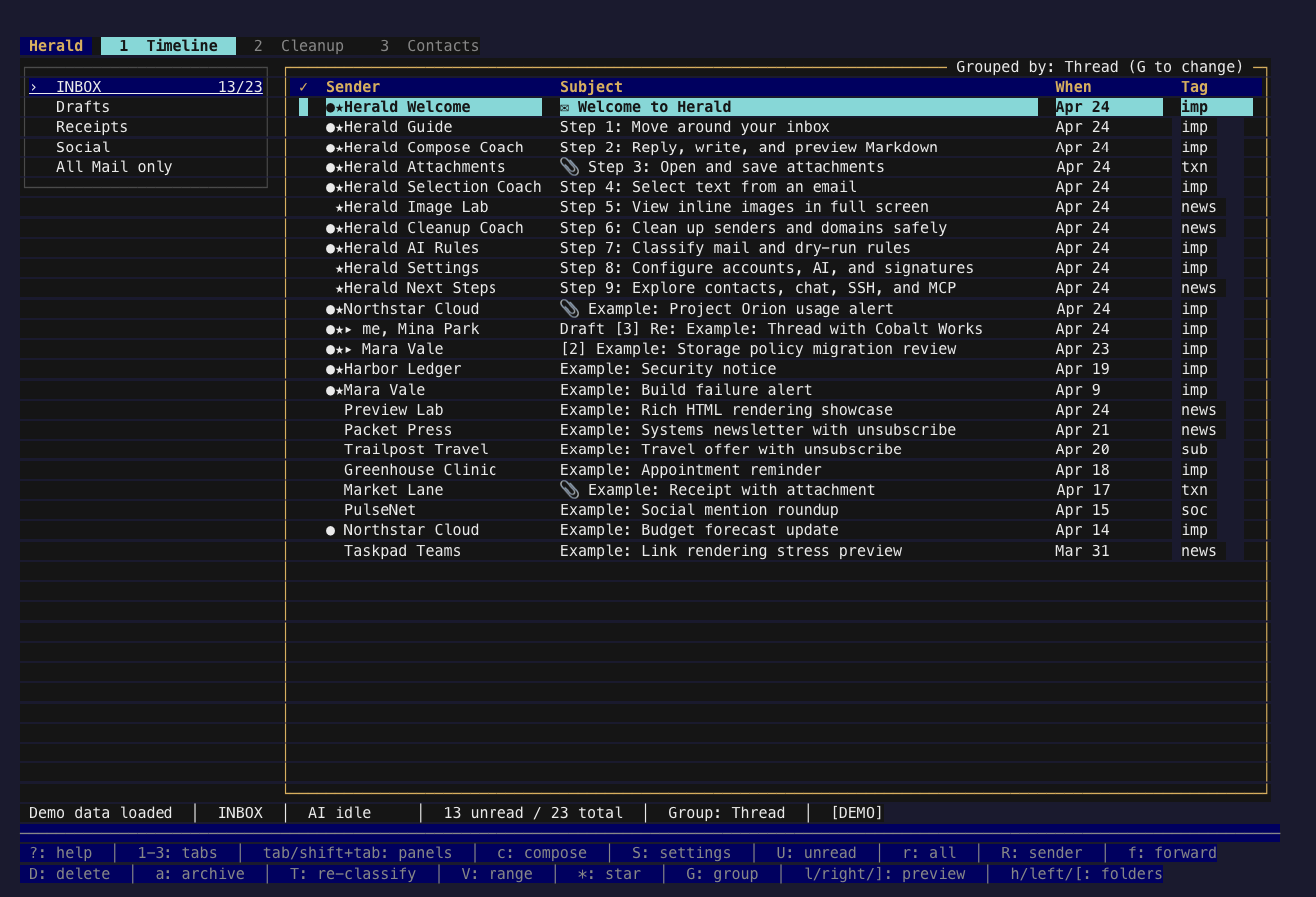
Diverse Terminal Palettes
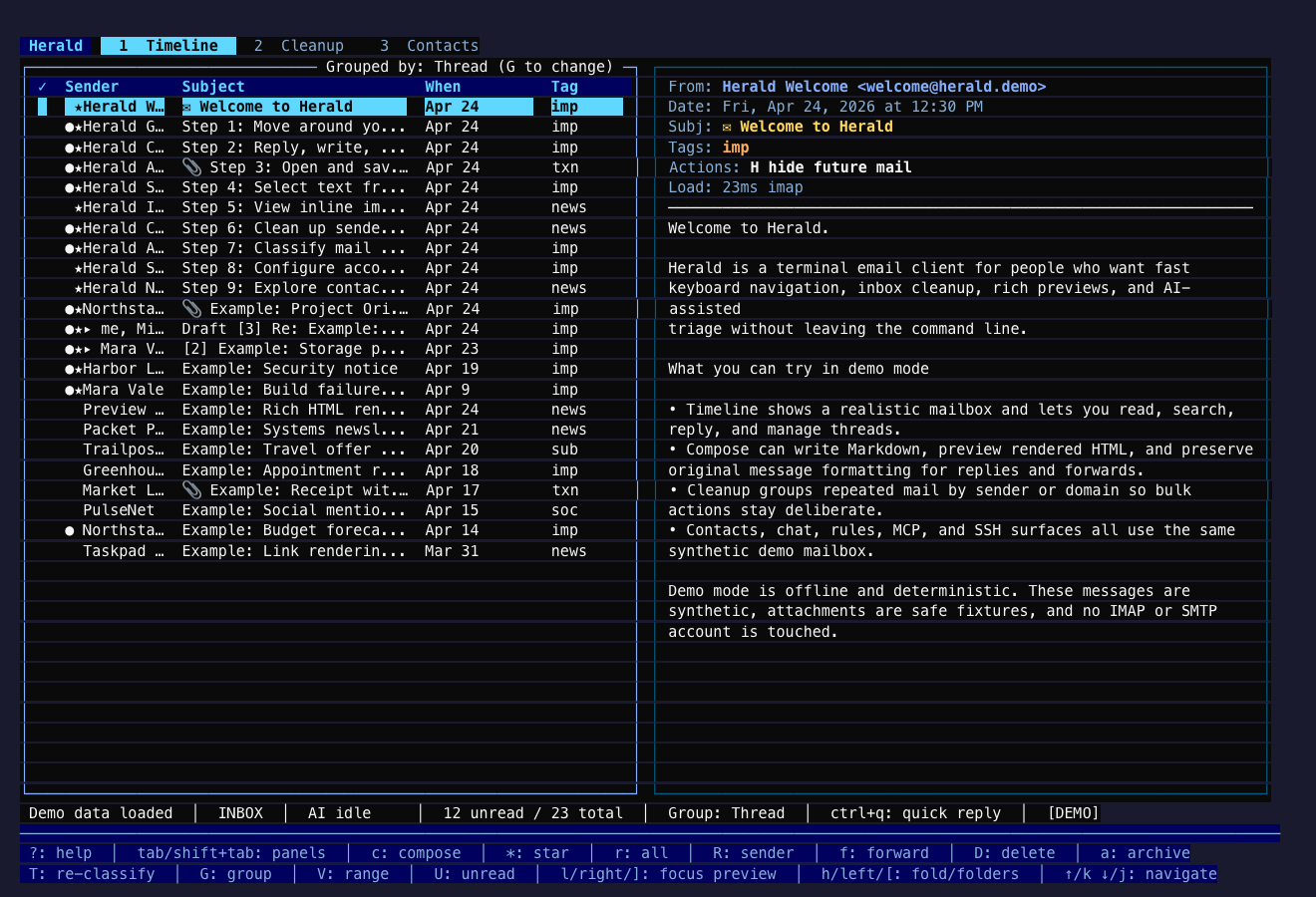
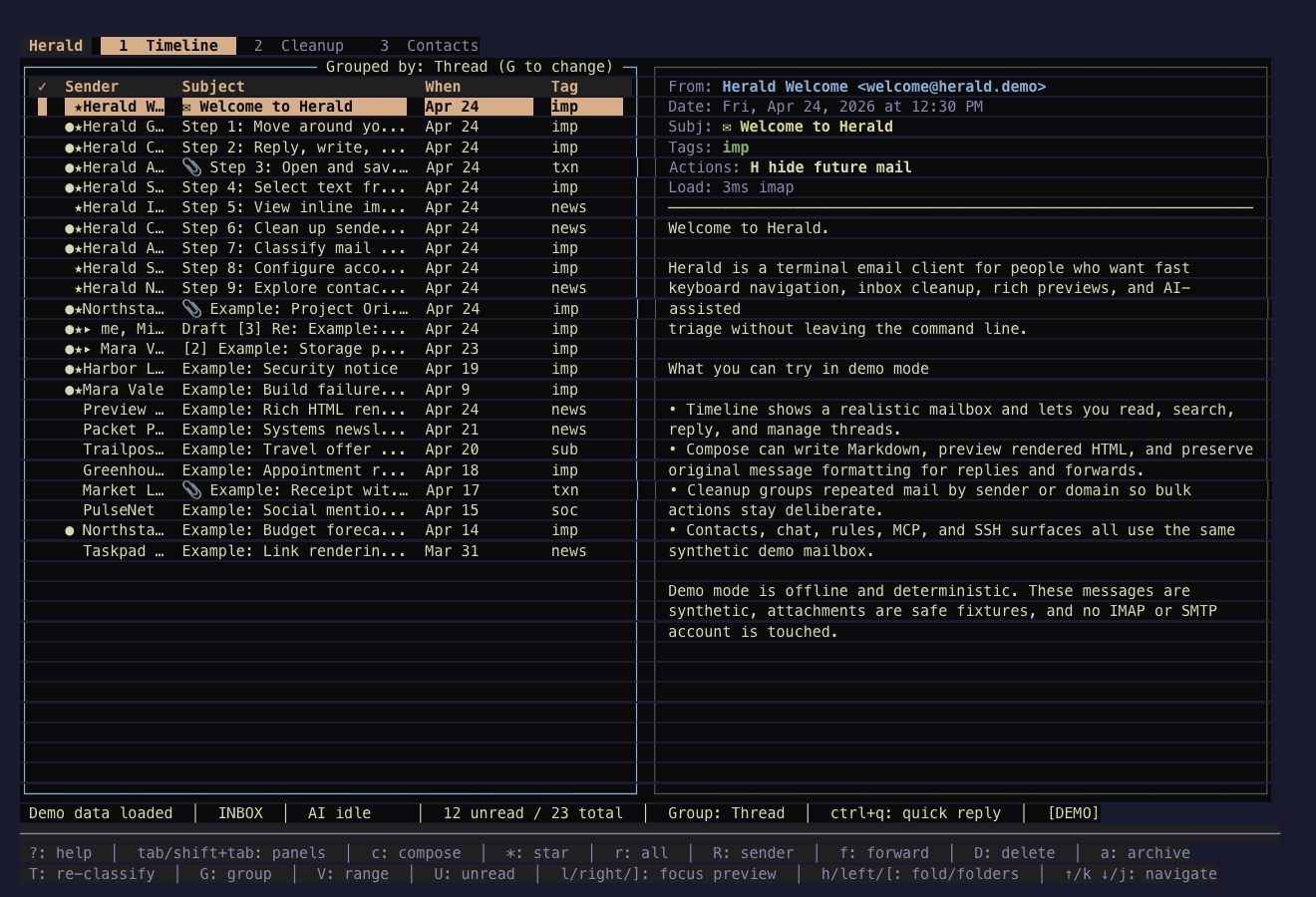
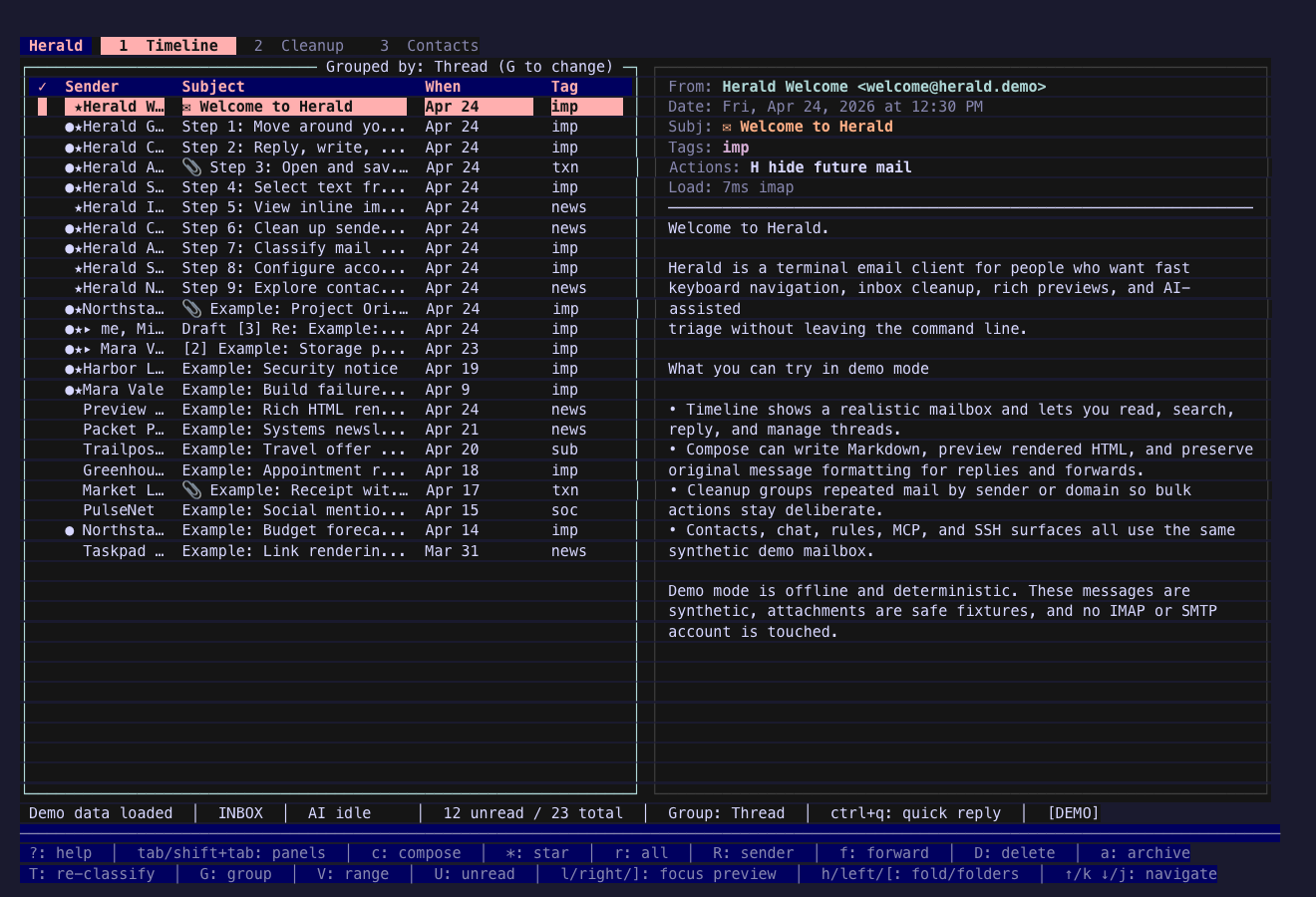
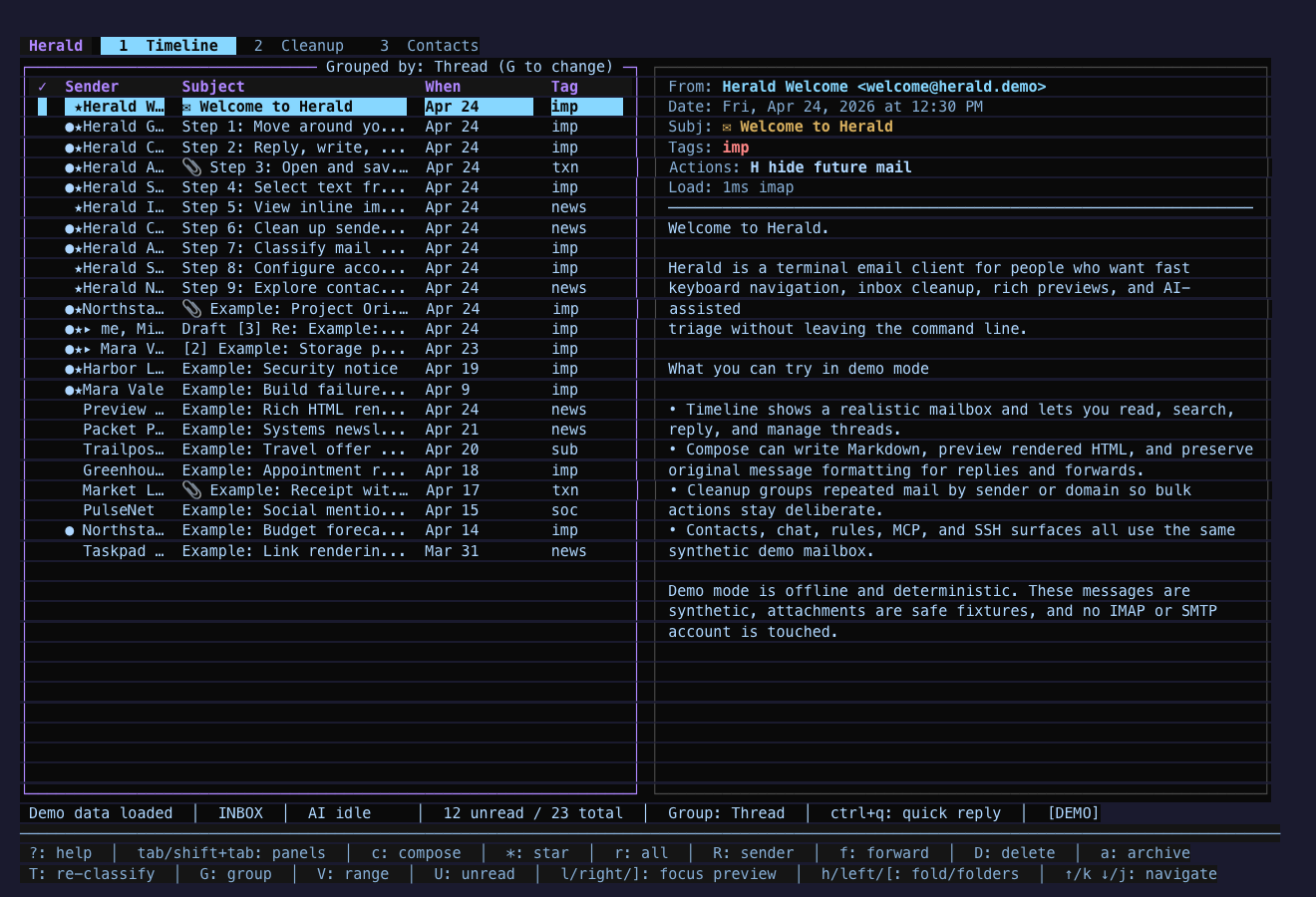
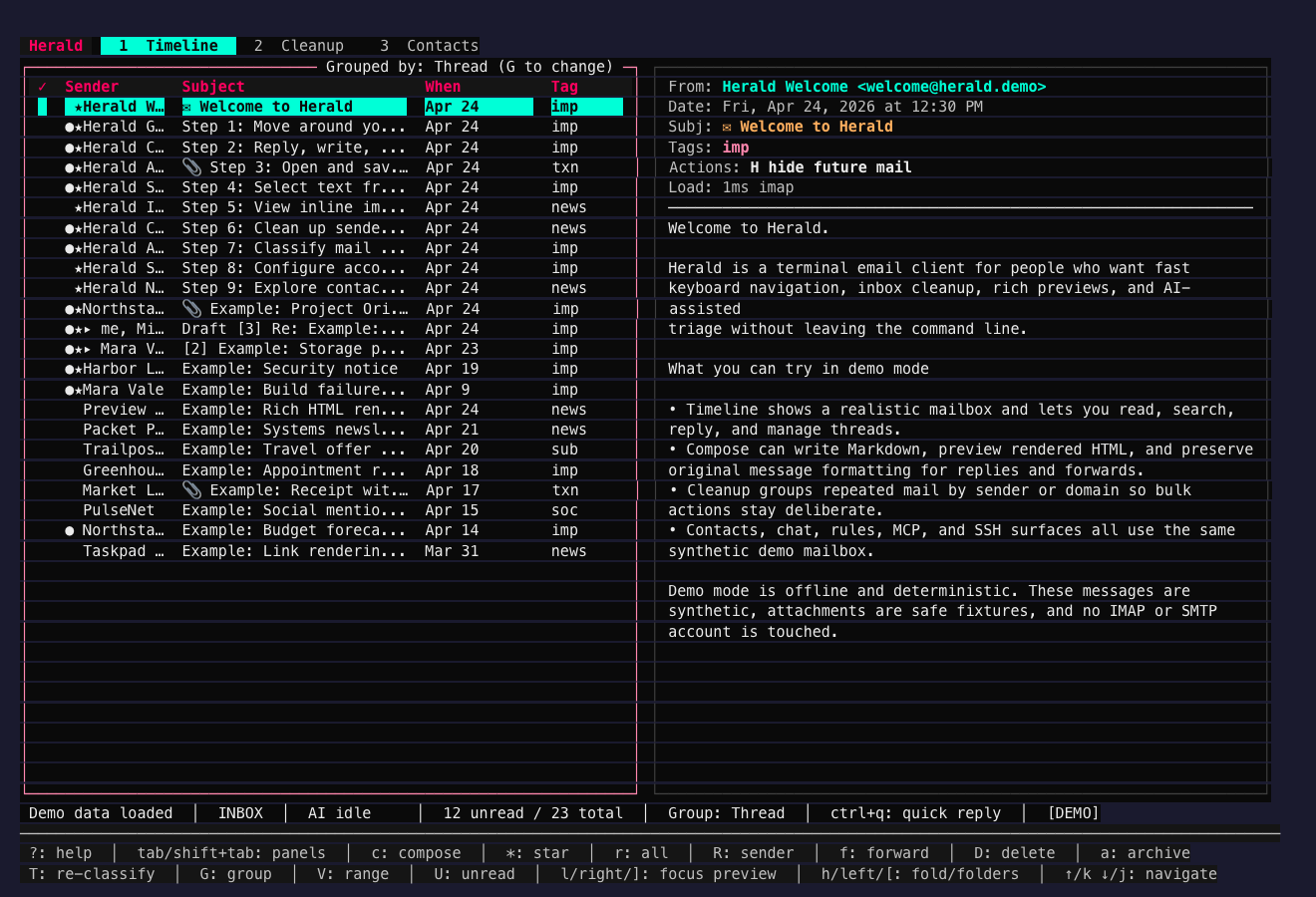
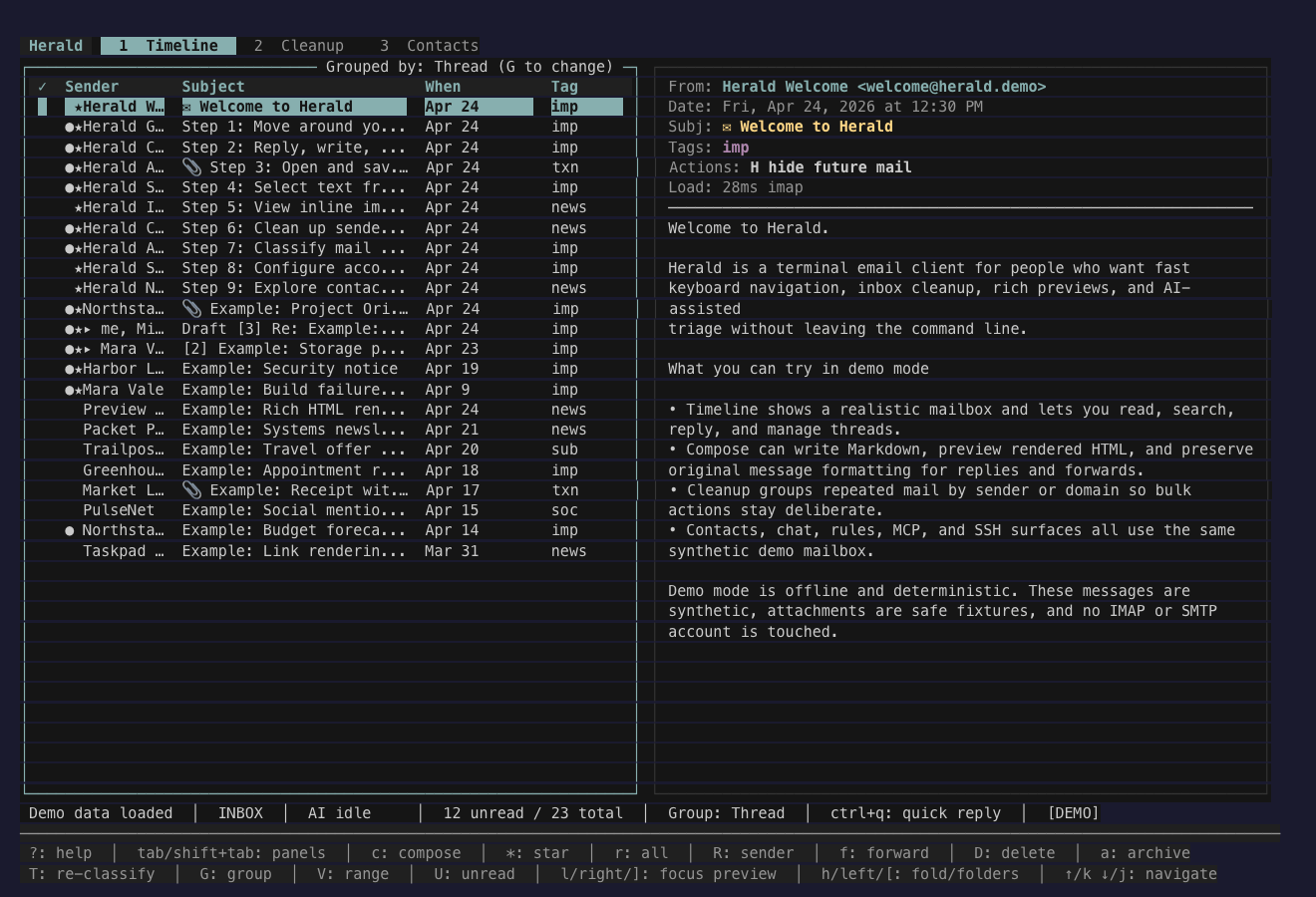
Section titled “Diverse Terminal Palettes”These themes borrow from well-known terminal palette families and mixed editorial palettes. They give Herald broader visual range without changing the underlying semantic roles.
Ayu Courier
Section titled “Ayu Courier”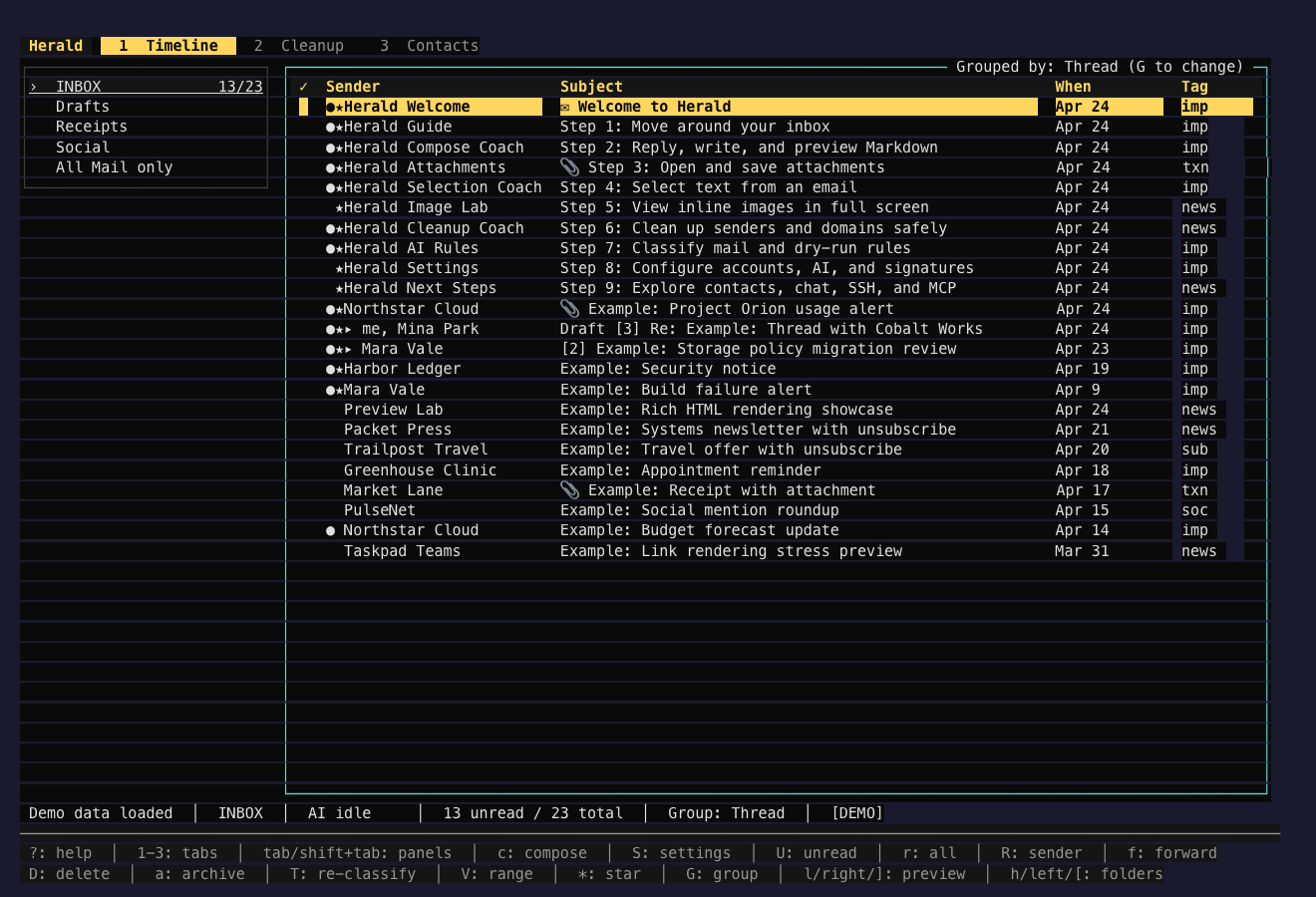
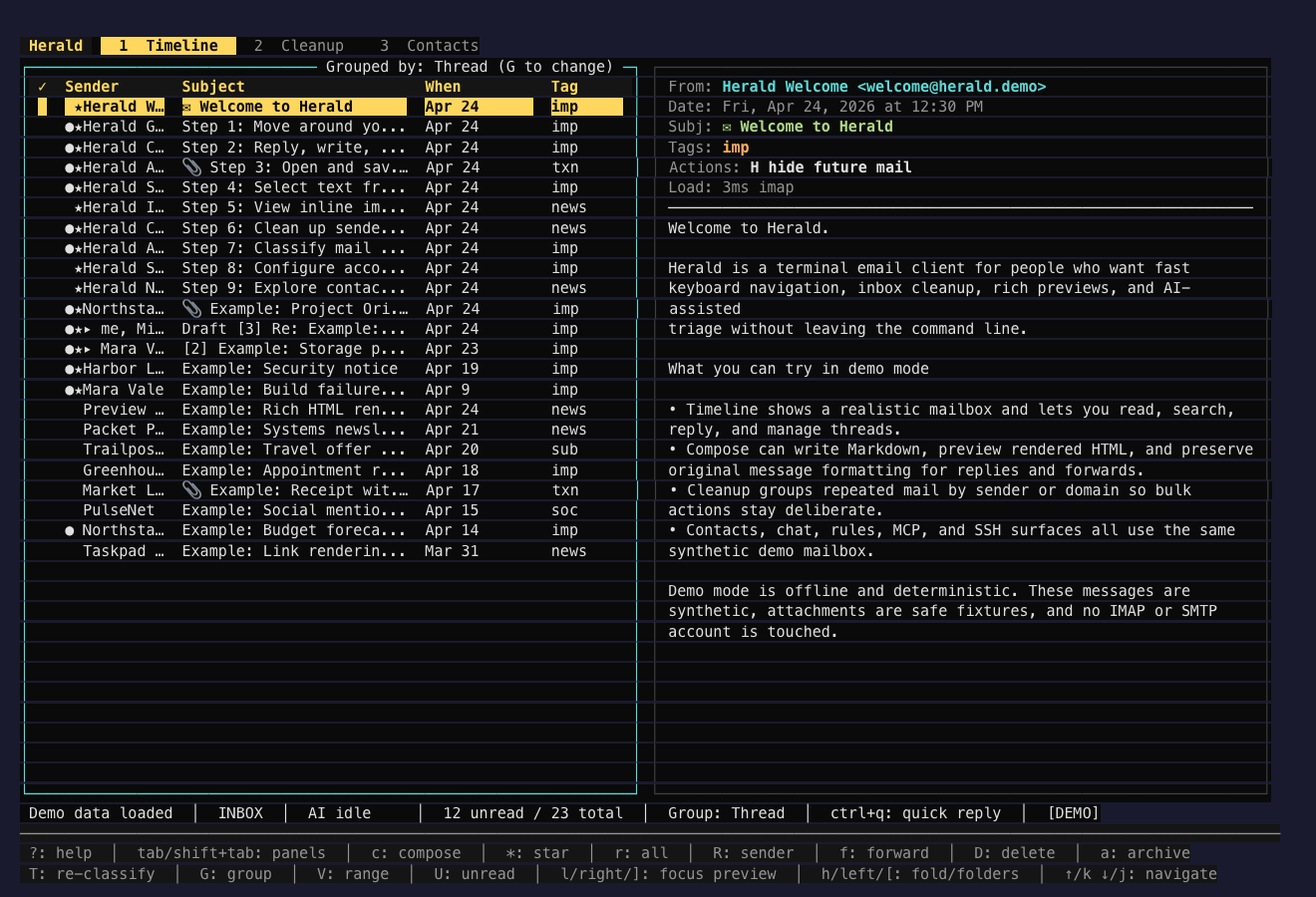
Cobalt Dispatch
Section titled “Cobalt Dispatch”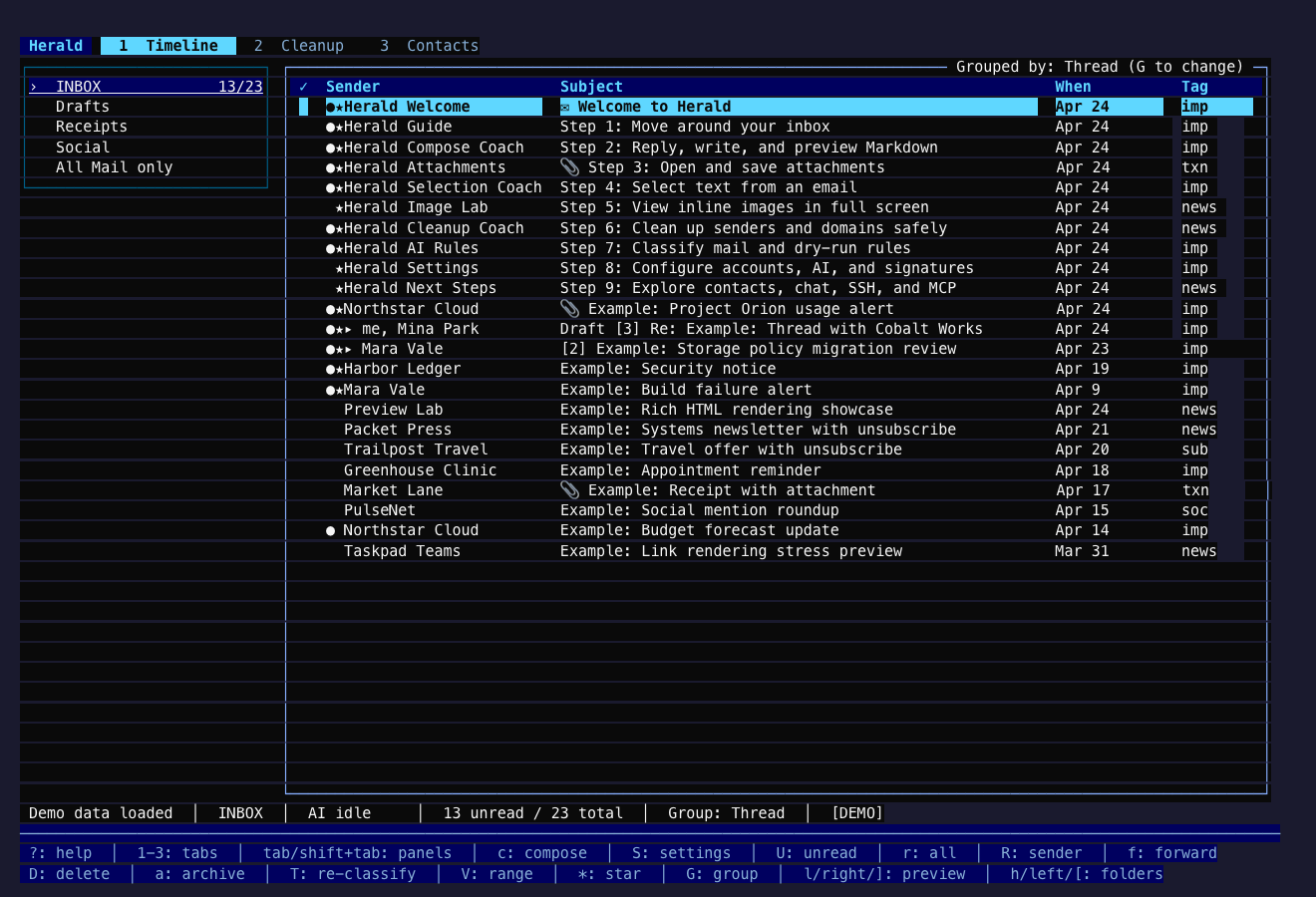
Kanagawa Post
Section titled “Kanagawa Post”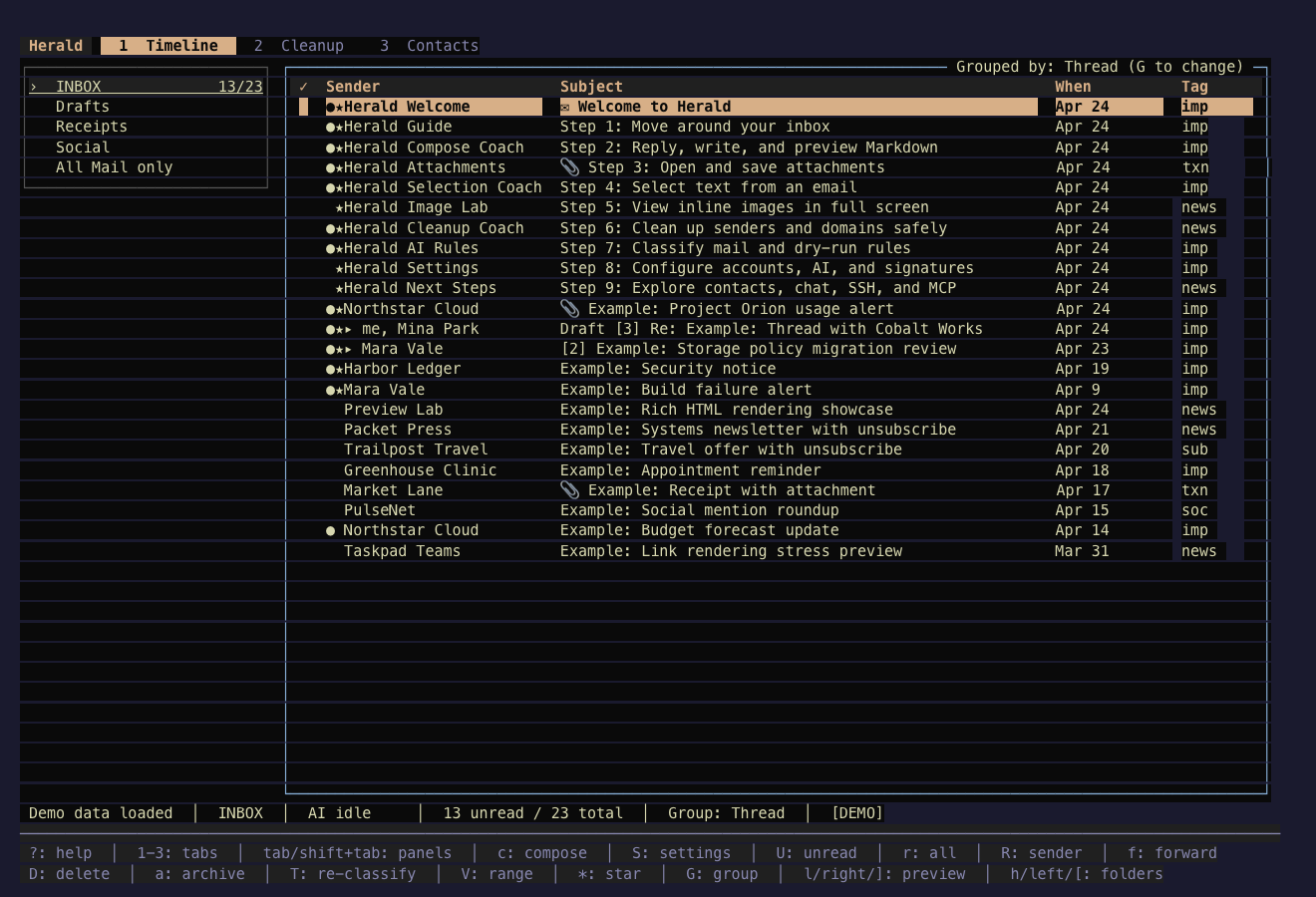
Rose Pine Desk
Section titled “Rose Pine Desk”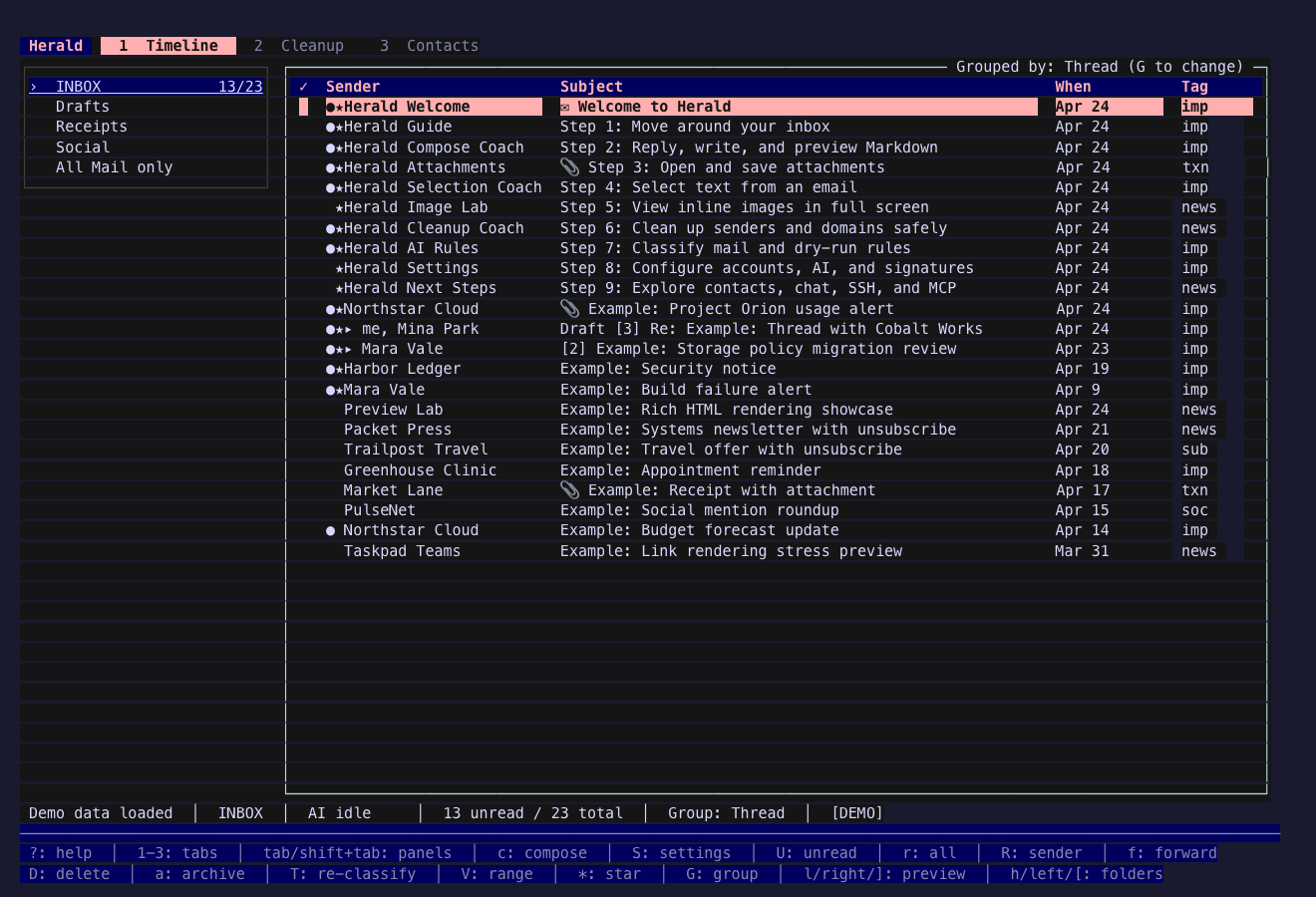
Tokyo Dusk
Section titled “Tokyo Dusk”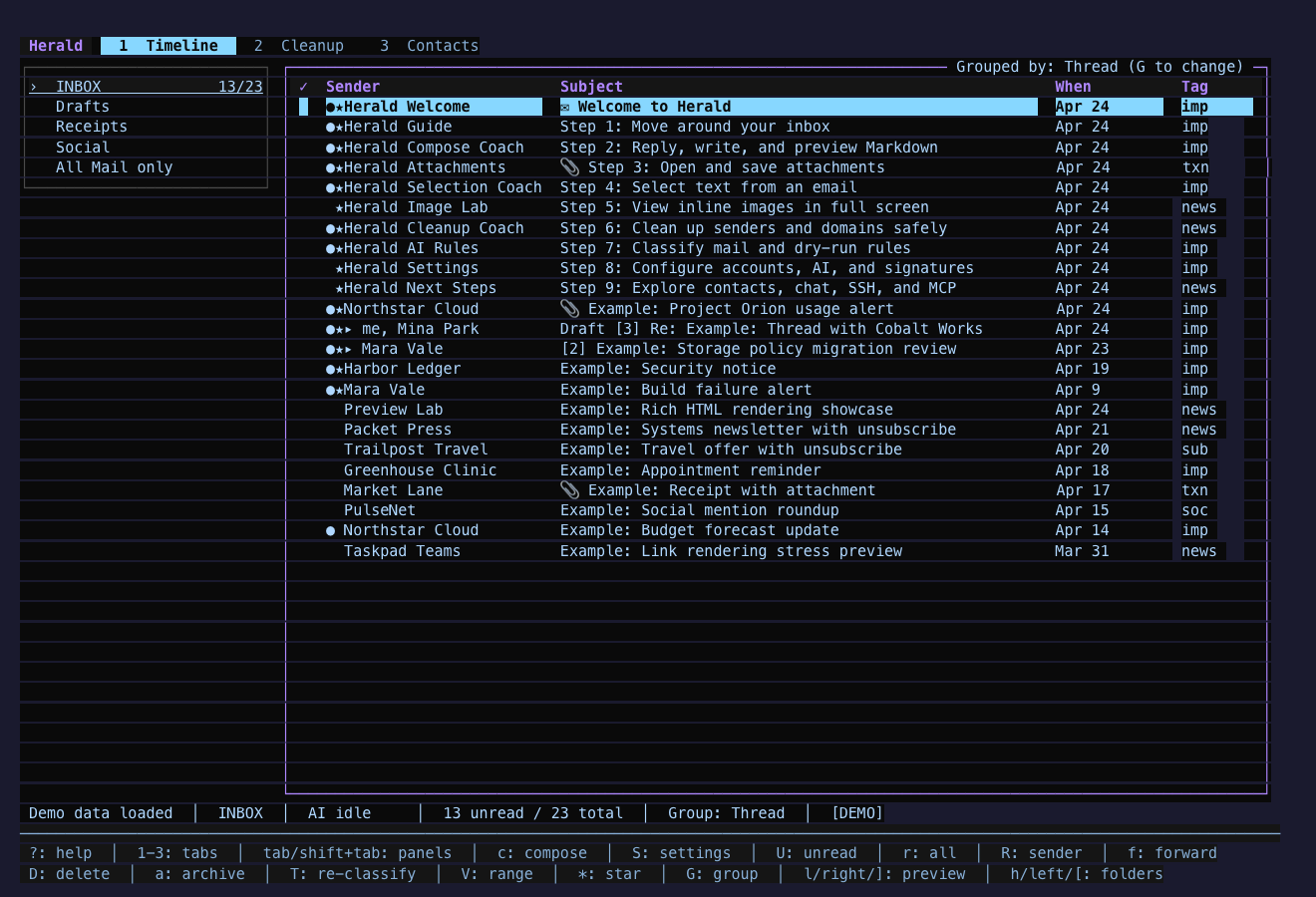
Panda Packet
Section titled “Panda Packet”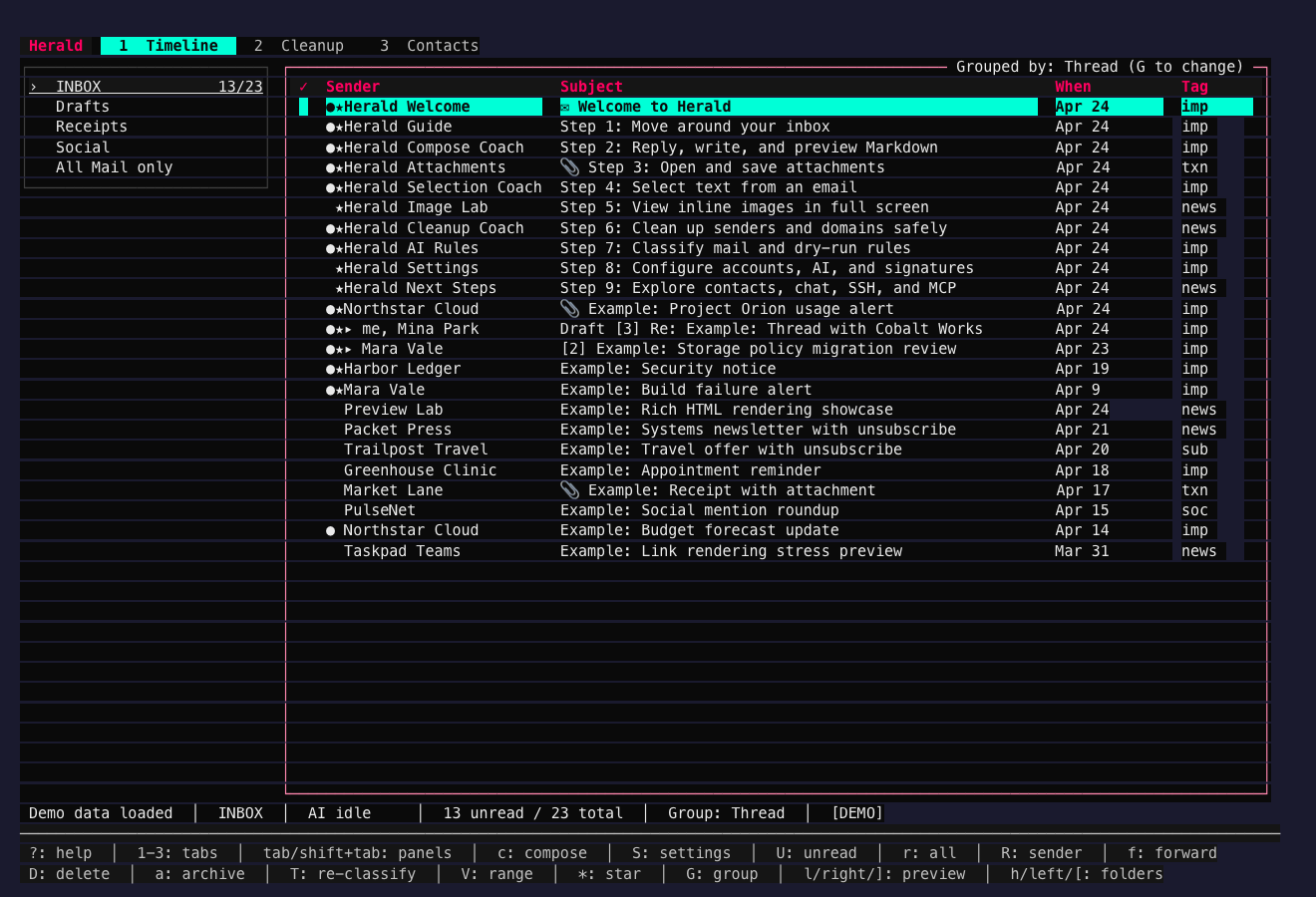
Tomorrow Desk
Section titled “Tomorrow Desk”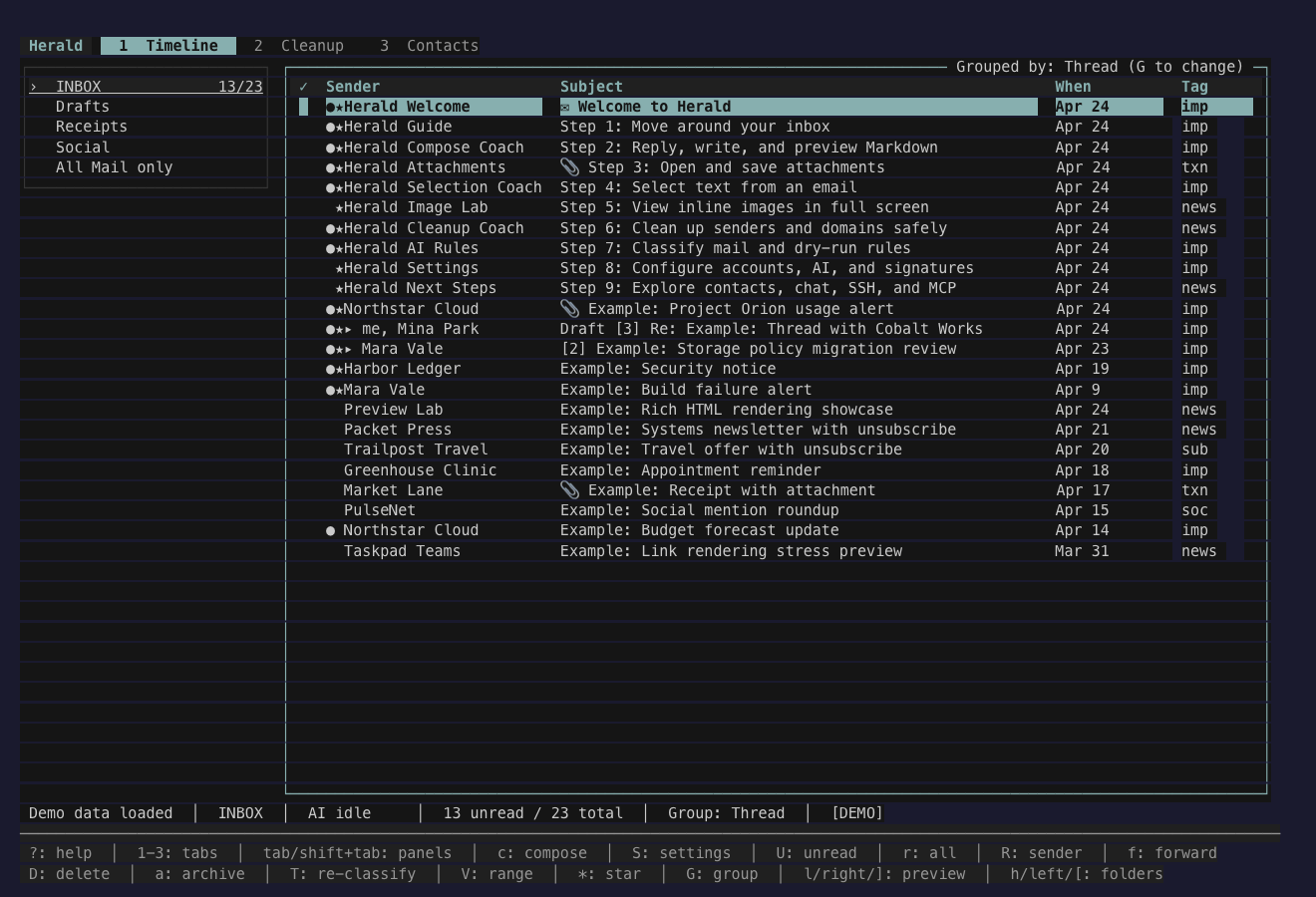
Custom Themes
Section titled “Custom Themes”Settings can install local YAML files into ~/.herald/themes. Config-level theme.overrides apply semantic role edits on top of the selected theme, so you can start from a built-in palette or the Jade Signal baseline YAML and tune individual roles such as chrome.status_bar, focus.selection_active, or metadata.sender.
Related Pages
Section titled “Related Pages”These pages cover the settings, config, and media workflows that connect to theme selection and screenshots.