AI Features
AI in Herald is optional. When enabled, it powers classification tags, semantic search, mailbox chat, quick replies, Compose rewriting, subject suggestions, image descriptions, custom prompts, contact enrichment, and Herald Memories extraction.
Overview
Section titled “Overview”The default AI path is Ollama on a local host. Herald can also be configured for Claude or an OpenAI-compatible provider. Non-AI mail reading, composing, cleanup, and sync keep working when AI is disabled or unavailable.
Screen Anatomy
Section titled “Screen Anatomy”| Area | What it shows |
|---|---|
| AI status chip | Bottom status fragment such as idle, tag, embed, reply, search, chat, defer, down, or off. |
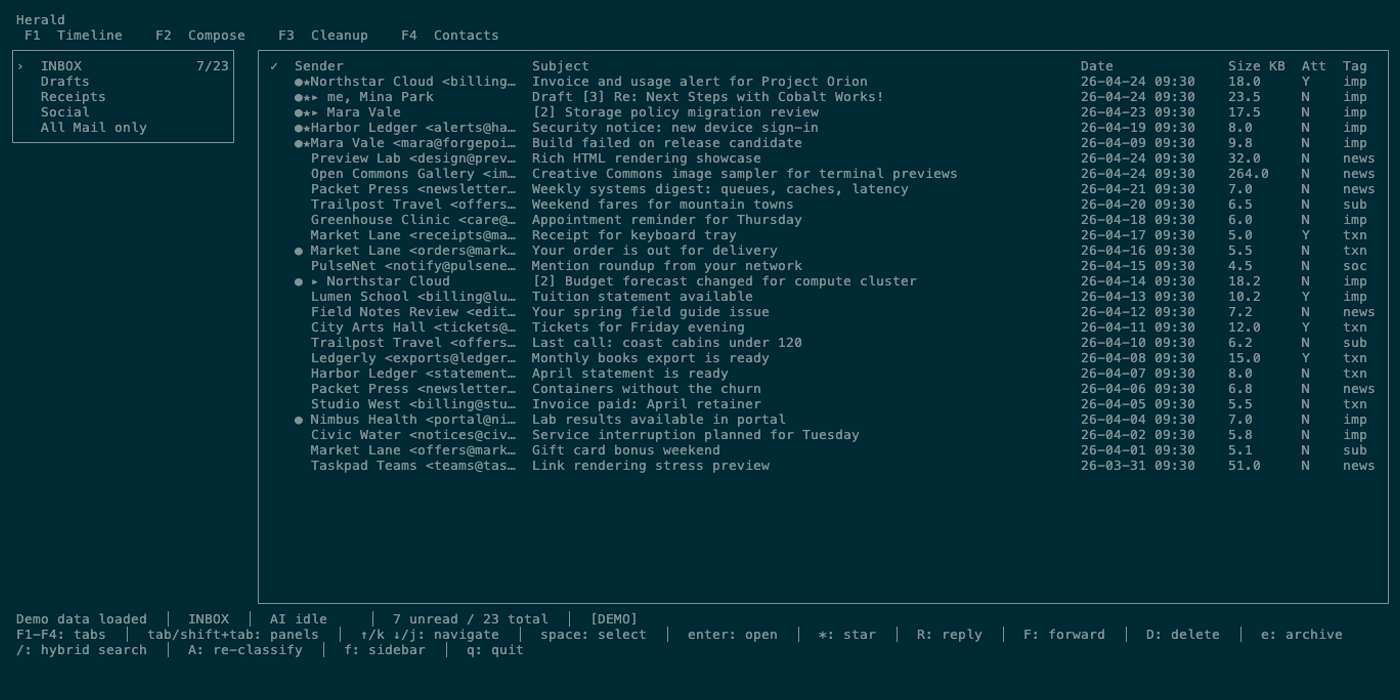
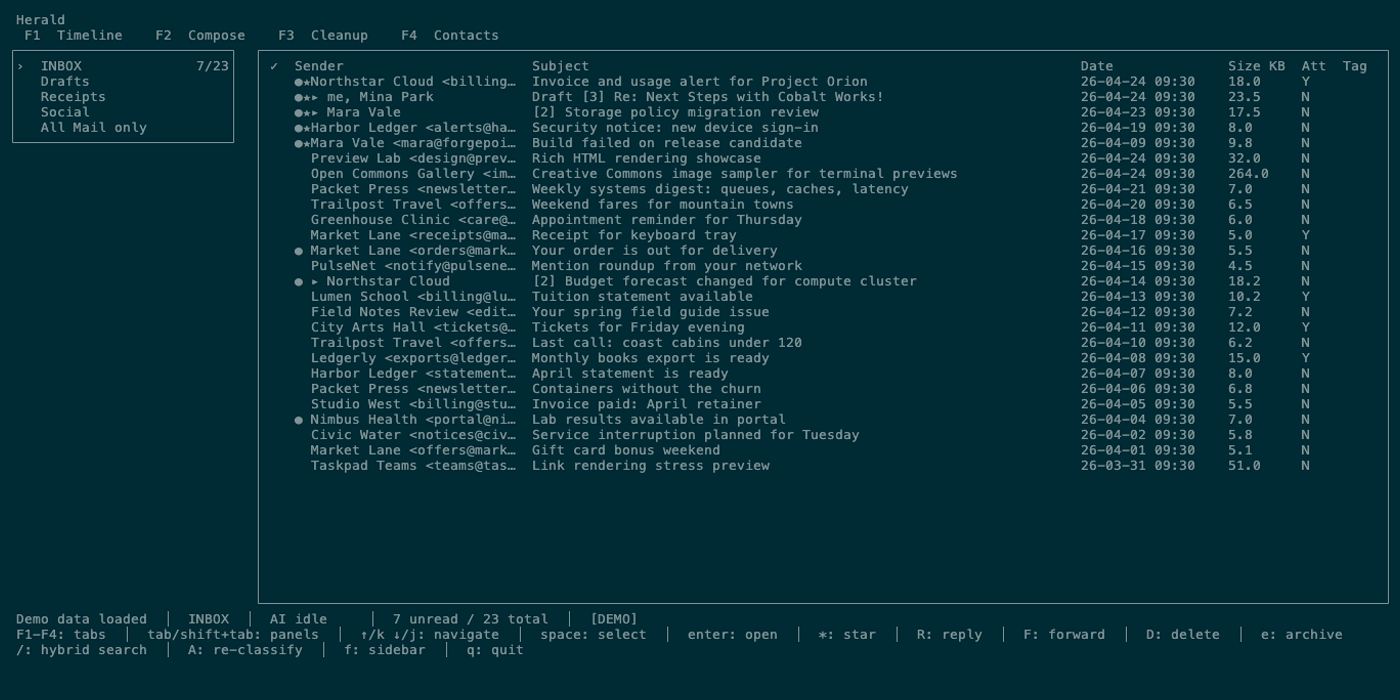
| Classification tags | Timeline tag columns, including grouped cleanup rows, or preview tag lines. |
| Classification progress | Status fragment like current/total tag progress. |
| Embedding progress | Status fragment for embedding batch processing. |
| Semantic search | Timeline and Contacts search queries that start with ? after opening search with /. |
| Quick reply picker | Canned replies plus optional AI-generated replies. |
| Chat panel | AI conversation over recent mailbox context and tool results. |
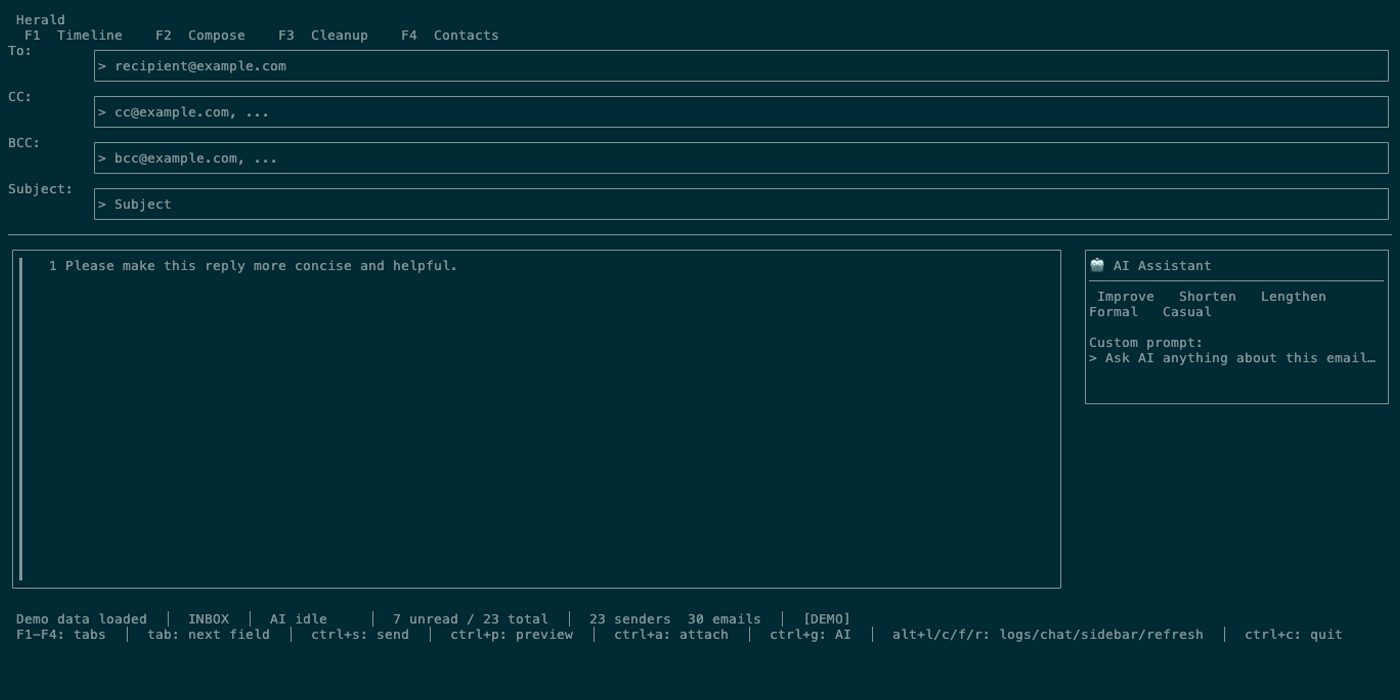
| Compose AI panel | Rewrite prompt, quick actions, AI response, and accept control. |
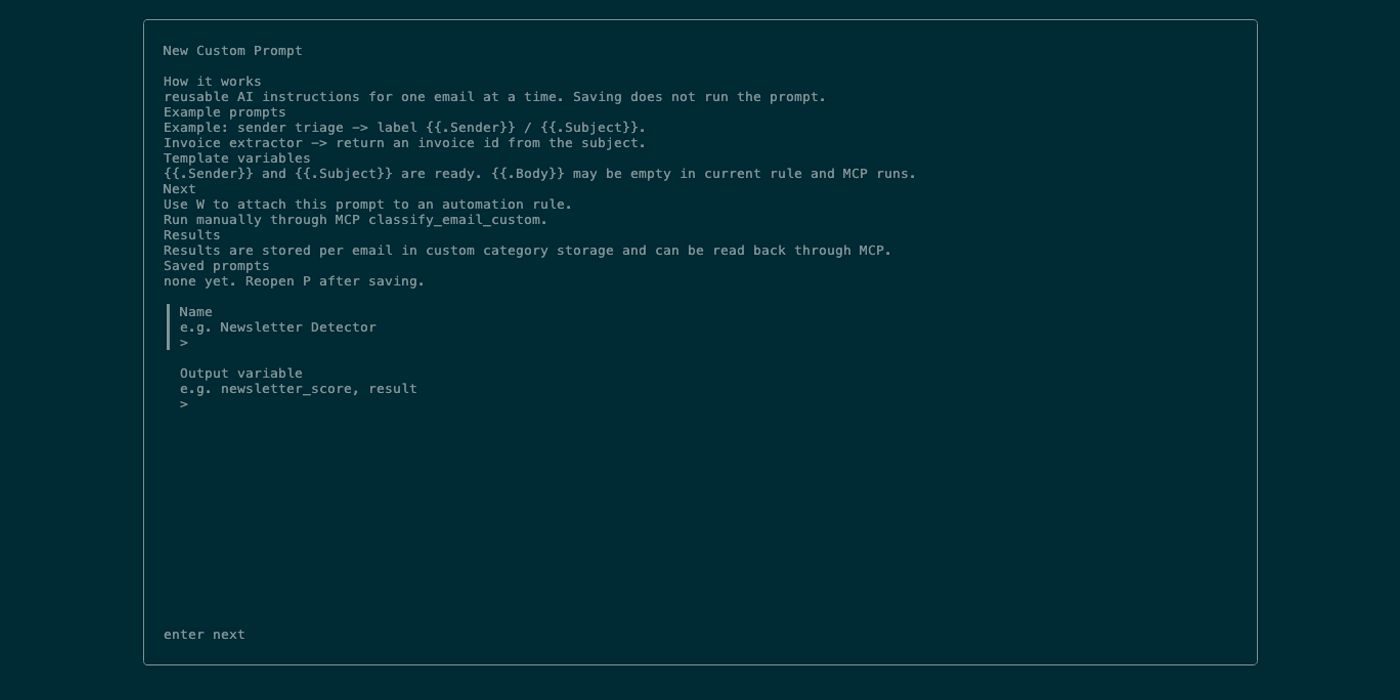
| Prompt editor | Saved reusable AI prompts opened from Settings > Sync & Cleanup. |
Controls
Section titled “Controls”| Key | Context | Preconditions | Result |
|---|---|---|---|
a | Main UI | AI classifier configured and folder has classifiable mail. | Starts classification for the current folder. |
A | Timeline or Cleanup preview | AI configured and a target email is selected. | Re-classifies the current single email. |
? query | Timeline search after / | AI/embeddings available. | Runs semantic email search. |
? query | Contacts search after / | AI/embeddings available. | Runs semantic contact search. |
ctrl+q | Timeline | Current email exists. | Opens quick reply picker with canned and optional AI choices. |
c | Main UI | AI configured, not loading, width allows chat. | Opens chat panel. |
ctrl+k | Compose | AI configured. | Focuses the inline Compose AI prompt. |
ctrl+j | Compose | AI configured and body or reply context exists. | Generates subject suggestion. |
ctrl+enter | Compose AI panel | AI response available. | Accepts generated response into the body. |
| Settings > Sync & Cleanup | Main UI | Prompt editor closed. | Opens custom prompt editor. |
e | Contacts | A contact is selected. | Runs contact enrichment. |
Workflows
Section titled “Workflows”Configure Local Ollama
Section titled “Configure Local Ollama”- Install and start Ollama.
- Pull the configured chat/classification model and embedding model.
- Set
ollama.host,ollama.model, andollama.embedding_modelin config or through settings. - Launch Herald and check the AI chip.
Classify a Folder
Section titled “Classify a Folder”- Open the folder in Timeline or Cleanup.
- Press
a. - Watch status progress.
- Review the Tag column after classification completes.
Generate Quick Replies
Section titled “Generate Quick Replies”- Select or open a Timeline email.
- Press
ctrl+q. - Choose a canned reply immediately or wait for AI replies when available.
- Select a reply to open Compose.
Use Compose AI
Section titled “Use Compose AI”- Open Compose and write body text.
- Use
ctrl+torctrl+yfor dropdown controls, quick actions in the toolbar, orctrl+kto focus the custom instruction field. - Type a custom instruction and press
enterwhen using the inline prompt. - Press
ctrl+enterto accept the generated text.
Enrich Contacts
Section titled “Enrich Contacts”- Press
3. - Select a contact.
- Press
e. - Review enriched company/topics in the detail panel when complete.
States
Section titled “States”| State | What happens |
|---|---|
| AI off | No classifier is configured; chip may show AI: off outside demo mode. |
| AI idle | AI is configured but no task is active. |
| AI tag | Classification is running. |
| AI embed | Embedding generation is running. |
| AI reply | Quick replies are being generated. |
| AI search | Semantic search is running. |
| AI chat | Chat request/tool loop is running. |
| AI defer | Scheduler has deferred a task. |
| AI memory | Herald Memories extraction or refresh is running through the managed AI scheduler. |
| AI down | Provider is unavailable or failed recently. |
| External provider | Selected message/draft/search context may leave the machine for the requested feature. |
| Model changed | Herald can invalidate stale embeddings tied to a previous embedding model. |
Data And Privacy
Section titled “Data And Privacy”AI features send only the context needed for the requested action, but that context can include sender, subject, body snippets, full body text, contact metadata, folder summaries, or tool results. Ollama keeps requests local to the configured Ollama host. Claude and OpenAI-compatible providers receive prompts through their APIs. Semantic embeddings are stored in SQLite and tied to the configured embedding model.
Herald Memories stores compact source-backed records locally and uses the managed AI scheduler so interactive reply prep can run ahead of background extraction.
Troubleshooting
Section titled “Troubleshooting”If AI actions report unavailable, test Ollama with curl http://localhost:11434/api/tags or verify external provider keys in settings.
If tags are blank, run a on the current folder and wait for classification progress to finish.
If semantic search is weak, confirm the embedding model is installed and allow embedding progress to finish.
If Compose AI says “Write something first”, add body text or open Compose from a reply context.
Screenshot Placeholders
Section titled “Screenshot Placeholders”